



8GB vs 16GB RAM Laptop — Which Should You Choose in 2026?
Think of RAM as your laptop’s desk space. Your filing cabinet — where all your photos, documents, and apps are permanently stored — is your SSD. But your desk is where you actually work: everything currently open lives there. The bigger the desk, the more you can have out at once without things piling on top of each other. That is exactly what 8GB vs 16GB RAM in a laptop comes down to — and in 2026, the answer matters more than it used to.
Considering 32GB too? Our complete RAM guide covers all three configurations.
- June 16, 2026
- 20 min read
- Techyest Team
Our top picks for users
Explore All Options
What Does RAM Actually Do?
RAM holds everything your laptop is currently running — every open tab, every active app, every background process. More RAM means more things can run simultaneously without your laptop slowing down.
Here is what RAM is not: it does not make your laptop faster at opening a single app or loading a webpage. That is your processor’s job. RAM is purely about how much you can have open at the same time.
When RAM runs out, your laptop does not crash — it quietly starts borrowing space from your SSD as overflow. This is called paging or virtual memory. The problem is SSDs are far slower than RAM, so as soon as this happens, everything slows to a crawl. The frustrating part is most users never realise why.
Is 8GB RAM Still Enough in 2026?
Honestly — yes, but only for a specific type of user.
8GB is fine if you:
- Browse with under 10 tabs open at a time.
- Use email, Netflix, and occasional Microsoft Office — one thing at a time.
- Rarely have more than two or three apps open simultaneously.
- Are buying a secondary laptop, not your main machine.
16GB is fine if you:
- Use Google Chrome heavily — Chrome is known for using a significant amount of memory, especially when many tabs and extensions are open.
- Are a student juggling lecture notes, research tabs, YouTube, and email simultaneously.
- Work from home with Microsoft Teams or Zoom running alongside spreadsheets and a browser.
- Want the laptop to feel fast in three years' time.
The honest verdict: 8GB is workable in 2026, but you are more likely to notice its limitations as software and browser demands continue to increase.
What Does 16GB RAM Feel Like in Everyday Use?
This is the section spec sheets never tell you. Forget the numbers — here is what 16GB actually means in real use:
You have 20 Chrome tabs open. Zoom is running. You are switching between a spreadsheet and your emails. Nothing stutters. Nothing pauses. The laptop just gets on with it.
Spotify is playing in the background. Microsoft Teams has three unread chats. You have two Word documents and a PDF open. Everything responds instantly — no spinning wheel, no lag when switching windows.
For students: lecture notes in one window, five research tabs, a YouTube tutorial, and your email — all open at once, all usable without hesitation. The ASUS VivoBook 15 at Techyest is a capable 8GB option for light use, but the HP 250 G10 with 16GB DDR4 RAM is where most students and home users will feel a genuine, noticeable difference every single day.
16GB is the point where most users stop noticing RAM as a limitation.
The Real Cost Difference — Is 16GB Worth the Extra?
The price gap between an 8GB and 16GB laptop varies — but it is often less than people expect. The ASUS VivoBook 15 at Techyest comes with 8GB RAM and represents strong value at its price point. The HP 250 G10 steps up to 16GB DDR4 RAM and sits in a higher specification tier.
Here is the smarter way to think about that gap: you are not just paying for more RAM today — you are buying an extra one to two years of useful life from your laptop. An 8GB machine that starts feeling sluggish after two years means buying a replacement sooner. The 16GB model stays usable for longer.
For most buyers, the extra cost of 16GB upfront is less than the cost of replacing a laptop early. That is the real calculation.
Should You Ever Choose 8GB in 2026?
Yes — there are genuine cases where 8GB makes sense:
Tight budget, very light use: If you are buying a laptop purely for occasional browsing and email — and you genuinely mean occasional — 8GB will serve you without issue.
Secondary or backup laptop: If this is not your main machine and you are using it for basic tasks on the go, 8GB is perfectly adequate.
Short-term requirement: A student who needs a laptop for one specific year of coursework, on a strict budget, can get by with 8GB if usage is disciplined.
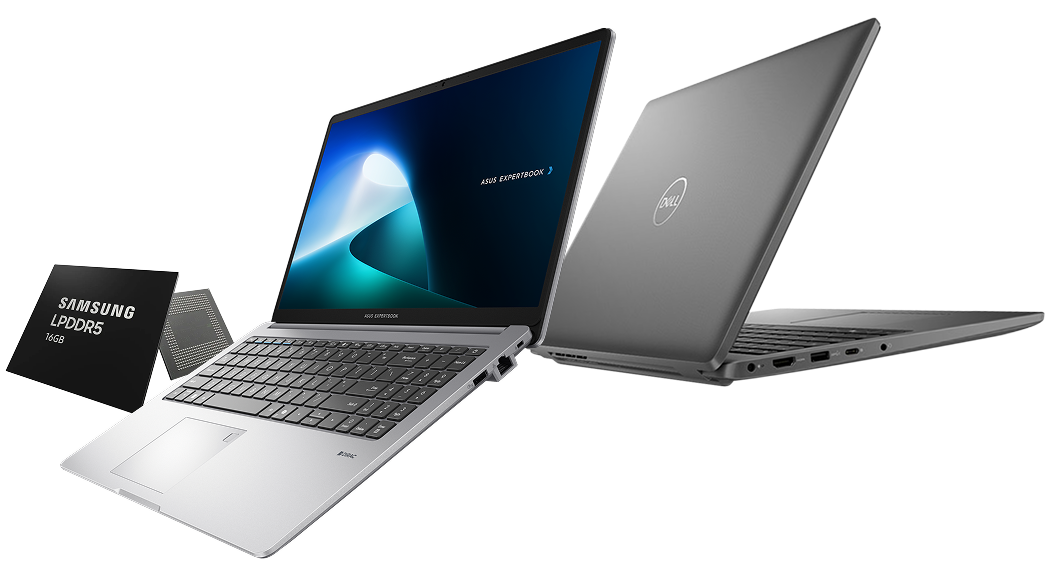
One thing always worth checking before you buy: is the RAM soldered or upgradeable? On many modern laptops — including several thin and light models — the RAM is soldered directly to the motherboard and cannot be changed after purchase. If you buy 8GB on a soldered machine, you are locked in. The Lenovo ThinkPad E16 at Techyest ships with 16GB DDR5 RAM — the newer, faster standard — and gives business users the headroom they need from day one. We do have laptops with 8GB RAM on our website if you want to explore.
The Verdict — 8GB or 16GB?
Tight budget and very light use: 8GB is acceptable in 2026, but choose a model where RAM is upgradeable rather than soldered. That way, you have options later if your needs grow.
Most buyers — students, home users, remote workers: 16GB is the right choice, full stop. The difference is real, it is noticeable from day one, and it extends the life of your laptop by years. In 2026, 16GB is not a premium spec — it is the sensible baseline.
Business and professional users: 16GB is the minimum. If you run demanding software — large databases, development environments, creative applications — consider stepping up to 32GB. The Lenovo ThinkPad E16 with 16GB DDR5 is a strong starting point for professional use, with faster memory that handles multitasking more efficiently than older DDR4 configurations.

Our Recommendation
Go with 16GB RAM if it fits your budget, Your future self will thank you!
Frequently Asked Questions
Will I notice the difference between 8GB and 16GB RAM?
Yes — if you multitask at all, you will notice it quickly. The difference shows up in how smoothly your laptop handles multiple open apps, browser tabs, and background processes simultaneously. On an 8GB machine, heavy Chrome use alongside Teams or Zoom will cause noticeable slowdowns. On 16GB, the same workload runs without hesitation.
Can I upgrade RAM
Sometimes — but not always. Many modern laptops, particularly thin and light models, have RAM that is soldered directly to the motherboard and cannot be upgraded after purchase. Before buying an 8GB laptop with the intention of upgrading later, check the product specifications carefully to confirm whether the RAM is user-upgradeable.
How much RAM do I need for university?
For university use, 16GB is the recommended amount. Students typically run multiple applications simultaneously — a browser with research tabs, note-taking software, a video call, and communication tools all at once. 8GB can handle this, but will struggle under heavier workloads and will feel slow sooner. 16GB gives comfortable headroom for the full length of a degree.
Find the Right Laptop for Your Needs
Now you know exactly what RAM does and how much you actually need — the next step is finding the right laptop at the right price.

TechYest Editorial Team
The Techyest Team is a group of UK-based laptop specialists providing practical, honest buying advice for consumers and businesses across the United Kingdom. Our content is researched and written by in-house specialists with hands-on experience across HP, Dell, Lenovo, and ASUS product ranges. Every recommendation is based on direct product knowledge and a clear understanding of what UK buyers need at different budgets. All buying guides published under the Techyest Team are reviewed for accuracy against current UK stock availability, pricing, and manufacturer specifications before publication.
Follow Us On


In This Guide
Recommended Picks:
SKU: X1605VA-MB130W
- Intel Core i5
- 8GB
- 512GB SSD

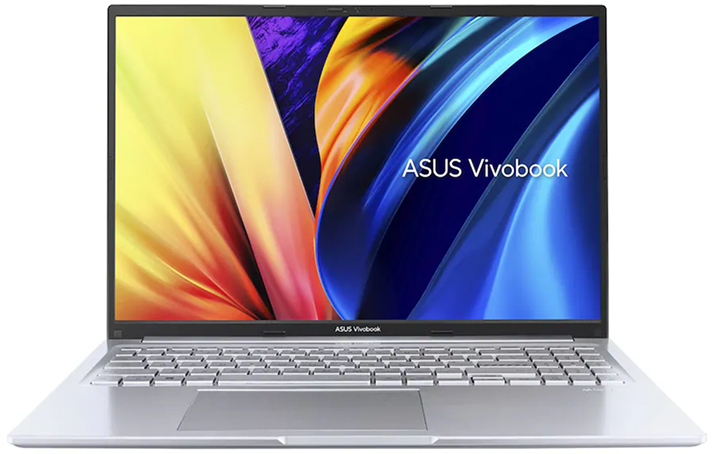
£483.51 Excl. VAT
SKU: X1607QA-MB005W
- Snapdragon X1-26-100
- 16GB
- 512GB SSD

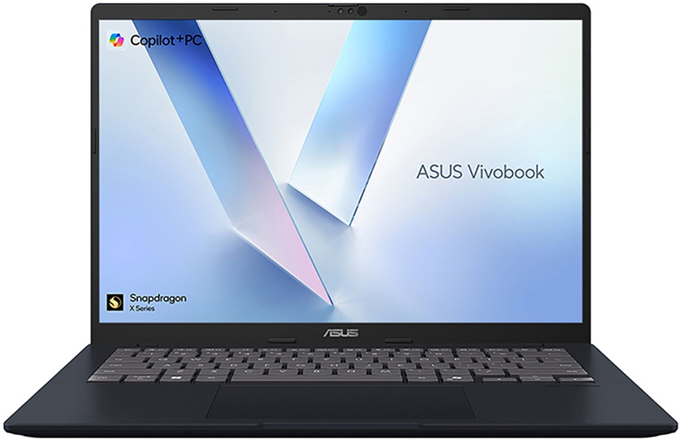
£417.51 Excl. VAT