



Lenovo ThinkBook Laptops – Premium Performance for Modern Professionals
Showing all 9 resultsSorted by price: high to low

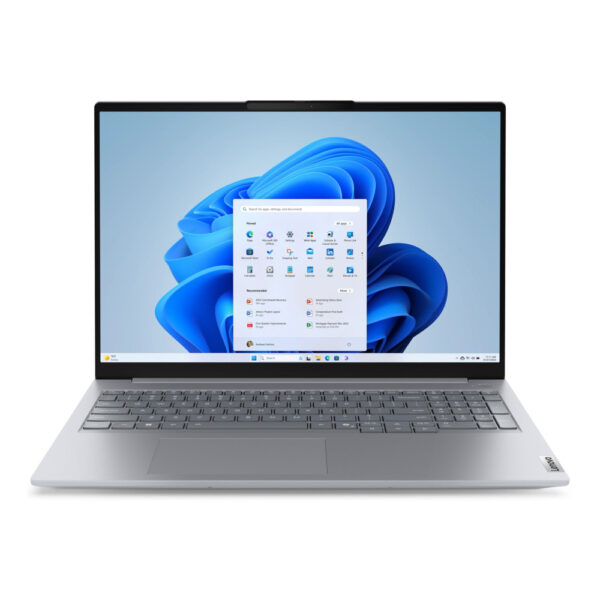
SKU: 21SK007EUK

| RAM | 16GB |
| Storage | 512GB |
| Processor | Intel Core Ultra 7 |
| Screen Size | 16 Inch |
£1,311.77 Excl. VAT
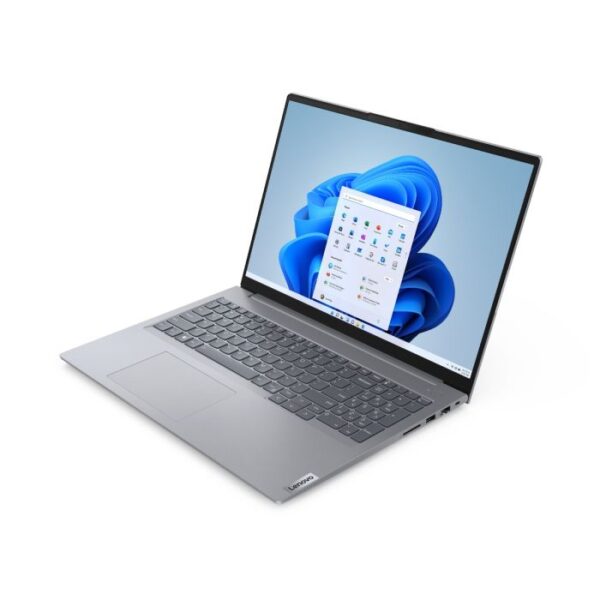
SKU: 21KH00QXUK
| RAM | 8GB |
| Storage | 256GB |
| Processor | Intel Core i5 |
| Screen Size | 16 Inch |
£881.39 Excl. VAT
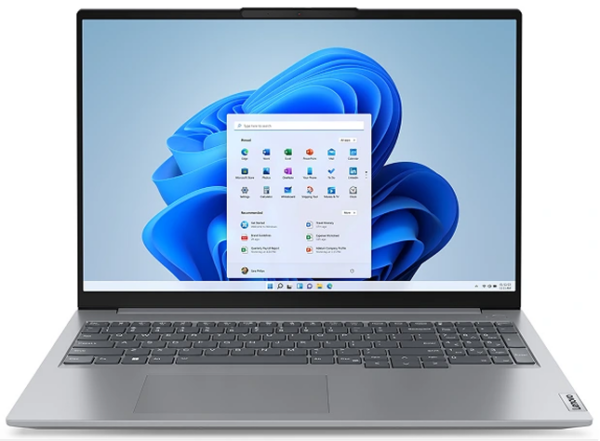
SKU: 21KK00B9UK
| RAM | 16GB |
| Storage | 256GB |
| Processor | AMD Ryzen 3 |
| Screen Size | 16 Inch |
£482.81 Excl. VAT
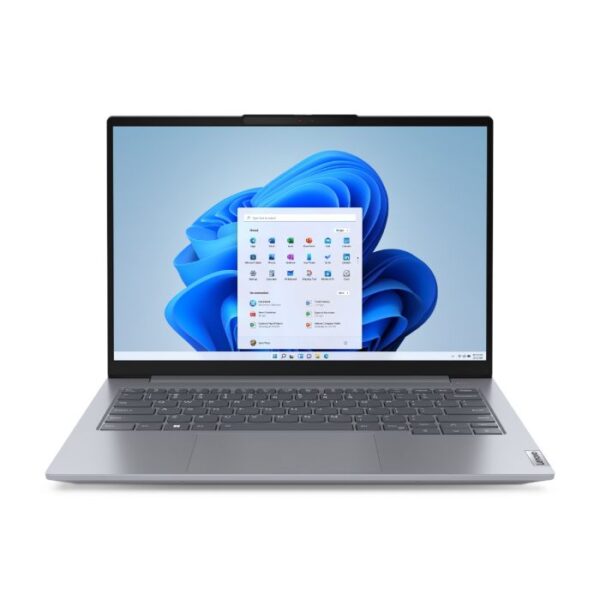
SKU: 21KG00SGUK
| RAM | 16GB |
| Storage | 512GB |
| Processor | Intel Core i5 |
| Screen Size | 14 Inch |
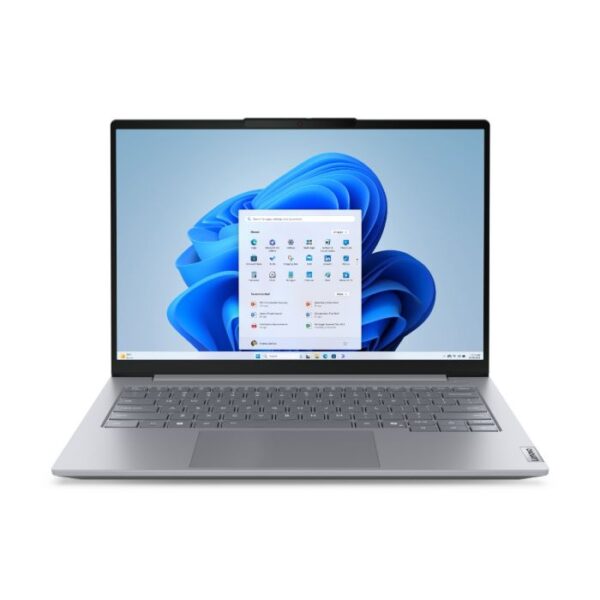
SKU: 21SJ0075UK
| RAM | 16GB |
| Storage | 512GB |
| Processor | Intel Core Ultra 5 |
| Screen Size | 14 Inch |
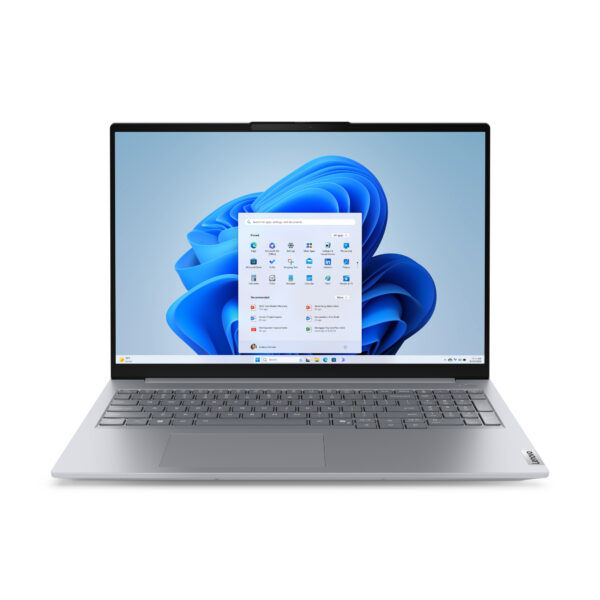
SKU: 21SH008NUK
| RAM | 16GB |
| Storage | 512GB |
| Processor | Intel Core 7 |
| Screen Size | 16 Inch |
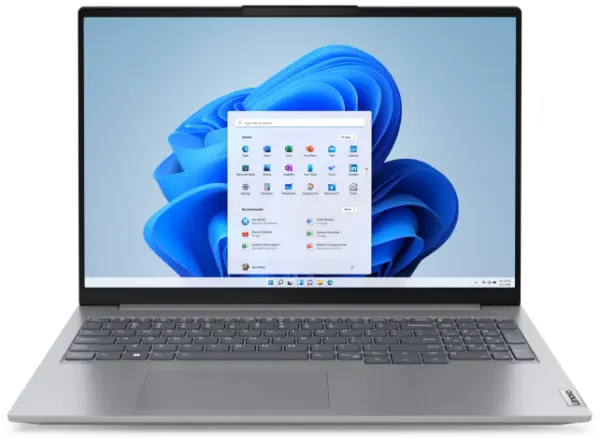
SKU: 21KH00QXUK-16GB
| RAM | 16GB |
| Storage | 256GB |
| Processor | Intel Core i5 |
| Screen Size | 16 Inch |
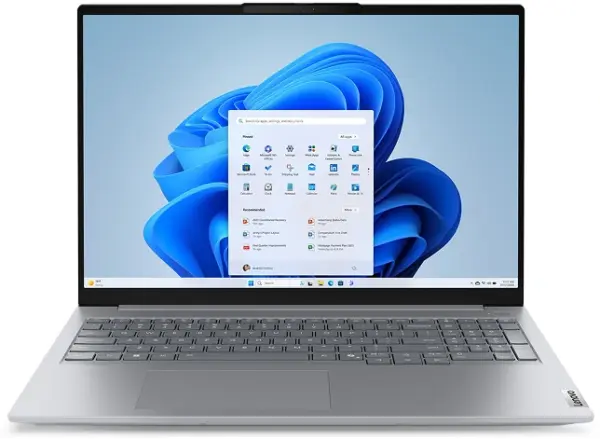
SKU: 21SK007AUK
| RAM | 16GB |
| Storage | 256GB |
| Processor | Intel Core Ultra 5 |
| Screen Size | 16 Inch |
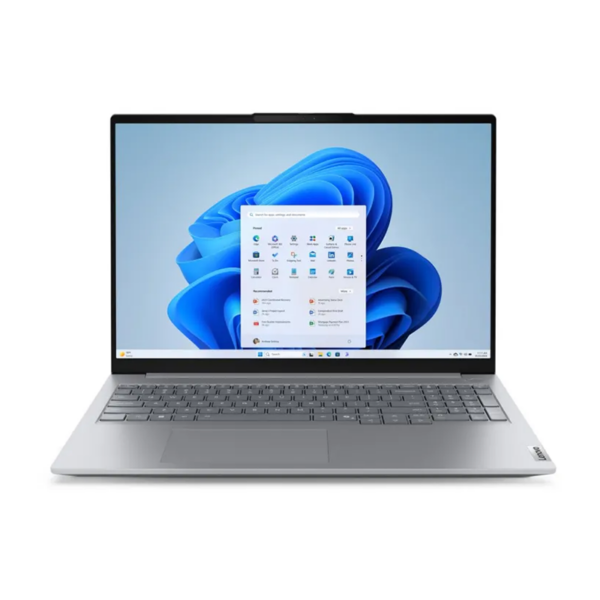
SKU: 21SH00G1UK
| RAM | 16GB |
| Storage | 256GB |
| Processor | Intel Core i5 |
| Screen Size | 16 Inch |
ThinkBook is Lenovo's laptop range for working professionals and small businesses. It sits between the IdeaPad—which is more of an everyday home laptop—and the ThinkPad, which is a full enterprise machine used by large corporations.
ThinkBook was created for people who need a proper work laptop but don't need everything a ThinkPad offers. The design is cleaner and more modern, the price is more reasonable, and the performance is more than enough for most professional workloads.
At Techyest, all ThinkBook laptops are brand new, come with a full UK manufacturer warranty, and are available with fast UK delivery.
Who Should Buy a ThinkBook Laptop?
ThinkBook is not for everyone, and that's actually a good thing. It's built for a specific type of user.
People Who Work on Laptops All Day
If your job involves emails, spreadsheets, video calls, browser research, and business software running at the same time—ThinkBook handles that well. The processors and RAM configurations are chosen with this kind of daily workload in mind.
Small Business Owners and Freelancers
You need something reliable that lasts a few years, looks professional in client meetings, and doesn't cost as much as a full enterprise laptop. ThinkBook fits that description well.
Hybrid and Remote Workers
ThinkBook laptops are slim enough to carry daily and powerful enough to use as your main machine. If you move between home, office, and client sites, the portability and battery life of most ThinkBook models make that easier.
Users Moving Up from a Budget Laptop
If your current laptop is slow, struggles with more than two or three open tabs, or freezes during video calls, a ThinkBook will feel like a significant improvement. It's a sensible step up without going into premium pricing. Comparing this against Lenovo's other business options? See our Best Business Laptops for Professionals in UK guide.
ThinkBook Models Available in the UK
Lenovo currently produces ThinkBook laptops in three main screen sizes, plus a specialist Plus series. Here is what each one offers in practical terms.
ThinkBook 14 – Best for Portability
The 14-inch ThinkBook is the lightest and most portable option in the range. Most models weigh around 1.4kg to 1.5kg, which makes a real difference if you carry your laptop in a bag every day.
The screen is large enough for comfortable work but small enough that the overall laptop fits easily on a cafe table or in economy class. Lenovo also offers a 2-in-1 version with a touchscreen that folds flat — useful for presenting to clients or taking handwritten notes.
The keyboard quality on the ThinkBook 14 is noticeably better than most laptops at this price point. Lenovo has always been strong on keyboards, and it shows here.
Good for: people who travel regularly, commuters, and professionals who move between locations.
ThinkBook 15 – Good Balance of Screen and Portability
The 15.6-inch model gives you more screen space without becoming difficult to carry. It is the most popular size among office workers and home workers because it works well in both settings.
With a full-size keyboard including a number pad on most configurations, the ThinkBook 15 is comfortable for long working sessions. If you spend most of your day at a desk but occasionally take your laptop to meetings, this is a practical choice.
Good for: Office-based workers, home office setups, general business use.
ThinkBook 16 – Best for Heavy Workloads
The 16-inch ThinkBook, including the Gen 7 models with AMD Ryzen 7 processors, is the most powerful option in the standard ThinkBook lineup. The larger chassis means better cooling, which matters when you are running demanding software for long periods.
Where smaller laptops sometimes slow down after extended use because of heat, the ThinkBook 16 manages temperature better and maintains consistent performance throughout the day. If you regularly work with large Excel files, run multiple virtual meetings, or use data-heavy business applications, you will notice the difference.
Good for: power users, analysts, and team leaders running multiple tools simultaneously.
ThinkBook Plus – For Users Who Want Something Different
The ThinkBook Plus series includes models with dual screens, e-ink displays on the lid, and other design innovations. These are not mainstream choices, but they solve real problems for specific users—for example, the e-ink lid display lets you check notifications or read documents without opening the laptop.
These models are worth considering if you have tried standard laptops and found yourself wanting something that works differently.
Good for: Tech-forward professionals, creatives, users with specific workflow needs.
ThinkBook Specs — What to Look for Before You Buy
Processor
Most ThinkBook laptops come with either Intel Core i5, Intel Core i7, or AMD Ryzen 7 processors. For standard business use—documents, email, video calls, browser work—a Core i5 is genuinely enough. You only need a Core i7 or Ryzen 7 if you regularly run heavy software or work with large files.
If processor performance matters to you, our Intel i7 laptops page lets you filter by that spec across all brands.
RAM
This is where many buyers make mistakes by going too low.
- 8GB works for basic tasks but feels limiting quickly if you multitask
- 16GB is the right choice for most working professionals—it handles multiple apps without slowing down
- 32GB is only necessary for developers, data analysts, or people running virtual machines
- Our 16GB RAM laptops page is a good starting point if you want to filter specifically for that configuration.
Storage
All current ThinkBook models use NVMe SSD storage. In simple terms, this means fast startup times and quick file access. For most users, 512GB is enough. If you store a lot of large files locally, go for 1TB.
Battery Life
In real use—not manufacturer claims—most ThinkBook models last around 7 to 9 hours on a mixed workload. The 14-inch models tend to be slightly more efficient because they have smaller screens drawing less power. If you need a laptop that gets through a full working day without charging, ThinkBook generally manages that.
Display
ThinkBook screens are IPS panels with anti-glare coating, which reduces eye strain during long sessions. They are not color-accurate enough for serious photo or video editing, but for business work they are comfortable and clear. The 16-inch models offer higher resolution options that make detailed work easier.
ThinkBook vs. ThinkPad—A Simple Comparison
People often ask whether they should buy a ThinkBook or a ThinkPad. Here is the honest answer.
| Feature | ThinkBook | ThinkPad |
|---|---|---|
| Design | Slim and modern | Practical and robust |
| Build Standard | Good quality | MIL-SPEC tested |
| Security Features | Standard business level | Advanced enterprise level |
| Price | More affordable | Higher |
| Best For | SMEs, freelancers, hybrid workers | Large organisations, IT-managed fleets |
| Keyboard | Very good | Industry benchmark |
If your company has an IT department that remotely manages devices, needs vPro support, or requires military-grade durability testing—look at our ThinkPad laptops instead. For everyone else, ThinkBook gives you most of what matters at a lower price. For a deeper dive into which one fits your business, read our ThinkPad vs ThinkBook UK comparison guide.
Can You Use a ThinkBook for Gaming?
Honestly, not really — at least not for modern games. ThinkBook laptops use integrated graphics, which means they can handle older or casual games without any problems. But anything that needs a dedicated GPU will either run poorly or not at all.
ThinkBook Laptop Prices in the UK
| Spec Level | What It Covers | Who It Suits |
|---|---|---|
| Core i5, 8GB, 256GB | Light daily work | Secondary machine or basic use |
| Core i5/i7, 16GB, 512GB | Full professional workload | Most business buyers |
| Ryzen 7, 16–32GB, 512GB+ | Heavy multitasking and data work | Power users |
| ThinkBook Plus configs | Specialist features | Innovation-focused professionals |
All ThinkBook laptops at Techyest are priced competitively for the UK market with no import fees or hidden costs.
Why Buy from Techyest?
- Brand new stock — every unit is sealed and unused
- Full UK manufacturer warranty included
- Fast UK delivery on all orders
- Genuine Lenovo products from authorised UK supply
Related Categories Worth Browsing
All Lenovo Laptops — Full Lenovo range in one place
ThinkPad Laptops — Enterprise alternative to ThinkBook
Business Laptops — Compare professional laptops across brands
Student Laptops — Lighter use and better value options
Dell Laptops — Dell's business laptop alternatives
HP Laptops — HP's professional range for comparison
Frequently Asked Questions
Yes, they are well suited to small and medium businesses. They handle professional workloads reliably, have a clean design that works in office environments, and are priced more reasonably than full enterprise laptops like ThinkPad.
The IdeaPad is Lenovo's consumer range—built for home use, students, and light everyday tasks. ThinkBook is built for professional work environments, with better build quality, stronger processors, and features like fingerprint readers and more RAM options.
If you travel often, go for the 14-inch. If you mostly work from a desk, the 15 or 16-inch will be more comfortable. If you run heavy software, the 16-inch with a Ryzen 7 processor is the most capable option.
Yes. All ThinkBook models at Techyest come with Windows 11 pre-installed and meet Microsoft's full hardware requirements, including TPM 2.0.
With normal professional use, a ThinkBook should comfortably last four to five years. Choosing 16GB RAM and a 512GB SSD from the start means the machine will still feel capable as software requirements grow over time.
You can order directly from Techyest.co.uk with a manufacturer warranty and fast delivery.