



Lenovo ThinkPad Laptops in UK – Buy Genuine ThinkPad Laptop Online
Showing 1–12 of 19 resultsSorted by price: high to low

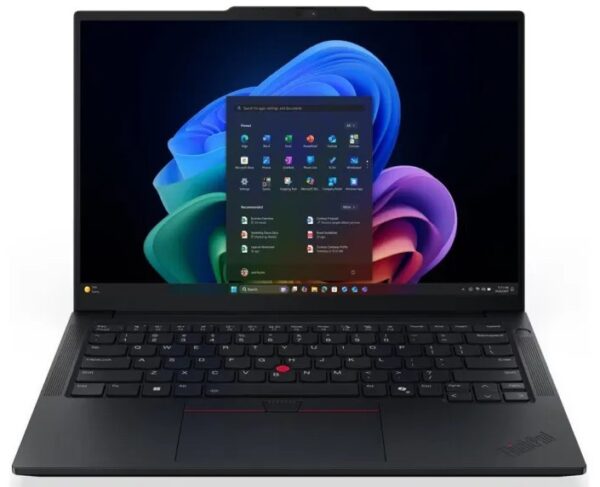
SKU: 21Y60043UK

| RAM | 16GB |
| Storage | 512GB |
| Processor | Intel Core Ultra 7 |
| Screen Size | 14 Inch |
£1,170.50 Excl. VAT
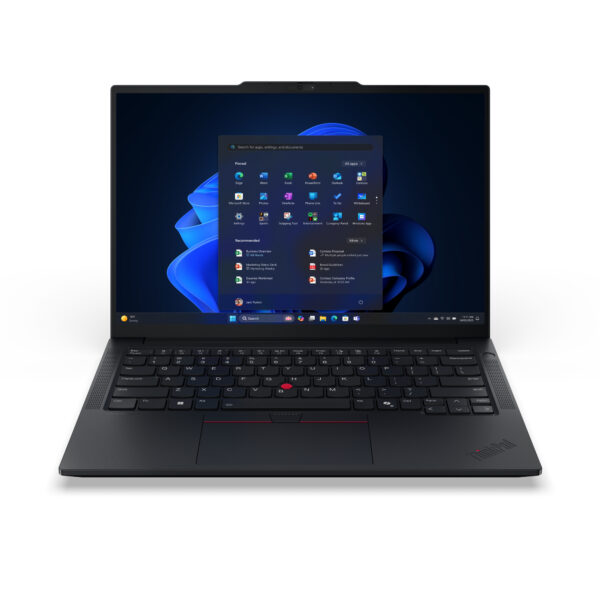
SKU: 21SX000VUK
| RAM | 16 GB |
| Storage | 512 GB |
| Processor | Intel Core Ultra 7 |
| Screen Size | 14 Inch |
£1,170.50 Excl. VAT
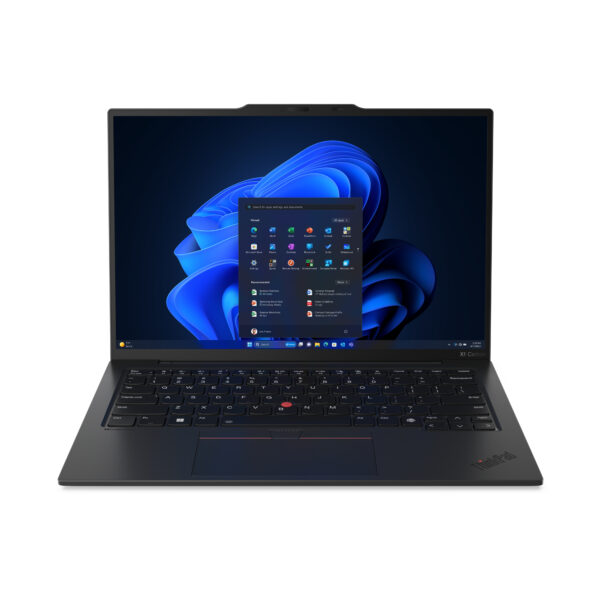
SKU: 21KC004UUK
| RAM | 16GB |
| Storage | 512GB |
| Processor | Intel Core Ultra 5 |
| Screen Size | 14 Inch |
£1,097.00 Excl. VAT
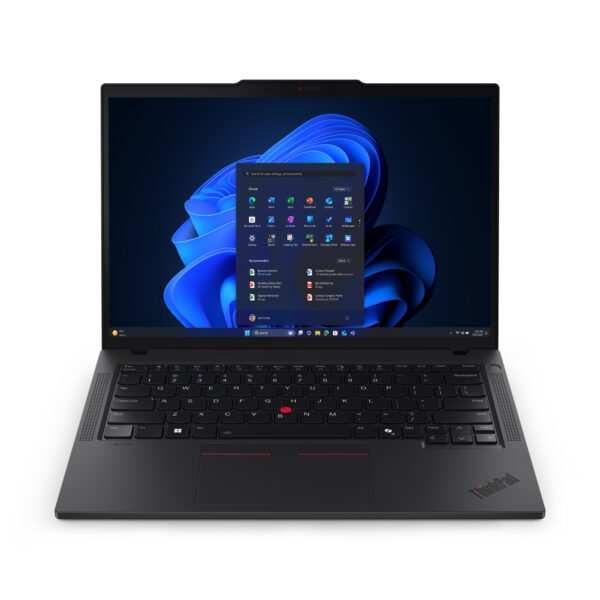
SKU: 21QG0078UK
| RAM | 16 GB DDR5 |
| Storage | 512 GB SSD |
| Processor | Intel Core Ultra 5 |
| Screen Size | 14 inch |
£1,056.50 Excl. VAT
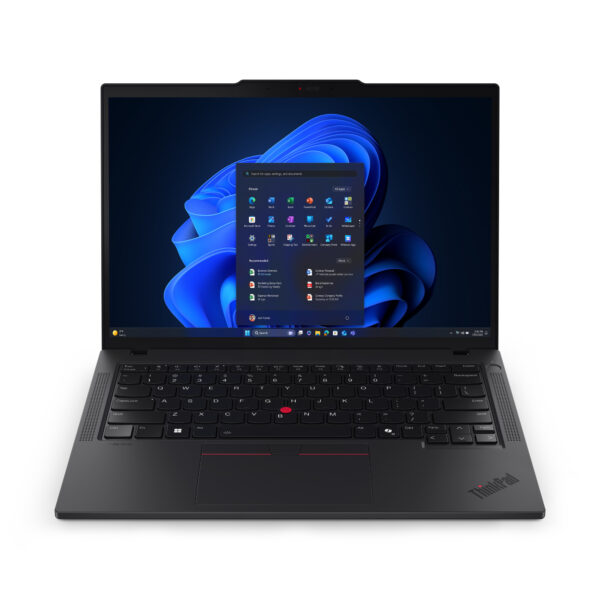
SKU: 21QC002KUK
| RAM | 16GB |
| Storage | 512GB |
| Processor | Intel Core Ultra 5 |
| Screen Size | 14 Inch |
£1,056.50 Excl. VAT
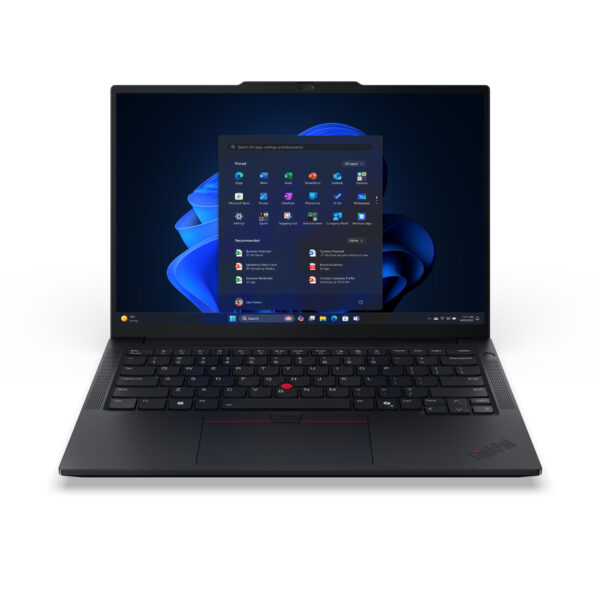
SKU: 21U2001TUK
| RAM | 32GB |
| Storage | 512GB |
| Processor | Intel Core Ultra 7 |
| Screen Size | 14 Inch |
£1,038.50 Excl. VAT
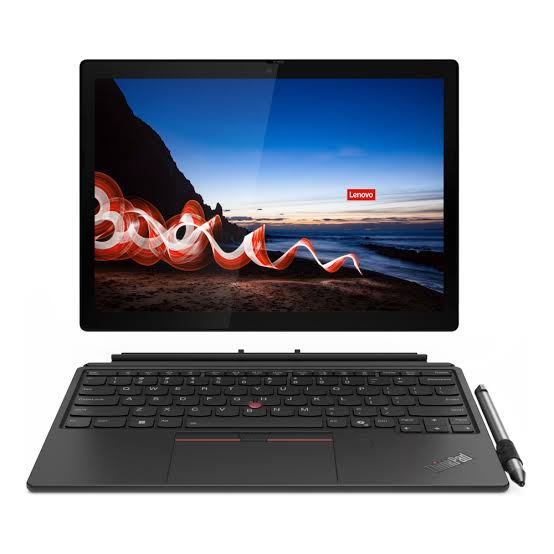
SKU: 21LLS0AM00
| RAM | 16GB |
| Storage | 256GB |
| Processor | Intel Core Ultra 5 |
| Screen Size | 12.3 Inch |
£1,026.26 Excl. VAT
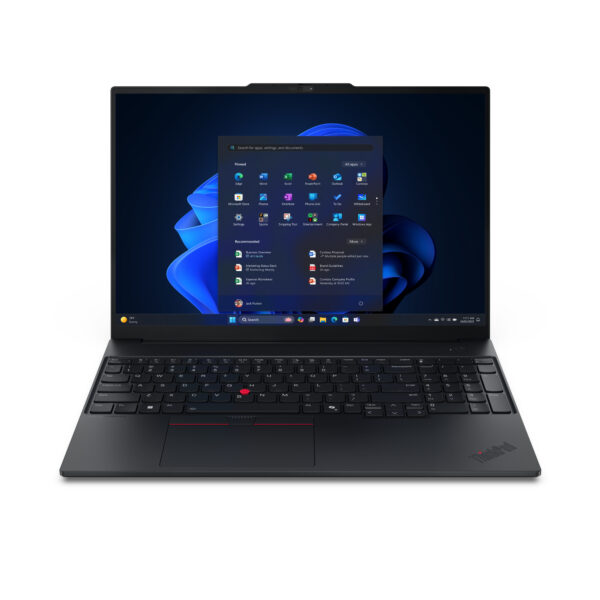
SKU: 22AY003DUK
| RAM | 16GB |
| Storage | 512GB |
| Processor | Intel Core Ultra 7 |
| Screen Size | 16 Inch |
£948.50 Excl. VAT
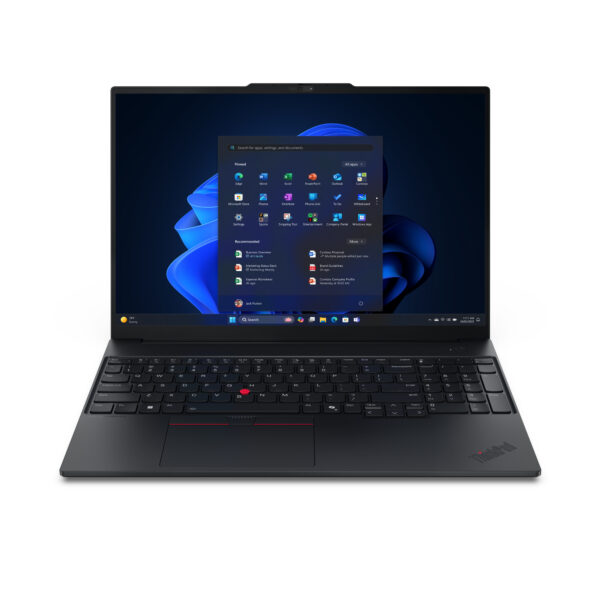
Lenovo ThinkPad E16 Gen 3 Intel Core Ultra 7 16GB RAM 512GB SSD 16" Laptop - UK English (21SR000NUK)
SKU: 21SR000NUK
| RAM | 16GB |
| Storage | 512GB |
| Processor | Intel Core Ultra 7 |
| Screen Size | 16 Inch |
£948.50 Excl. VAT
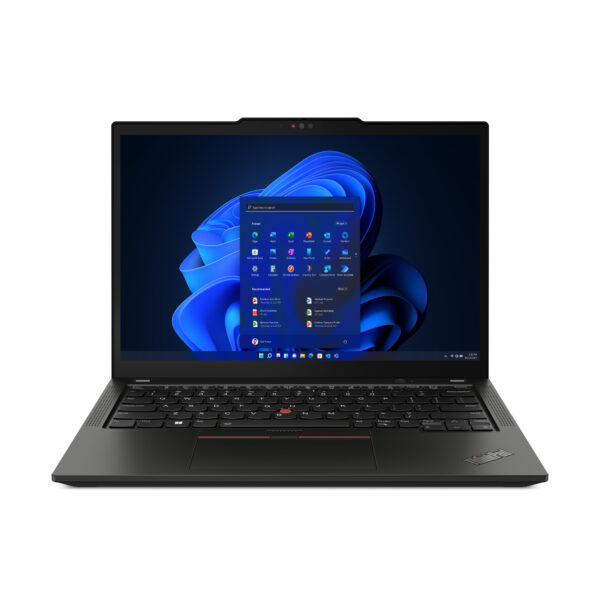
SKU: 21J3007XUK
| RAM | 32GB |
| Storage | 512GB |
| Processor | AMD Ryzen 7 |
| Screen Size | 13.3 Inch |
£915.00 Excl. VAT
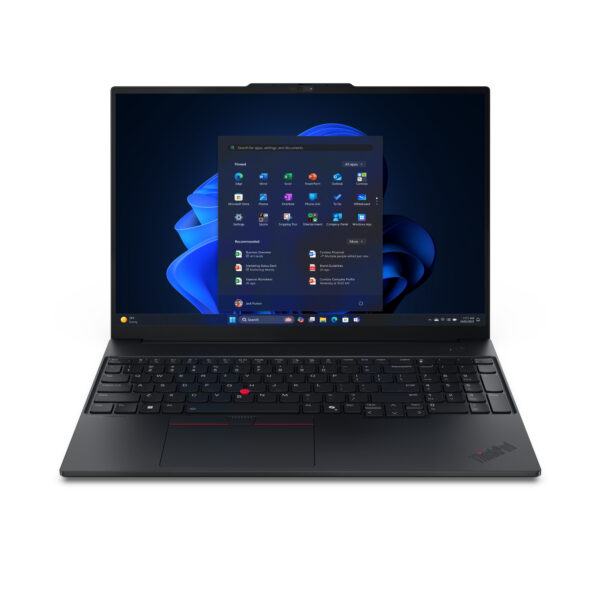
SKU: 22AY0032UK
| RAM | 16GB |
| Storage | 512GB |
| Processor | Intel Core Ultra 5 |
| Screen Size | 16 Inch |
£819.00 Excl. VAT
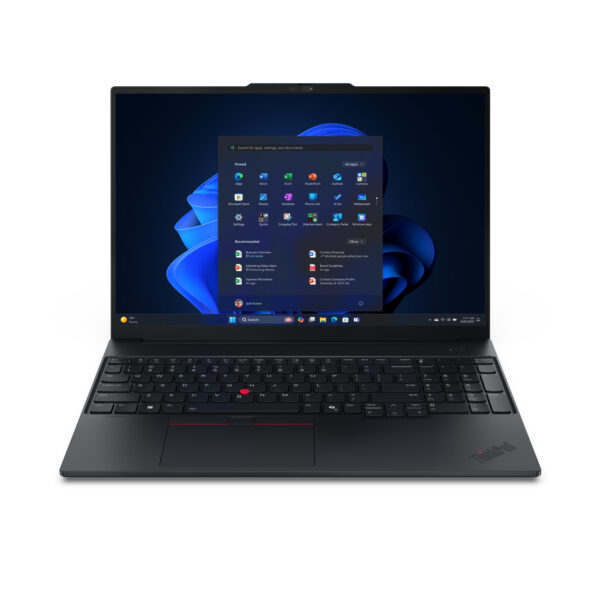
SKU: 21SR0044UK
| RAM | 16GB |
| Storage | 512GB |
| Processor | Intel Core Ultra 5 |
| Screen Size | 16 Inch |
£819.00 Excl. VAT
Why ThinkPad Is Still the Most Trusted Business Laptop in the UK
ThinkPad laptops have been used in offices, government departments, universities, and large corporations for over 30 years. That kind of track record does not happen by accident.
The reason ThinkPad has kept its reputation for so long is straightforward — these laptops are built to a standard that most consumer laptops simply are not. Every ThinkPad goes through MIL-SPEC 810H testing, which means it is tested against drops, dust, extreme temperatures, humidity, and vibration before it leaves the factory. For a laptop you depend on every working day, that matters.
Beyond durability, ThinkPad is known for three things that professional users genuinely care about: keyboard quality, security features, and long-term reliability. The keyboard on a ThinkPad is consistently rated as one of the best on any laptop — not just business laptops.
At Techyest, all ThinkPad laptops are brand new, with full UK manufacturer warranty, and are available with fast UK delivery.
ThinkPad Series Explained — Which One Is Right for You?
Lenovo organises ThinkPad into distinct series, and each one is designed for a different type of user. Understanding the difference saves you from either overspending or buying something that does not quite fit your needs.
ThinkPad X1 Series — Premium Performance in a Light Chassis
The X1 series sits at the top of the ThinkPad range. The X1 Carbon is the most well-known model, it is one of the lightest 14-inch business laptops available, typically coming in under 1.12kg depending on configuration, while still offering a full-day battery and a high-resolution display.
This is the laptop Lenovo makes for executives, senior consultants, and professionals who travel frequently and cannot afford to compromise on either performance or portability. The build uses a carbon-fiber-reinforced chassis, which contributes to both the lightweight and the structural rigidity.
The X1 Yoga is the 2-in-1 variant — it has a 360-degree hinge and a touchscreen, which adds flexibility for presentations and note-taking without significantly increasing the weight.
Who should buy the Lenovo ThinkPad X1 series: Frequent travelers, senior professionals, executives, and anyone who wants the best ThinkPad has to offer in a thin and light form factor.
ThinkPad T Series — The Benchmark for Business Laptops
The T series is the most widely used ThinkPad range in corporate environments across the UK and globally. Models like the ThinkPad T14 and T16 offer the full ThinkPad experience — MIL-SPEC durability, enterprise security features, strong processors, and excellent keyboards — at a more accessible price point than the X1.
The T14 is available with both Intel Core and AMD Ryzen processor options, which gives buyers more flexibility depending on workload and budget. The T16 gives you a larger 16-inch display, which is more comfortable for long sessions involving detailed documents, spreadsheets, or multiple windows open simultaneously.
These are not flashy laptops. They look professional and understated, which is exactly what most business buyers want.
Who should buy the T series: Office workers, IT-managed corporate fleets, team leads, and anyone who needs a reliable primary work machine for multi-year use.
ThinkPad E Series — Solid Business Performance at a Lower Price
The E series — including the ThinkPad E14 and E16 — is where ThinkPad becomes accessible for smaller budgets without completely abandoning what makes ThinkPad worth buying in the first place.
You still get a proper business laptop with a good keyboard, decent build quality, and reliable daily performance. What you give up compared to the T or X1 series is some of the premium build material, certain advanced security features like vPro support, and some of the finer refinements in display and chassis quality.
For startups, small businesses, students doing technical or professional courses, and individual buyers who want ThinkPad quality without the higher price tag — the E series is a sensible choice.
Who should buy the E series: Budget-conscious professionals, students, small businesses, and first-time ThinkPad buyers.
ThinkPad P Series — Mobile Workstations for Demanding Work
The P series is in a different category from the rest of the ThinkPad range. These are mobile workstations — laptops with dedicated NVIDIA RTX professional graphics, ISV-certified drivers, and high-performance processors designed for workloads that standard business laptops cannot handle.
The ThinkPad P14s and P16s are popular among architects using AutoCAD, engineers running simulation software, data scientists working with large datasets, and developers who need to compile code or run virtual machines alongside their normal workflow.
ISV certification means the graphics drivers in ThinkPad P series laptops are tested and validated by the software companies themselves — applications like SolidWorks, CATIA, and Adobe Creative Suite run as intended without driver conflicts.
Who should buy the P series: Engineers, architects, data scientists, 3D designers, software developers, and anyone running professional-grade creative or technical software.
ThinkPad Specifications — What to Prioritise for Your Work
Processor Options—Intel Core vs Intel Core Ultra vs AMD Ryzen
Current ThinkPad models are available with three main processor families:
Intel Core i5 handles standard office workloads well — email, documents, browser-based tools, and video calls. For straightforward daily professional use, this is a capable and cost-effective choice.
Intel Core i7 gives you noticeably more headroom for demanding tasks — large spreadsheets, multiple virtual meetings, heavier business software, or running several applications at once without slowdown. If your work is genuinely demanding, this is worth the additional cost.
Intel Core Ultra 5 and Ultra 7 are found in the newer generation ThinkPad models. These chips offer improved AI-assisted performance, better integrated graphics than previous generations, and more efficient power management — meaning better battery life at similar or better performance levels.
AMD Ryzen 5 and Ryzen 7 are available in certain T series and E series models. AMD processors have become genuinely competitive in business laptops and offer strong value, particularly in the T14 AMD variants.
Browse our Intel i7 laptops page to filter by processor across all available ThinkPad and other brand configurations. Deciding between i5 and i7? See our Intel Core i5 vs. i7 UK guide.
RAM — How Much Do You Actually Need?
- 8GB — Manageable for light users doing focused single-application work, but limiting for anything involving real multitasking
- 16GB — The configuration we recommend for most ThinkPad buyers. It handles simultaneous applications, browser-heavy workflows, and business software without any noticeable performance drop
- 32GB — Relevant for developers, IT professionals running virtual machines, or data analysts working with large datasets
- 64GB+ — Available on P series workstation models for the most demanding professional workloads
Our 16GB RAM laptops page lets you filter by this spec if you already know what you need.
Screen Size — 14 Inch vs 15 Inch vs 16 Inch
14-inch ThinkPads are the most portable. The T14 and X1 Carbon both sit in this size bracket. If you carry your laptop daily or travel with it, 14 inches gives you the best balance of screen space and portability.
15-inch ThinkPads offer a middle ground — more comfortable for extended desk use than a 14-inch without becoming difficult to transport.
16-inch ThinkPads like the T16 and P16s are best for desk-based users who benefit from the additional screen space. Side-by-side windows, detailed spreadsheet work, and document review are all more comfortable on a 16-inch display.
Security Features — Why ThinkPad Takes This Seriously
Business laptops handle sensitive data, and ThinkPad takes security more seriously than almost any other laptop brand.
Across the range you will find a combination of:
- Fingerprint readers — built into most T, X1, and E series models
- IR facial recognition cameras — for Windows Hello login without touching the device
- Discrete TPM 2.0 chips — hardware-level encryption for business data
- Kensington lock slots — physical security in shared office environments
- Intel vPro — available on selected T and X1 models, enabling remote IT management and hardware-level security features important for corporate environments
For businesses running managed IT deployments, vPro support is a meaningful differentiator. It allows IT teams to remotely manage, troubleshoot, and secure devices even when they are powered off — something standard laptops simply cannot do.
Storage and SSD Performance
All current ThinkPad models use NVMe SSD storage. The practical benefit over older storage types is faster boot times, quicker application loading, and a more responsive feel throughout the day.
Most ThinkPad configurations start at 256GB, but 512GB is the more practical choice for a primary work machine. Users storing large project files, databases, or development environments locally should look at 1TB configurations.
One advantage ThinkPad has over many competitors is repairability — on most T series and X1 models, the SSD is user-replaceable, meaning storage can be upgraded after purchase if needed.
ThinkPad for Specific Work Environments
Corporate and Enterprise IT Deployments
ThinkPad is the laptop of choice for large organisations because of how well it integrates with enterprise IT infrastructure. vPro support, Lenovo Device Manager compatibility, consistent hardware across generations, and strong warranty options make large-scale deployment straightforward. If your IT department manages devices remotely or needs consistent hardware specifications across a fleet, ThinkPad is the natural choice.
Remote and Hybrid Working
The shift to hybrid working has made battery life and webcam quality more important than they used to be. ThinkPad X1 Carbon and T series models both offer strong battery endurance — most achieving a genuine 8 to 10 hours in mixed use. The built-in webcams on current generation models support 1080p video, which makes a visible difference on video calls compared to older 720p cameras.
Software Development and IT Roles
Developers working in ThinkPad laptops benefit from the high RAM ceiling, fast NVMe storage, and the quality of the Linux support Lenovo provides. ThinkPad has one of the best reputations among developers for Linux compatibility — Lenovo even certifies certain ThinkPad models for Ubuntu out of the box. For developers who split time between Windows and Linux environments, this matters.
Students on Technical or Professional Courses
Engineering students, computer science students, and those on professional postgraduate programmes often have more demanding software requirements than standard student laptops can handle. The ThinkPad E14 and E16 give these students access to proper business-grade hardware without the full cost of a T or X1 series machine. They also handle the kind of all-day use that academic life demands.
For a detailed comparison of ThinkPad against other business laptops, read our best business laptops for professionals guide.
ThinkPad vs ThinkBook vs IdeaPad — A Clear Comparison
People often confuse Lenovo's three main laptop lines. Here is the straightforward version:
| ThinkPad | ThinkBook | IdeaPad | |
| Target user | Enterprise, large business | SMEs, freelancers, hybrid workers | Students, home users |
| Build standard | MIL-SPEC 810H tested | Good quality business build | Standard consumer build |
| Security features | Advanced (vPro, TPM, IR cam) | Standard business level | Basic |
| Keyboard quality | Industry benchmark | Very good | Decent |
| Price range | Mid to premium | Mid range | Budget to mid |
| Best for | Long-term corporate use | Daily professional work | Everyday general use |
If ThinkBook sounds more like what you need, browse our ThinkBook laptops page. For general Lenovo options across all ranges, see our Lenovo laptops section.
Buying ThinkPad for Business — Bulk Orders and B2B Support
If you are equipping a team or managing a hardware refresh for your organisation, ThinkPad's consistency across configurations makes procurement straightforward. The same model is available in multiple processor and RAM configurations, which means your IT team can standardise on one platform while accommodating different roles and workload requirements.
At Techyest, we support business buyers with volume enquiries. If you need multiple units, get in touch directly and we will work with you on availability, and lead times.
Browse Related Categories
- All Lenovo Laptops — Full Lenovo range including IdeaPad and ThinkBook
- ThinkBook Laptops — Modern professional alternative to ThinkPad
- Business Laptops — Cross-brand comparison for professional buyers
- 16GB RAM Laptops — Multitasking-ready configurations
- Student Laptops — More affordable options for academic use
Frequently Asked Question
The T series — particularly the T14 and T16 — is the most balanced choice for the majority of business buyers. It offers the full ThinkPad experience at a more reasonable price than the X1, and it is the most commonly deployed ThinkPad in UK corporate environments.
Yes, especially the E Series and selected T Series models. They offer a balance of affordability and performance for academic tasks.
Yes, for the right buyer. The E series gives you a proper ThinkPad keyboard and reliable daily performance at a lower price.
Many ThinkPad models allow RAM and SSD upgrades, depending on the configuration.
All ThinkPad laptops at Techyest are brand new, genuine Lenovo products sourced through authorised UK channels. Every order includes full manufacturer warranty and fast UK delivery.