



Lenovo ThinkPad Series Explained: E, T, X13 and X1 Carbon
Lenovo sells ThinkPads in several series, and the letters matter more than the model year. Pick the wrong letter and you either pay for features you will not use, or end up with a laptop that is more basic than your job needs.
- October 26, 2026
- 13 min read
- Techyest Team
The short answer:
- E series is the entry point. Choose it for office work, a small team or a tight budget.
- T series is the all-rounder for business. Choose it if the laptop will be used hard, every day, for years.
- X13 and X1 Carbon are the light ones. Choose them if the laptop goes in a bag more often than it stays on a desk.
- X13 2-in-1 and X12 Detachable add a touchscreen and pen. Choose them for note-taking, sketching or signing documents on screen.
The Lenovo ThinkPad series at a glance
Series
Best for
Screen sizes we list
Weight from
Not the right pick if
E (E14, E16)
Everyday office work, small businesses, first business laptops
14", 16"
E14 Gen 7: 1.32 kg
You need the toughest build or the widest port selection
T (T14)
Daily business use, hybrid working, docking at a desk
14"
T14 Gen 6: 1.39 kg
Weight is your top priority
X13
Frequent travel, working on trains and in client offices
13.3"
X13 Gen 5: 1.12 kg
You want a big screen for long spreadsheets
X1 Carbon
Premium, lightest build, executives and heavy travellers
14"
X1 Carbon Gen 12: 1.08 kg
You are after the lowest price
X13 2-in-1, X1 2-in-1, X12 Detachable
Pen and touch work
13.3", 14"
See the listing
You never use touch or a pen
Starting weights are Lenovo’s own figures for the lightest configuration of that generation. Your exact model can weigh a little more, so check the listing.
All of the ThinkPad models we list run Windows 11 Pro. You can browse the current range on our ThinkPad laptops page.
Our Top Recommended Picks
If we had to recommend one
Lenovo ThinkPad E14
The Perfect balance of performance,
Portability and Reliability for Professionals

Built for Business
Intel Core Ultra 7 performance with 16GB DDR5 memory for demanding business tasks and multitasking.
Power That Keeps Up
Intel Core Ultra 7 255H processor and a fast 512GB SSD for responsive everyday productivity.
All-Day Productivity
A 14-inch WUXGA anti-glare display, Windows 11 Pro and built-in security features in a portable business laptop.
Price
£1,195.50 Excl. VAT
Next Day Delivery
Order by 4pm
Manufacturer Warranty
Fast dispatch with full warranty protection
If we had to recommend one
Lenovo ThinkPad T14

Power Through Your Workday
Intel Core Ultra 5 225U with 16GB DDR5 memory delivers responsive performance for professional workloads and multitasking.
More Workspace. More Productivity.
The 14" WUXGA anti-glare display and 512GB PCIe 4.0 SSD deliver clear visuals and fast access to your files.
Ready for Business
Windows 11 Pro, a fingerprint reader, TPM 2.0 security, and MIL-STD-810H testing make it a strong choice for professional environments.
Price
£1,299.50 Excl. VAT
Next Day Delivery
Order by 4pm
Manufacturer Warranty
Fast dispatch with full warranty protection
ThinkPad E series: the practical starting point
E-series ThinkPads cover the jobs most offices actually do: email, documents, video calls, web apps and spreadsheets. They are the lowest-priced ThinkPads, and that shows in a few places rather than in day-to-day speed.
What Lenovo says about the E14 Gen 7:

- It weighs from 1.32 kg and has a 48Wh or 64Wh battery.
- It has passed the MIL-STD-810H military durability tests.
- It has a full-size HDMI port and an Ethernet port, which saves carrying adaptors.
- Wi-Fi 6, 6E or 7 depending on the configuration. Mobile data (WWAN) and NFC are not supported.
The E14 is the 14-inch version and the E16 is the 16-inch version, which adds screen space for people who work in spreadsheets or have two windows side by side. Both are in our range.
Memory is worth a closer look on the E14 Gen 7. Lenovo’s spec sheet lists soldered memory on models with the Core Ultra 5 226V (Lunar Lake) chip and two memory slots on models with other chips, such as the Core Ultra 7 255H. If you may want more RAM later, ask us which one you are looking at before you order.
ThinkPad T series: the business workhorse
The T series is where Lenovo puts its most complete business feature set into a 14-inch laptop. If an IT department buys one model for the whole company, it is usually a T.
What Lenovo says about the T14 Gen 6 (Intel):
- It weighs from 1.39 kg and has a 57Wh battery that Lenovo describes as customer-replaceable.
- It has two Thunderbolt 4 ports, HDMI 2.1 and an Ethernet port, so one cable can drive a dock and monitors.
- It has passed MIL-STD-810H testing.
- Security options include a fingerprint reader in the power button, an IR camera for Windows Hello, a webcam privacy shutter and Intel vPro on the right chips.
- Display options go up to 500 nits, and one option has a built-in privacy screen.
Some of the T14 Gen 7 models we list are Copilot+ PCs, which means a processor with a built-in AI engine (NPU) that runs Windows AI features locally.
X series: the lighter ThinkPads
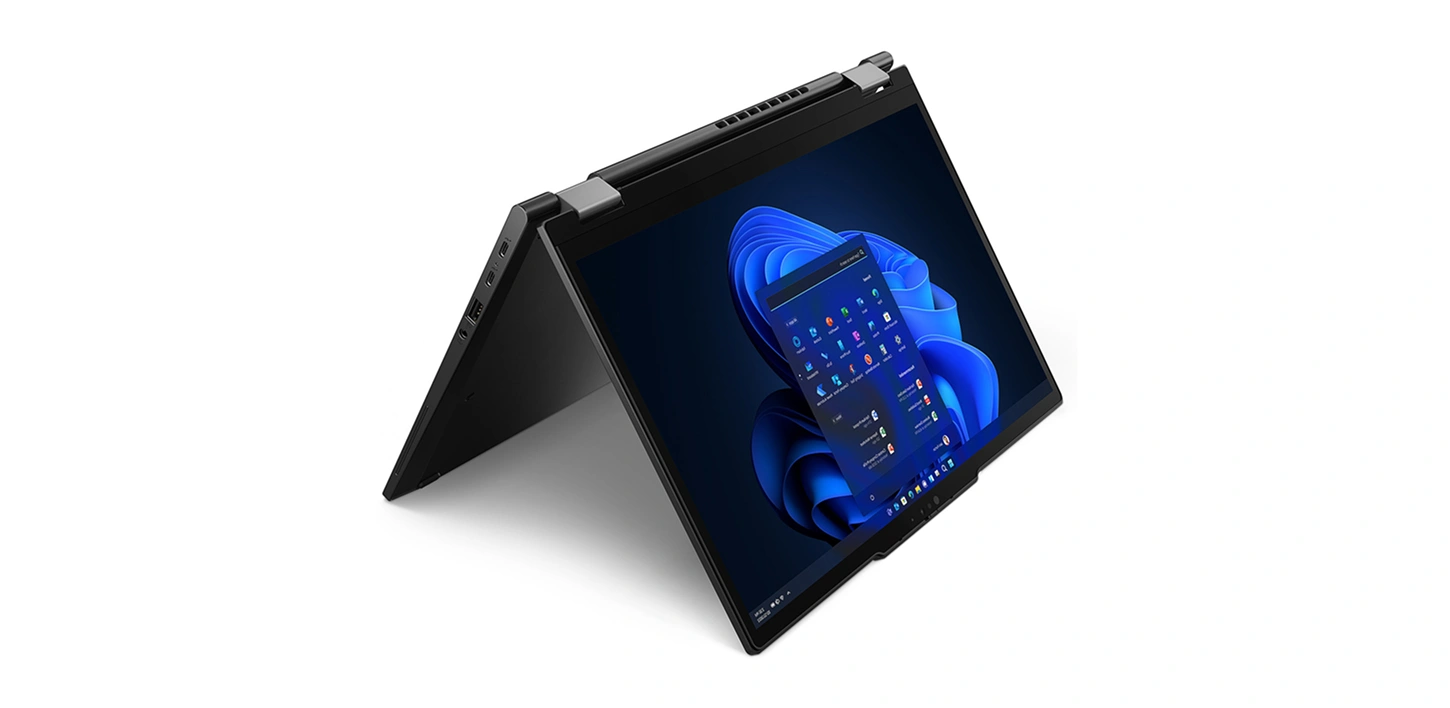
X13 (13.3-inch). The X13 Gen 5 starts at 1.12 kg,
with a 16:10 screen, two Thunderbolt 4 ports and MIL-STD-810H testing. Lenovo lists its memory as soldered to the board, so choose the RAM you will need now. We list the X13 in Gen 4 and Gen 5, with Intel Core Ultra 5, Intel Core i5 and AMD Ryzen options.
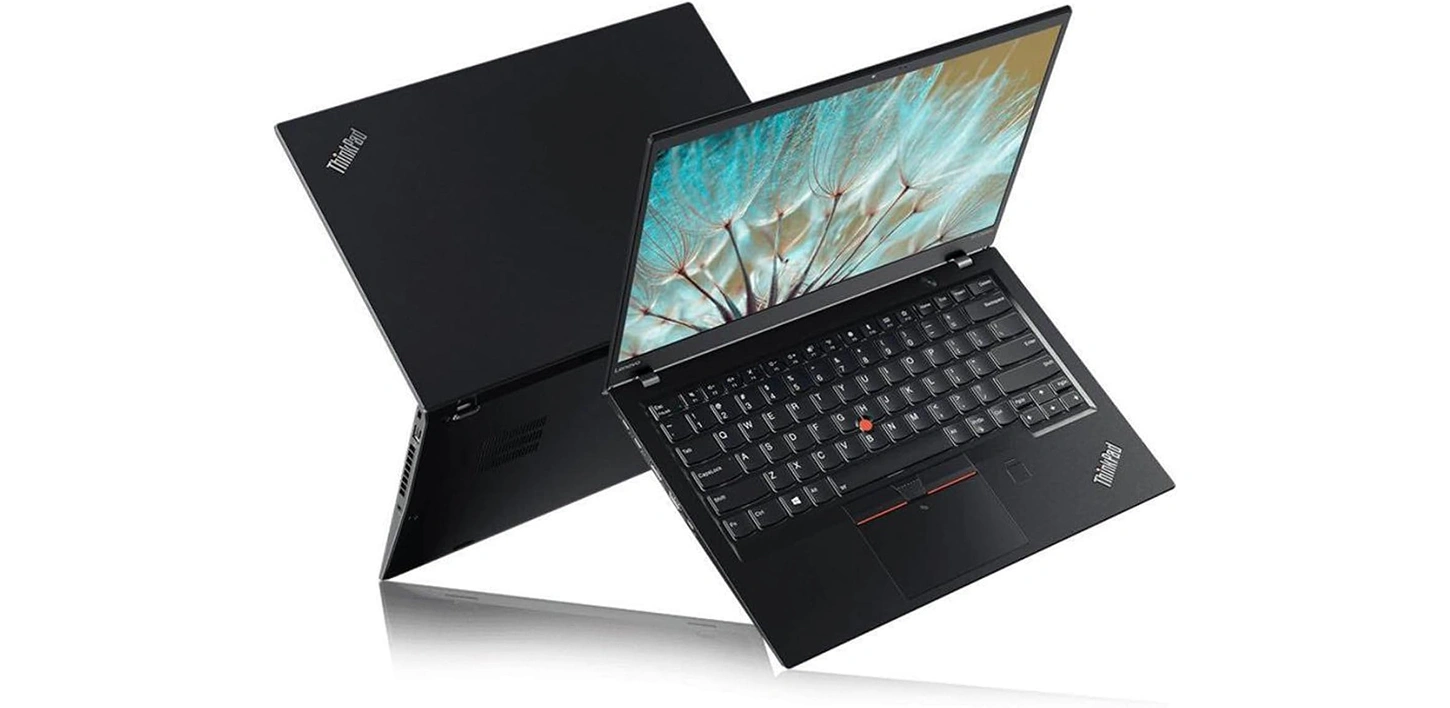
X1 Carbon (14-inch).
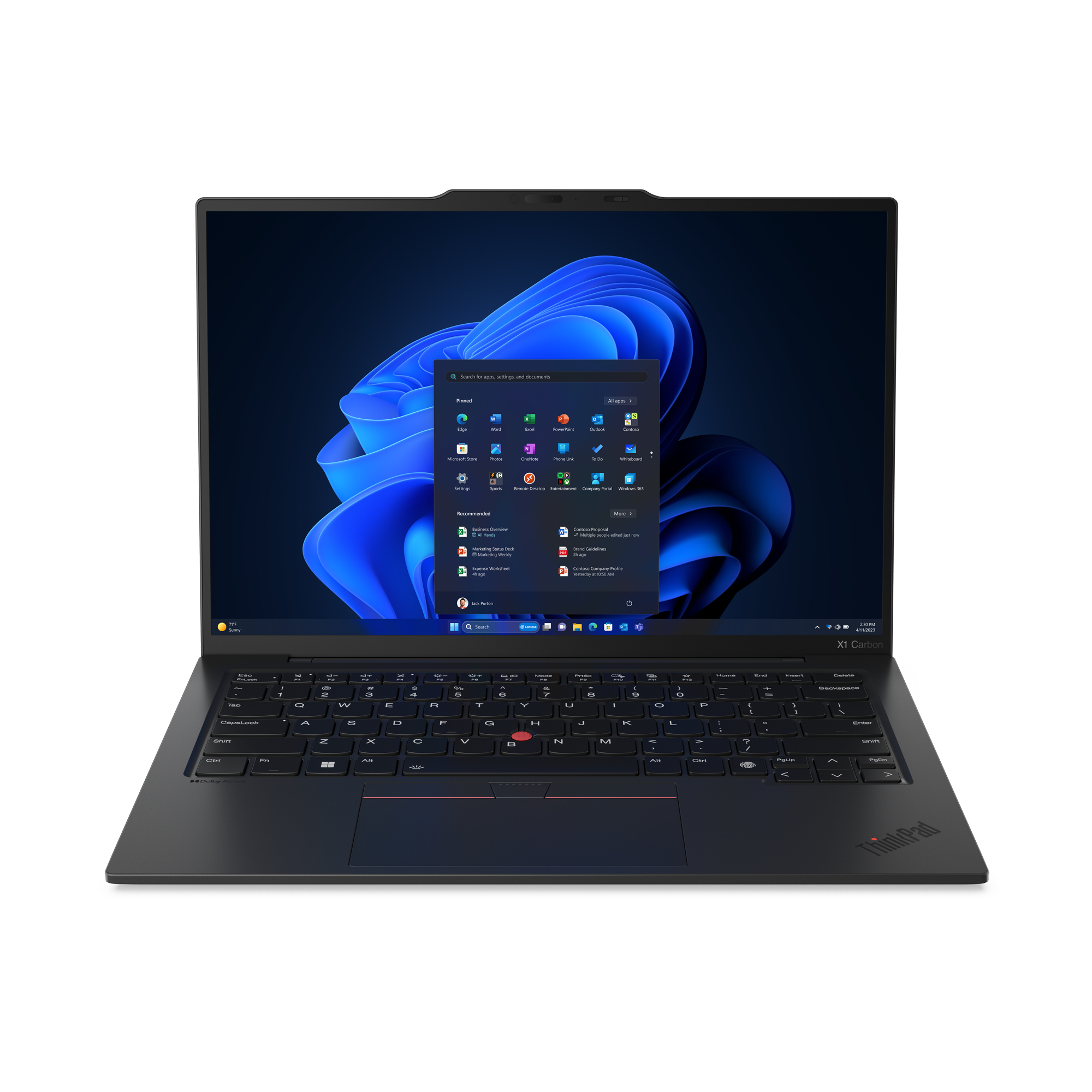
This is Lenovo’s lightest premium ThinkPad. The Gen 12 starts at 1.08 kg and has a carbon-fibre top cover, a 57Wh battery and soldered memory. It sits above the T14 as Lenovo’s premium option, and the case for it is lower weight and a better finish. We also list a Gen 14 Aura Edition with a touchscreen.
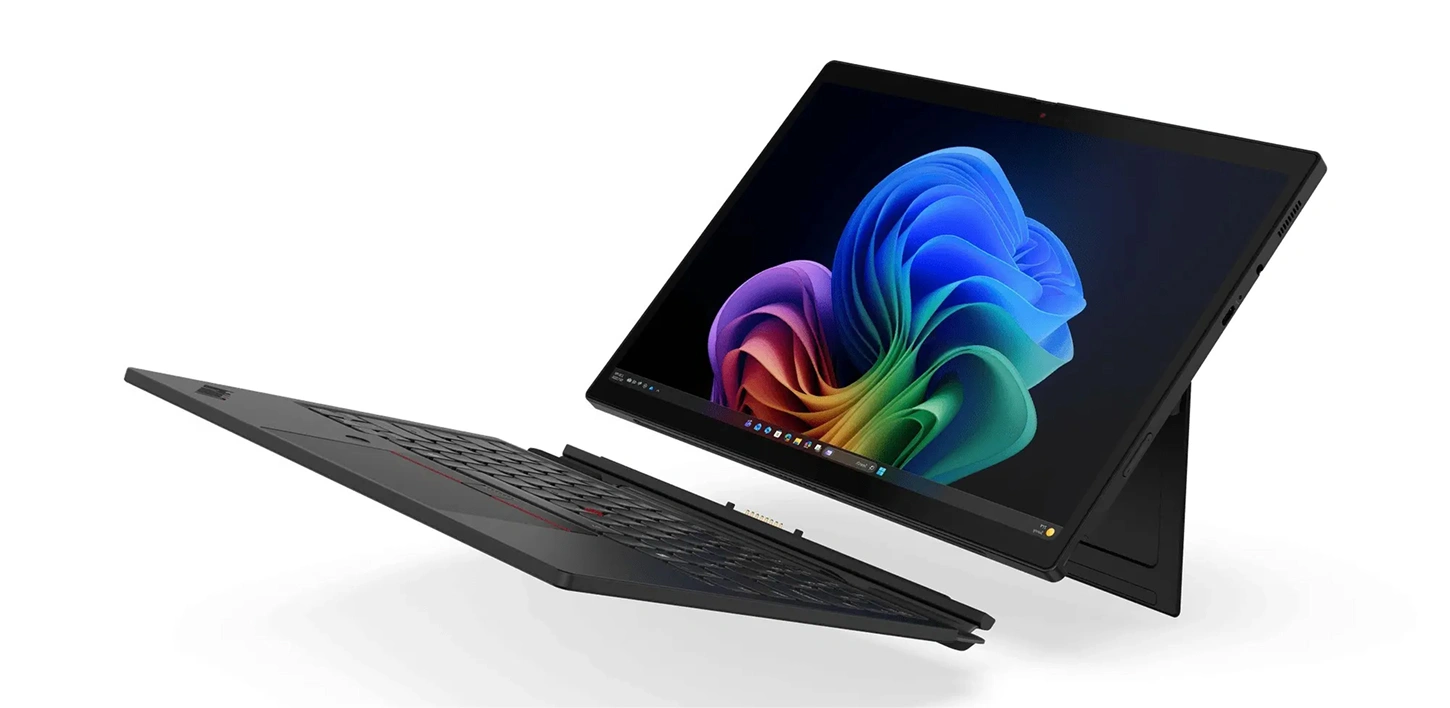
2-in-1 and detachable models.
The X13 2-in-1 Gen 5 listings include a stylus pen. The X1 2-in-1 models have a 14-inch touchscreen. The X12 Detachable has a tablet-style screen that separates from the keyboard. Choose these only if you will use touch or a pen regularly; otherwise the standard X13 does the same work for less.
ThinkPad E vs T: what you actually give up
People search this comparison more than any other in the range. Based on Lenovo’s own spec sheets for the E14 Gen 7 and T14 Gen 6, the real differences are:
- Ports. The T14 has two Thunderbolt 4 ports as standard. The E14 has one, with a second USB-C port optional.
- Screen brightness. The T14 offers 400 and 500 nit panels. The E14’s WUXGA panels are rated at 300 nits, which is fine indoors and weaker near a window. A 400-nit 2.8K option exists on the E14, so check the listing.
- Connectivity and security extras. The T14 lists a privacy shutter, an IR camera option and mobile data. The E14 does not support mobile data or NFC.
- Serviceability. Lenovo describes the T14 Gen 6 battery as customer-replaceable. The E14 sheet does not mention this.
- Weight. The E14 is not heavier. Its starting weight is slightly lower than the T14’s, so do not pay more for a T expecting a lighter laptop.
If you work at a desk, travel occasionally and do not rely on a dock, an E-series is enough. If you dock every day, use Windows Hello face login or need a brighter screen, the T earns its extra cost.
Choosing between ThinkPad and ThinkBook? That is a different question, and we cover it in our ThinkPad vs ThinkBook comparison.
How to read a ThinkPad listing
- Gen 4, Gen 5, Gen 6, Gen 7. This is Lenovo’s own generation number for that model, not the processor generation. A T14 Gen 7 is newer than a T14 Gen 6.
16GB or 32GB. 16GB covers most office use. If you keep many browser tabs, large spreadsheets and video calls open at once, our guide to how much RAM you need will help you decide.
- LPDDR5x or DDR5 in the RAM line. LPDDR5x is a low-power type that is usually soldered to the board. Check the listing and Lenovo’s spec sheet before assuming you can add RAM later.
- Core Ultra 5 or 7, Ryzen 5 or 7. The number is a tier, not a measure of speed on its own. Our Core Ultra 5 vs Ultra 7 guide explains the difference.
- The model code, such as 21LW0045UK. The first four characters identify the model line. For example, 21LU is the X13 Gen 5 and 21LW is the X13 2-in-1 Gen 5. The last two letters show the country version, and UK means the UK version.
Which ThinkPad Series for which job
- Small office, email and documents: E14 or E16.
- Everyday business use that needs to last for years: T14.
- Commuting, client visits and a lot of train time: X13.
- Executive or frequent flyer who wants the lightest build: X1 Carbon.
- Notes, sketching or signing on screen: X13 2-in-1 or X12 Detachable.
Looking at business laptops from other brands too? Our guide to the best business laptops covers the wider market.
Frequently Asked Questions
Is the ThinkPad E series good enough for business?
Yes, for typical office work. It has passed Lenovo’s MIL-STD-810H tests and has the ports most offices need. You give up some premium features, such as a second Thunderbolt 4 port by default, brighter screens and mobile data.
Can I game on a ThinkPad E or T?
Not properly. These are business laptops built around integrated graphics. If gaming is a priority, see our gaming laptops.
What does Copilot+ PC mean on a ThinkPad?
It means the processor includes an NPU, a chip for running AI tasks, that meets Microsoft’s requirements for Windows AI features. Not every ThinkPad has it, so look for “Copilot+ PC” in the listing.
Can I upgrade the RAM later?
It depends on the model. The X13 Gen 5 and X1 Carbon Gen 12 use soldered memory, according to Lenovo. The E14 Gen 7 varies by processor. Ask us before ordering if upgrading matters to you.
Does Techyest sell the ThinkPad L and P series?
Yes, we sell them, but none are listed on the site right now. The L series is Lenovo’s mid-range line and the P series is for workstation tasks like CAD and 3D work. If you need one, contact us and we will tell you what we can supply.

TechYest Editorial Team
The Techyest Team is a group of UK-based laptop specialists providing practical, honest buying advice for consumers and businesses across the United Kingdom. Our content is researched and written by in-house specialists with hands-on experience across HP, Dell, Lenovo, and ASUS product ranges. Every recommendation is based on direct product knowledge and a clear understanding of what UK buyers need at different budgets. All buying guides published under the Techyest Team are reviewed for accuracy against current UK stock availability, pricing, and manufacturer specifications before publication.
Follow Us On:


In This Guide
Recommended Picks:
SKU: 21Y60043UK
- Intel Core Ultra 7
- 16 GB
- 512GB SSD

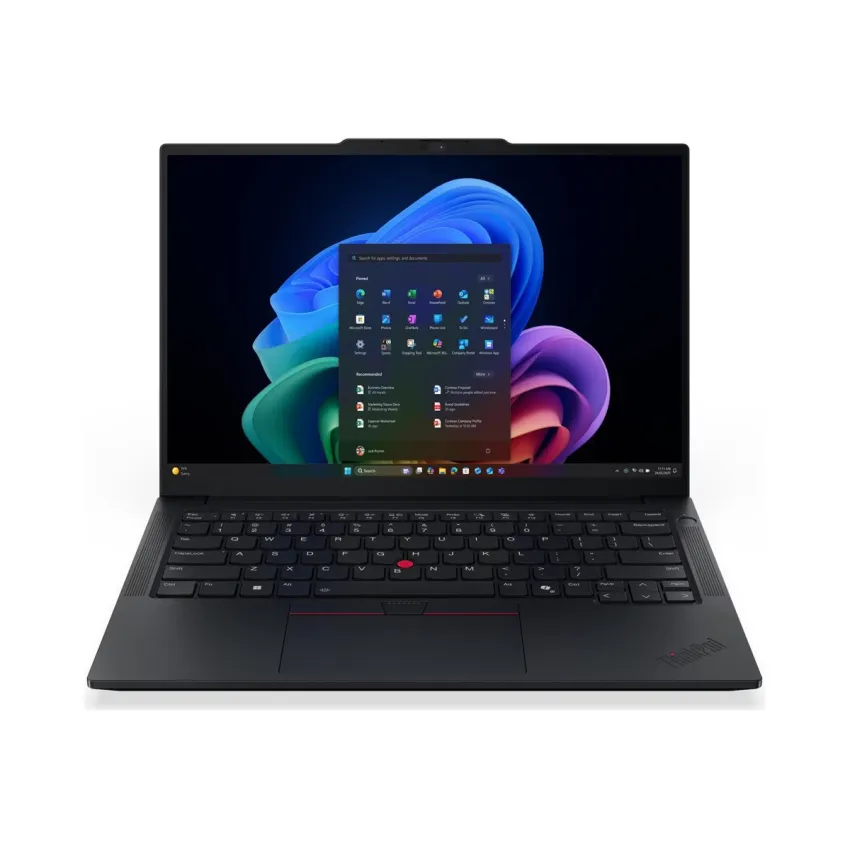
£1,170.50 Excl. VAT
SKU: 21KC004UUK
- Intel Core Ultra 5
- 16GB
- 512GB SSD
£1,097.00 Excl. VAT