
Showing 1–12 of 46 results
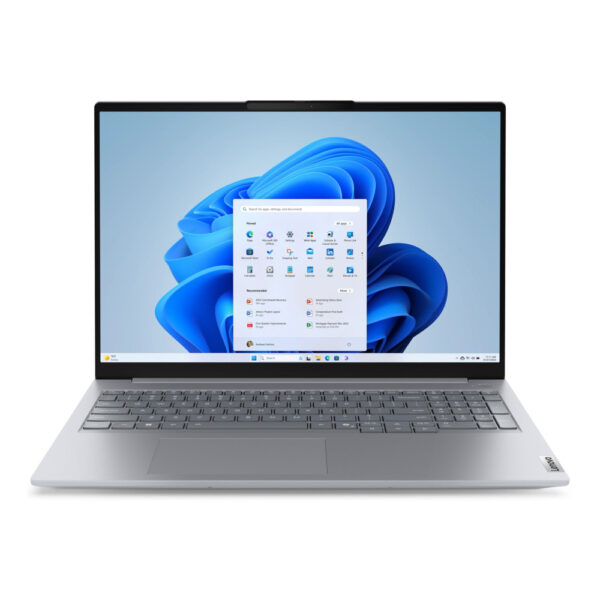
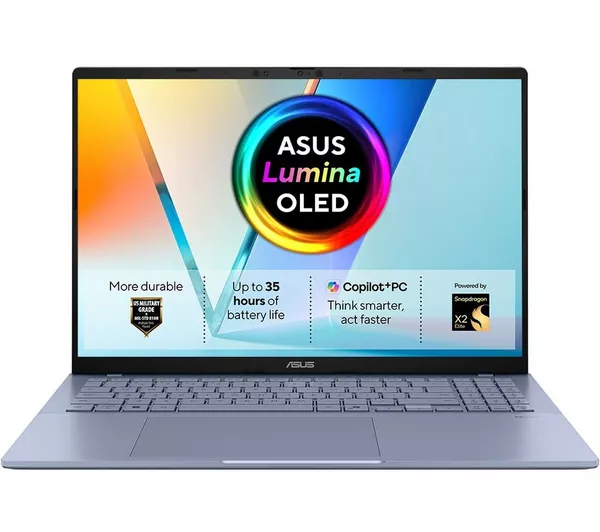
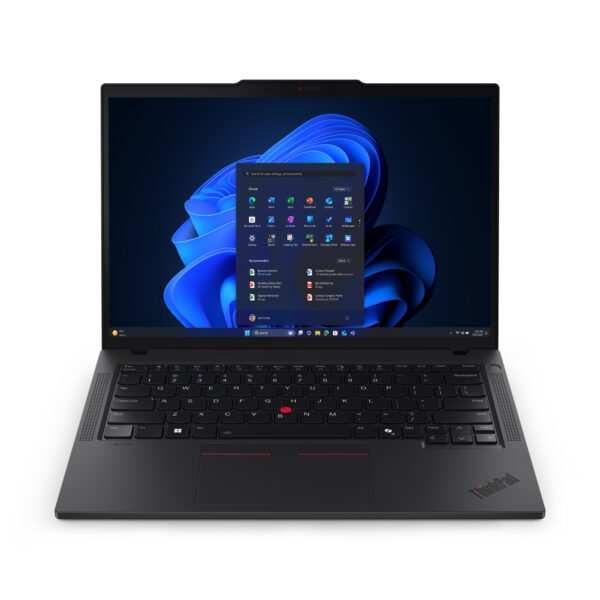
| RAM | 16GB |
| Storage | 512GB |
| Processor | Intel Core i5 |
| Screen Size | 15.6 Inch |
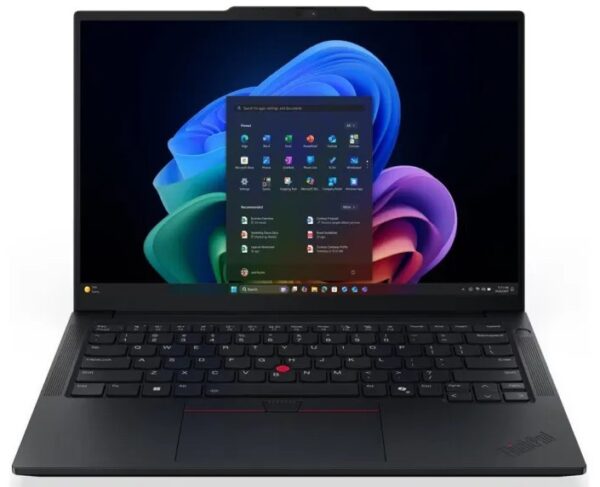
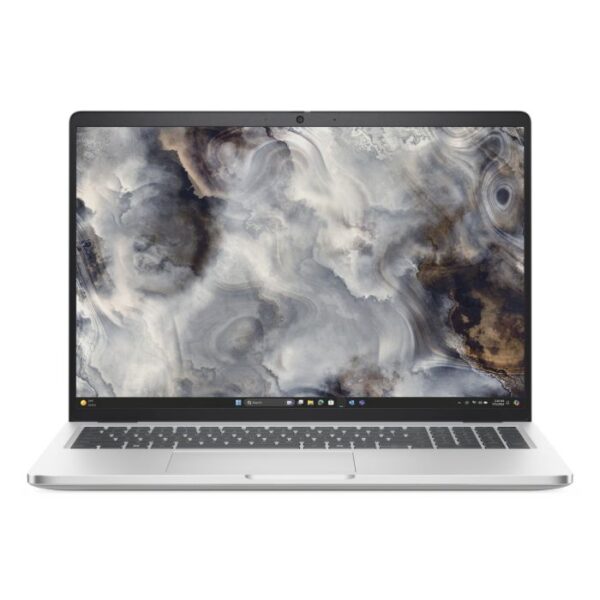
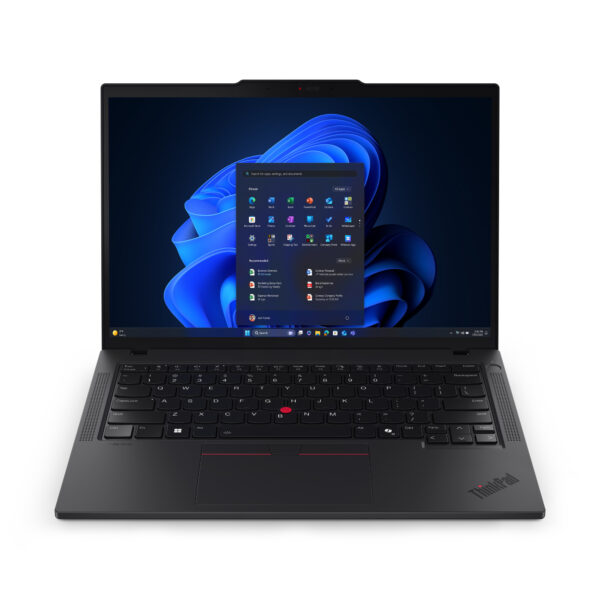
| RAM | 16GB |
| Storage | 512GB |
| Processor | Intel Core i5 |
| Screen Size | 14 Inch |
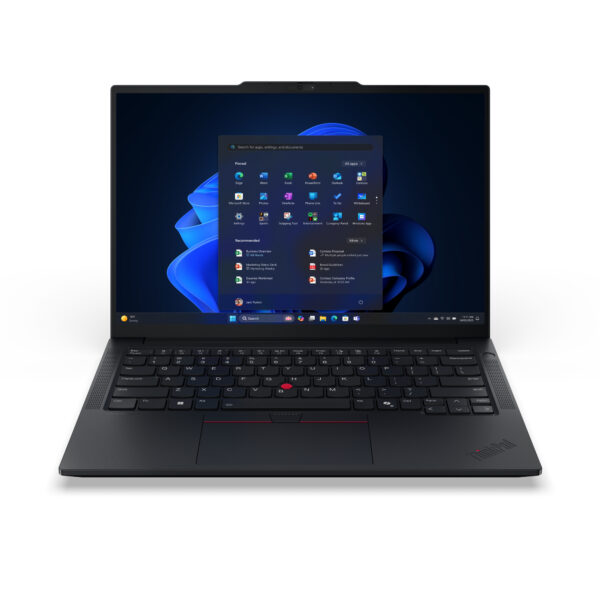
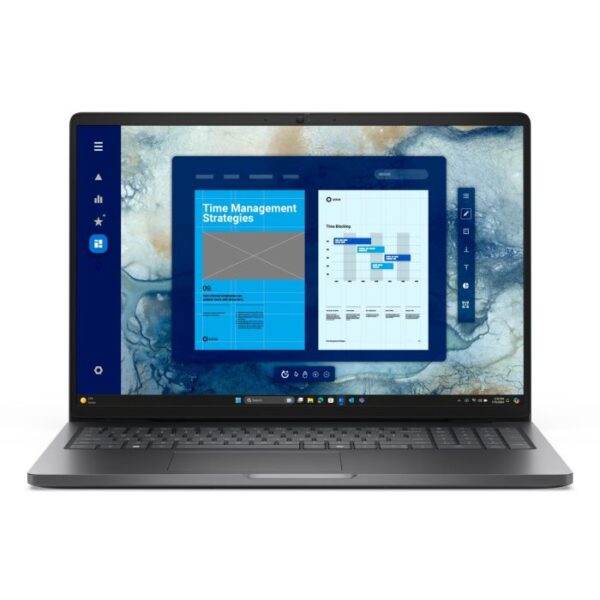
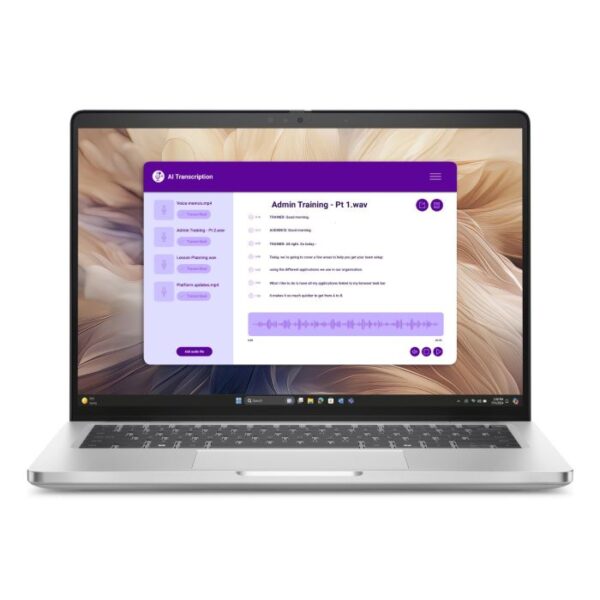
| RAM | 16GB |
| Storage | 512GB |
| Processor | Intel Core i7 |
| Screen Size | 14 Inch |
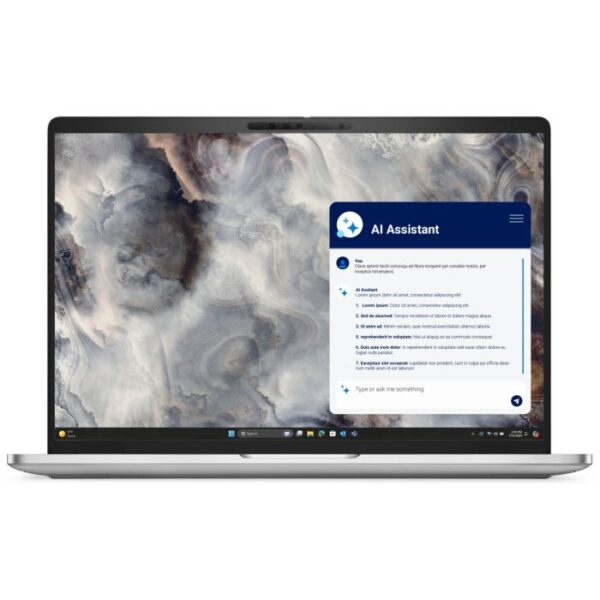
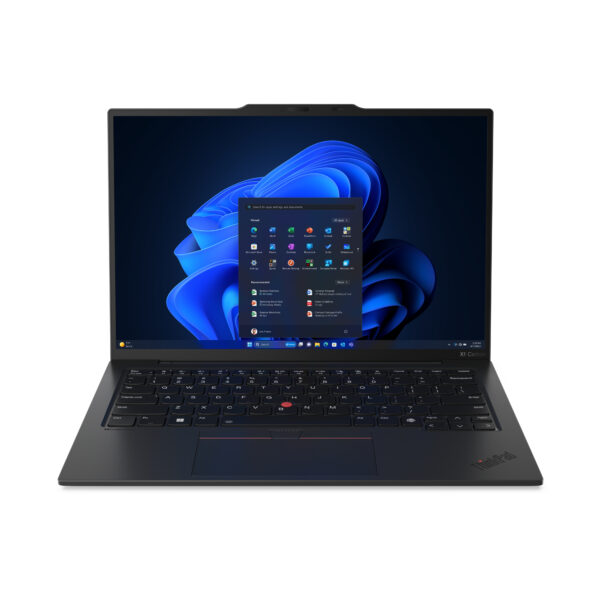
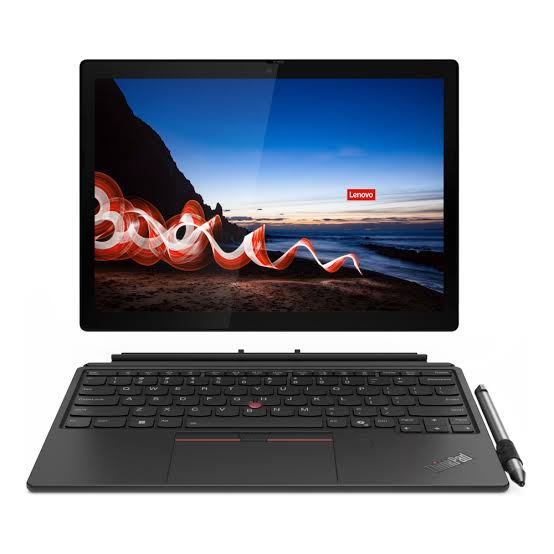
| RAM | 16GB |
| Storage | 512GB |
| Processor | Intel Core i5 |
| Screen Size | 15.6 Inch |
| RAM | 16GB |
| Storage | 512GB |
| Processor | Intel Core i7 |
| Screen Size | 15.6 Inch |
| RAM | 16GB |
| Storage | 1TB |
| Processor | Intel Core 7 |
| Screen Size | 15.6 Inch |
| RAM | 16GB |
| Storage | 512GB |
| Processor | Snapdragon |
| Screen Size | 16 Inch |
| RAM | 16GB |
| Storage | 512GB |
| Processor | Intel Core Ultra 5 |
| Screen Size | 14 Inch |
| RAM | 16GB |
| Storage | 512GB |
| Processor | Intel Core i5 |
| Screen Size | 15.6 Inch |
| RAM | 16GB |
| Storage | 1TB |
| Processor | Intel Core i7 |
| Screen Size | 15.6 Inch |
| RAM | 16GB |
| Storage | 512GB |
| Processor | AMD Ryzen 5 |
| Screen Size | 15.6 Inch |
| RAM | 16GB |
| Storage | 512GB |
| Processor | Intel Core i7 |
| Screen Size | 15.6 Inch |
Best Laptops deals in the UK
Before You Buy a Laptop, Read This First
Most people start laptop shopping by looking at prices or brand names. That's actually the wrong place to start — and it's why a lot of buyers end up with a machine that feels slow or frustrating within a year or two.
The right question to ask first is: what will I actually use this laptop for every day?
A laptop that works perfectly for a student doing assignments will feel underpowered for a professional running business software all day. A machine that handles office work well might struggle if you also want to game on it in the evenings. Getting this wrong costs you money twice — once when you buy it, and again when you replace it sooner than expected.
At Techyest, every laptop we sell is brand new, includes full UK manufacturer warranty, and is available with fast delivery across the UK. We help users find the right one without the confusion.
What Kind of Laptop User Are You?
Before looking at any specific model, it helps to be honest about how you actually use a laptop day to day.
You Mainly Do Office Work and Productivity Tasks
This means emails, video calls, Word documents, spreadsheets, browser research, and maybe some cloud-based software. You probably have several tabs open at once and switch between apps regularly throughout the day.
For this kind of use, you do not need a gaming laptop and you do not need the cheapest option available. What you need is a reliable processor, at least 16GB of RAM, a comfortable keyboard, and good battery life.
Our business laptops category is the best starting point. These machines are built for all-day professional use and tend to hold up better over time than general consumer laptops.
You Are a Student or Home User
Students and home users typically need a laptop for assignments, online research, video streaming, video calls, and general browsing. Occasionally there might be some light creative work or presentation building involved.
For this, you do not need to spend a lot. A mid-range laptop with a Core i5 processor and 8GB to 16GB of RAM will handle everything comfortably. Portability and battery life matter more than raw power here.
Browse our student laptops range for options that balance price with daily usability.
You Need a Laptop for Gaming
Gaming laptops are a completely different category. They need a dedicated graphics card — integrated graphics simply cannot handle modern games properly. They also need stronger cooling systems because gaming pushes the processor and GPU hard for long periods.
If gaming is part of why you are buying a laptop — even if it is just a few hours on weekends — do not compromise on this. A business or student laptop will not give you a good gaming experience.
Our gaming laptops category covers options with dedicated GPUs that are actually built for this.
You Are Buying for a Business or Team
Buying laptops for multiple employees is different from buying for personal use. You want consistent hardware across devices, good security features, manageable warranty support, and configurations that won't need upgrading every couple of years.
Brands like Lenovo ThinkPad, Dell Latitude, and HP EliteBook are popular for business procurement because they are designed with exactly this in mind. If you are buying in volume, contact us directly and we can help with availability and pricing.
Shop Laptops by Brand
Brand choice matters more than most people think — not because one brand is always better, but because different brands have genuine strengths in different areas.
Lenovo Laptops
Lenovo is consistently one of the top-selling laptop brands in the UK, and for good reason. Their ThinkPad range is widely considered the gold standard for business laptops — the keyboards alone are better than most competitors. The ThinkBook range is excellent for small businesses and hybrid workers. The IdeaPad range covers students and home users well.
Browse all Lenovo laptops or explore specific series like ThinkBook and ThinkPad.
Dell Laptops
Dell's strength is consistency and build quality. The Latitude range is a popular choice for business users because of its reliability and good after-sales support. The XPS range sits at the premium end for users who want strong performance in a thin and light design. Explore the full Dell laptops range.
HP Laptops
HP covers a wide range — from affordable everyday laptops to professional EliteBook models built for business environments. The EliteBook series is worth considering if you want strong security features and durable construction for daily professional use. Browse HP laptops to compare options.
Understanding Laptop Specs — Explained Simply
You do not need to understand every technical detail, but a few specs make a big practical difference. Here is what actually matters.
The Processor — How Fast Your Laptop Thinks
The processor determines how quickly your laptop handles tasks. For most UK buyers, the choice comes down to Intel Core i5 versus Intel Core i7, or AMD Ryzen equivalents.
- Intel Core i3 — Basic tasks only. Browsing, documents, light streaming. Will feel slow if you push it.
- Intel Core i5 — The right choice for most people. Handles everyday work, multitasking, and standard software well.
- Intel Core i7 — Worth paying for if you run demanding software, work with large files, or multitask heavily all day.
- AMD Ryzen 5 / Ryzen 7 — Strong alternatives to Intel at similar performance tiers. Ryzen 7 in particular offers excellent value in the mid-to-high range.
Compare Intel i5 laptops and Intel i7 laptops side by side to see which fits your budget and needs.
RAM — How Well Your Laptop Handles Multiple Tasks at Once
RAM is probably the spec that affects daily experience the most, and it is the one most people underestimate.
- 8GB — Fine for light users. If you keep more than five or six browser tabs open alongside other apps, you will notice slowdowns.
- 16GB — The right amount for most working professionals and students who multitask regularly. This is the configuration we recommend most often.
- 32GB — Only relevant for developers, data analysts, or people running virtual machines alongside everyday work.
If you know you want 16GB, our 16GB RAM laptops page filters everything for you across brands and price points.
Storage — SSD vs HDD
Almost all laptops sold today use SSD storage, and this is genuinely important. SSDs make your laptop start up faster, open applications quicker, and feel more responsive overall. If you come across a laptop still using a traditional HDD hard drive, avoid it — the speed difference is very noticeable in daily use.
For storage size, 256GB is workable for light users but fills up faster than most people expect. 512GB is the practical sweet spot for most buyers. Go for 1TB if you store a lot of files, videos, or projects locally.
Battery Life — What the Numbers Actually Mean
Manufacturers often advertise battery life under ideal conditions — low screen brightness, minimal applications running. In real use, expect around 70 to 80 percent of the claimed figure.
A laptop advertised at 10 hours will typically last 7 to 8 hours in mixed professional use. For students or workers who need a full day away from a charger, look for laptops rated at 12 hours or above, which should comfortably last a working day in practice.
Screen Size and Weight
- 13 to 14 inch — Best for portability. Light to carry, fits easily in a bag. Slightly smaller workspace.
- 15.6 inch — The most popular size in the UK. Good balance between screen space and portability.
- 16 to 17 inch — Best for desk use. More screen space but heavier and less convenient to carry daily.
Laptop Price Ranges in the UK — What You Get at Each Level
One of the most common questions is how much to spend. Here is an honest breakdown based on what different budgets actually get you.
| Budget | What to Expect | Best For |
| Under £350 | Core i3 or entry Ryzen, 8GB RAM, 256GB SSD | Very basic home use, light browsing |
| £350 – £550 | Core i5, 8–16GB RAM, 256–512GB SSD | Students, everyday home users |
| £550 – £800 | Core i5/i7, 16GB RAM, 512GB SSD | Professionals, hybrid workers |
| £800 – £1,200 | Core i7, 16–32GB RAM, fast SSD, better build | Business users, power users |
| £1,200+ | Core i7/i9, premium build, high-res display | Senior professionals, demanding workloads |
The biggest mistake people make is buying at the lower end of their budget when spending slightly more would get them a machine that lasts noticeably longer. A laptop at £600 with 16GB RAM will serve most people far better over three or four years than a £380 model with 8GB that starts feeling slow within eighteen months.
New Laptops vs Refurbished — Which Should You Buy?
This comes up often, so it is worth addressing directly.
Refurbished laptops can offer good value, but they come with trade-offs — shorter or no manufacturer warranty, potential battery degradation, and unknown usage history. For buyers who need reliability for work or study, these are real risks.
Every laptop at Techyest is brand new and sealed. You get the full manufacturer warranty, a fresh battery, and a machine that has not been used before. For most buyers, this is worth the difference in price.
Operating System — Windows, ChromeOS, or macOS?
Most laptops sold in the UK run Windows 11, which is the right choice for the majority of buyers. It supports the widest range of software, works well in both personal and professional environments, and is what most businesses and educational institutions use.
ChromeOS laptops (Chromebooks) are lighter and cheaper but are limited to web-based applications. They work well for basic browsing and Google Workspace but are not suitable for professional software or Windows-specific tools.
macOS is exclusive to Apple MacBooks, which are not currently part of our range at Techyest.
All laptops on our site run Windows 11 and are ready to use out of the box.
Browse All Laptop Categories
- Business Laptops — Built for professional daily use across brands
- Student Laptops — Practical and affordable for academic use
- Gaming Laptops — Dedicated GPU performance for gaming
- Lenovo Laptops — Full Lenovo range including ThinkPad and IdeaPad
- Dell Laptops — Dell Latitude, XPS and Inspiron options
- HP Laptops — HP EliteBook and everyday HP range
- Intel i5 Laptops — Mid-range performance across all brands
- Intel i7 Laptops — High-performance configurations
- 16GB RAM Laptops — Filter by memory for smooth multitasking
Frequently Asked Questions
There is no single best laptop — it depends entirely on what you need it for. For office work, Lenovo ThinkBook and Dell Latitude are strong choices. For students, mid-range IdeaPad or HP models offer good value. For gaming, you need a dedicated GPU. Start with your use case and work backwards from there.
For most people, 16GB is the right amount. It handles everyday multitasking comfortably and gives you enough headroom as software demands grow over time. 8GB is workable for light users. Avoid anything less than 8GB.
Buying online gives you access to a wider range of configurations and usually better pricing. At Techyest, all laptops come with full warranty and fast delivery, so there is no practical disadvantage versus buying in a physical store.
An i5 is enough for most everyday users — students, home users, and professionals doing standard office work. An i7 makes a noticeable difference if you run demanding software, work with large files regularly, or multitask heavily across many applications at once.
Yes. All laptops we sell come with Windows 11 pre-installed and meet Microsoft's full hardware requirements including TPM 2.0.
Yes. If you need multiple units for a team or office, get in touch with us directly. We can help with availability, consistent configurations across devices, and pricing for volume orders.