



Shop All Laptops
Browse our full range of laptops from HP, Dell, Lenovo, and ASUS — all brand new, UK-stocked, and backed by full manufacturer warranty. Use the filters to narrow down by brand, processor, RAM, storage, or screen size, or read on below for a quick guide to what each spec actually means in everyday use. Prefer a faster route? Try our Laptop Finder — answer 5 quick questions and we’ll match you with the right laptop for your budget and needs.
Showing all 6 resultsSorted by average rating

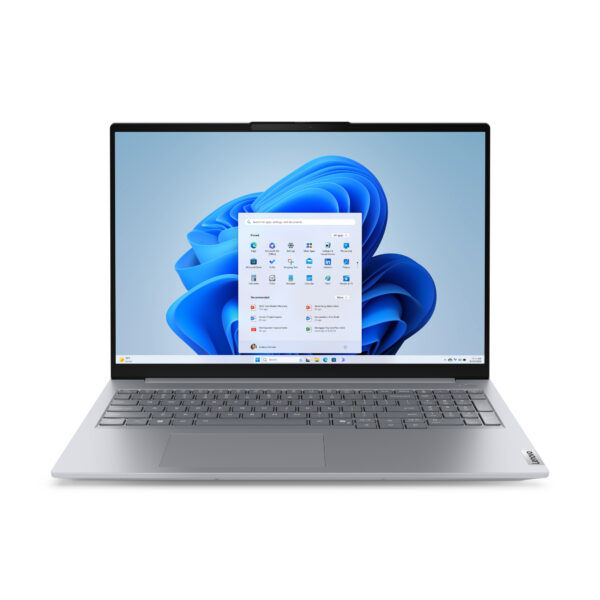
SKU: 21SH008NUK

| RAM | 16GB |
| Storage | 512GB |
| Processor | Intel Core 7 |
| Screen Size | 16 Inch |
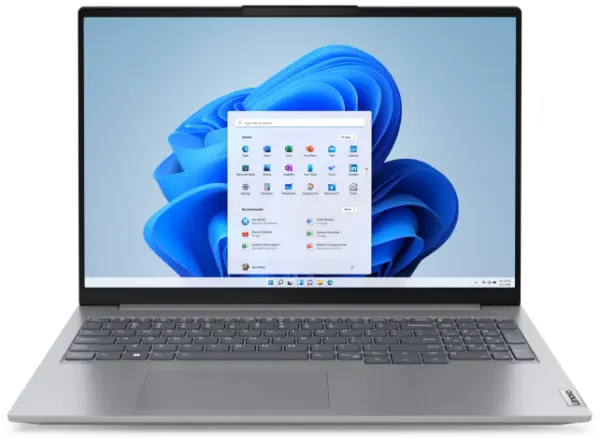
SKU: 21KH00QXUK-16GB
| RAM | 16GB |
| Storage | 256GB |
| Processor | Intel Core i5 |
| Screen Size | 16 Inch |
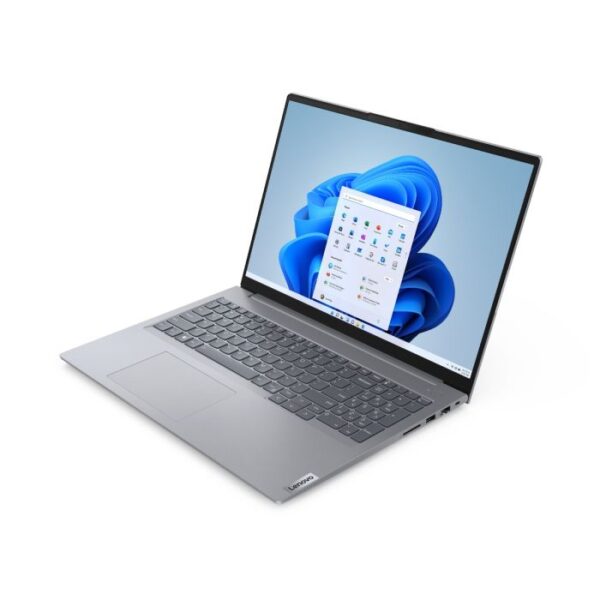
SKU: 21KH00QXUK
| RAM | 8GB |
| Storage | 256GB |
| Processor | Intel Core i5 |
| Screen Size | 16 Inch |
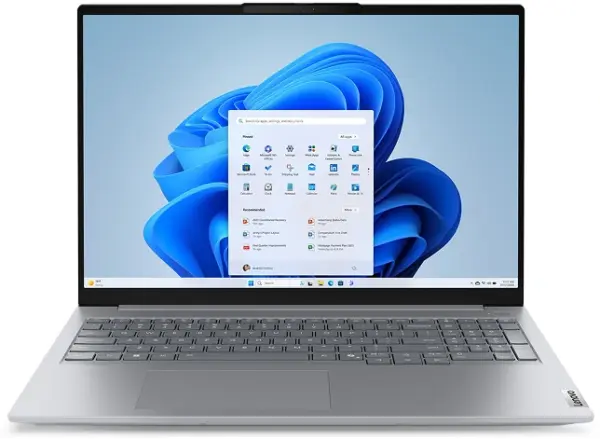
SKU: 21SK007AUK
| RAM | 16GB |
| Storage | 256GB |
| Processor | Intel Core Ultra 5 |
| Screen Size | 16 Inch |
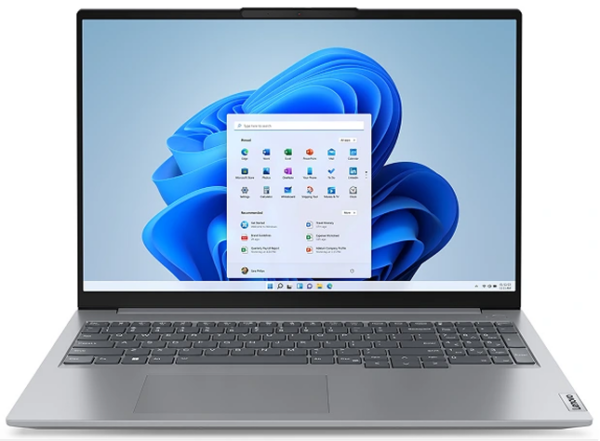
SKU: 21KK00B9UK
| RAM | 16GB |
| Storage | 256GB |
| Processor | AMD Ryzen 3 |
| Screen Size | 16 Inch |
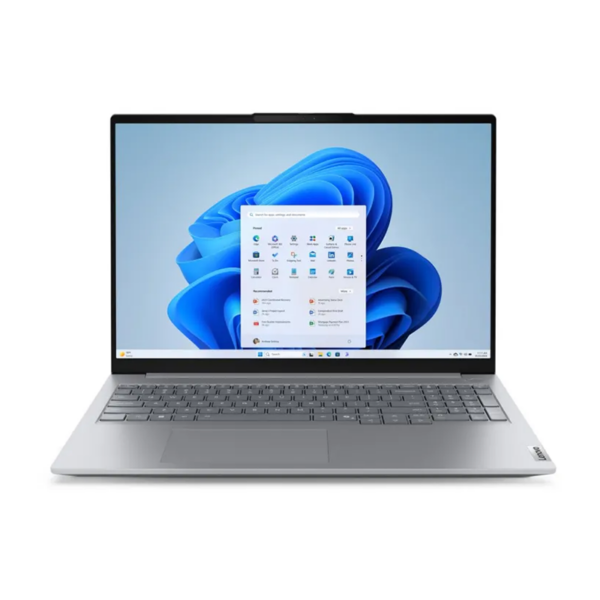
SKU: 21SH00G1UK
| RAM | 16GB |
| Storage | 256GB |
| Processor | Intel Core i5 |
| Screen Size | 16 Inch |
Understanding Laptop Specs — A Quick Guide
You don't need to understand every technical detail, but a few specs make a real difference to how a laptop feels day to day. Here's what to look for when filtering.
The Processor
Intel Core i3 — Basic tasks only: browsing, documents, light streaming. Feels slow under any pressure.
Intel Core i5 — The right choice for most people. Handles everyday work, multitasking, and standard software comfortably.
Intel Core i7 — Worth it if you run demanding software, work with large files, or multitask heavily all day.
AMD Ryzen 5 / Ryzen 7 — Strong Intel alternatives at similar performance tiers. Ryzen 7 offers excellent value in the mid-to-high range.
Filter by Intel Core i5 or Intel Core i7 to compare options side by side.
RAM
8GB — Fine for light users. Once you keep more than five or six browser tabs open alongside other apps, you'll notice slowdowns.
16GB — The right amount for most working professionals and students who multitask regularly. The configuration we recommend most often.
32GB — Relevant mainly for developers, data analysts, or anyone running virtual machines alongside everyday work.
Filter by 8GB, 16GB, or 32GB RAM to see everything available at each tier.
Storage — SSD vs HDD
Almost all laptops sold today use SSD storage, and this matters — SSDs boot faster, open applications quicker, and feel noticeably more responsive. Avoid anything still using a traditional HDD.
256GB is workable for light users but fills up faster than expected. 512GB is the practical sweet spot for most buyers. Go for 1TB if you store a lot of files, videos, or projects locally.
Battery Life
Manufacturers advertise battery life under ideal conditions — low brightness, minimal background activity. In real use, expect 70–80% of the claimed figure. A laptop advertised at 10 hours typically lasts 7–8 hours in mixed professional use. If you need a full day away from a charger, look for laptops rated 12 hours or above.
Screen Size and Weight
13–14 inch — Best for portability. Light, fits easily in a bag, slightly smaller workspace.
15.6 inch — The most popular size in the UK. Good balance of screen space and portability.
16–17 inch — Best for desk use. More screen space, heavier, less convenient to carry daily.
Laptop Price Ranges — What You Get at Each Level
| Budget | What to Expect | Best For |
| Under £350 | Core i3 or entry Ryzen, 8GB RAM, 256GB SSD | Very basic home use, light browsing |
| £350 – £550 | Core i5, 8–16GB RAM, 256–512GB SSD | Students, everyday home users |
| £550 – £800 | Core i5/i7, 16GB RAM, 512GB SSD | Professionals, hybrid workers |
| £800 – £1,200 | Core i7, 16–32GB RAM, fast SSD, better build | Business users, power users |
| £1,200+ | Core i7/i9, premium build, high-res display | Senior professionals, demanding workloads |
The biggest mistake buyers make is going for the lowest price within their budget when spending slightly more gets a machine that lasts noticeably longer. A laptop at £600 with 16GB RAM will outlast a £380 model with 8GB by several years of usable performance.
New vs Refurbished
Refurbished laptops can offer value, but come with trade-offs — shorter or no manufacturer warranty, possible battery degradation, and unknown usage history. Every laptop at Techyest is brand new and sealed, with full manufacturer warranty and a fresh battery. For most buyers needing reliability for work or study, that difference is worth the price gap.
Operating System
Most laptops sold in the UK — and everything in our range — run Windows 11, meeting Microsoft's full hardware requirements including TPM 2.0. Windows supports the widest range of software and is the standard for both personal and professional use.
ChromeOS laptops (Chromebooks) are lighter and cheaper but limited to web-based applications — fine for basic browsing and Google Workspace, not suited to professional software. macOS is exclusive to Apple MacBooks, which aren't currently part of our range.