



Dell Pro vs Pro Essential vs Pro Plus: What the Model Codes Mean
- November 2, 2026
- 13 min read
- Techyest Team
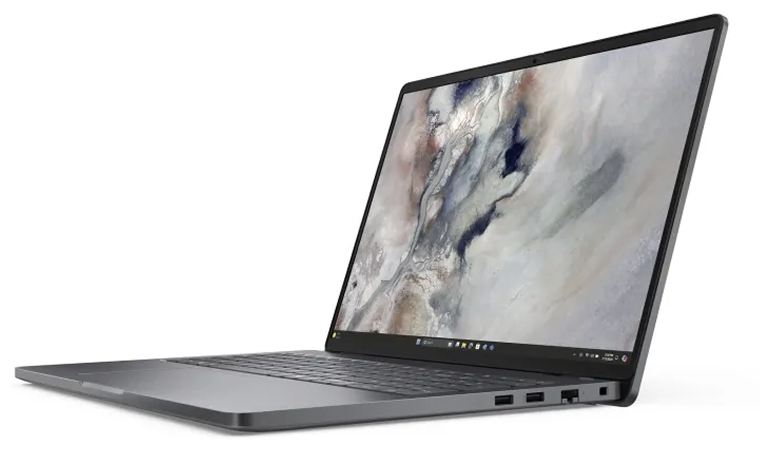
Dell Pro vs Pro Essential: the 14-inch comparison
Features
Pro 14 Essential (PV14250)
Pro 14 (PC14250)
Pro 14 Plus (PB14250)
Processors
Core 5 120U, Core 7 150U
Core 5 or Core Ultra 5, depending on the listing
Core Ultra 200V or 200U
Memory
DDR5, 8GB, 16GB or 32GB options
DDR5 module
LPDDR5X, soldered, up to 32GB
Fast USB-C
None stated; the USB-C port runs at 10 Gbps
One Thunderbolt 4 / USB4 port
Two Thunderbolt 4 ports
Video output
HDMI 1.4, limited to 1080p at 60 Hz
Not checked
HDMI 2.1
Wi-Fi
Wi-Fi 6
Wi-Fi 6E
Wi-Fi 7 on 200V, Wi-Fi 6E on 200U
Weight
1.56 to 1.65 kg
1.36 kg
1.40 kg (2-in-1: 1.55 kg)
Battery
54 Wh
55 Wh
45 Wh or 55 Wh
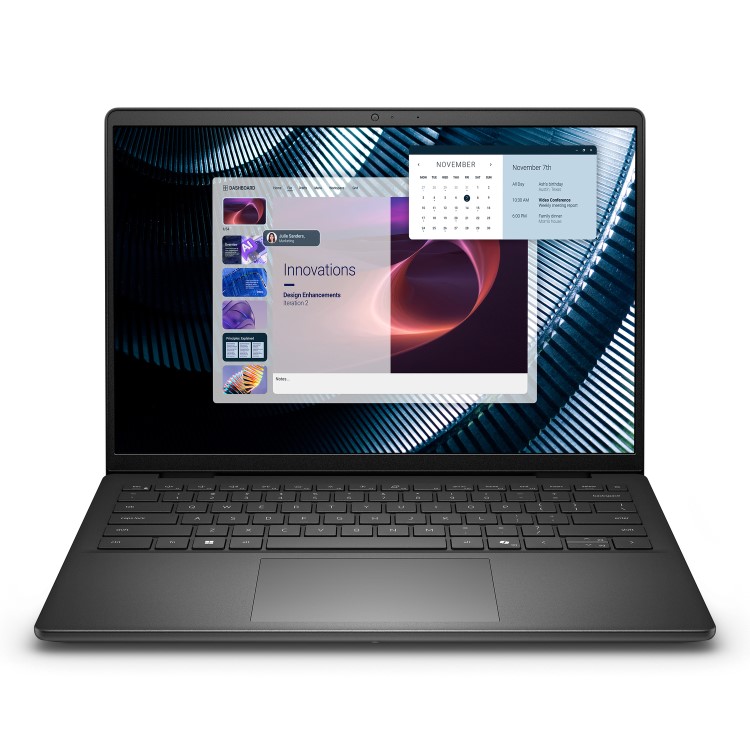
Pro 14 Essential (PV14250)
SKU: Y9V5D
£809.65 Excl. VAT
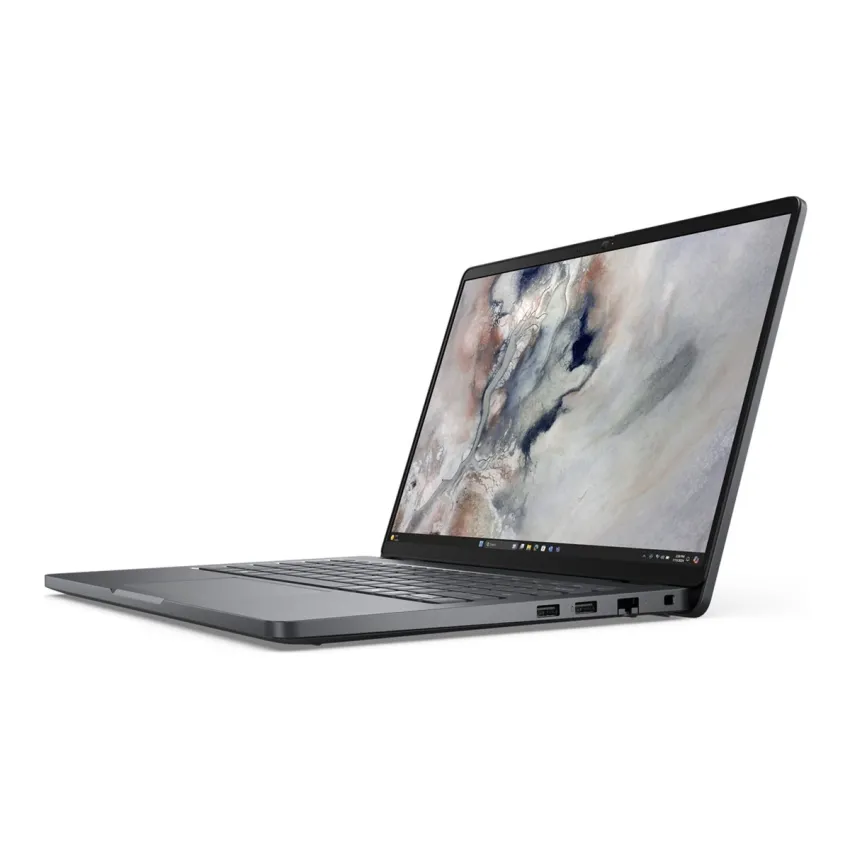
DELL Pro 14 (PC14250)
SKU: T1HG7
£974.34 Excl. VAT
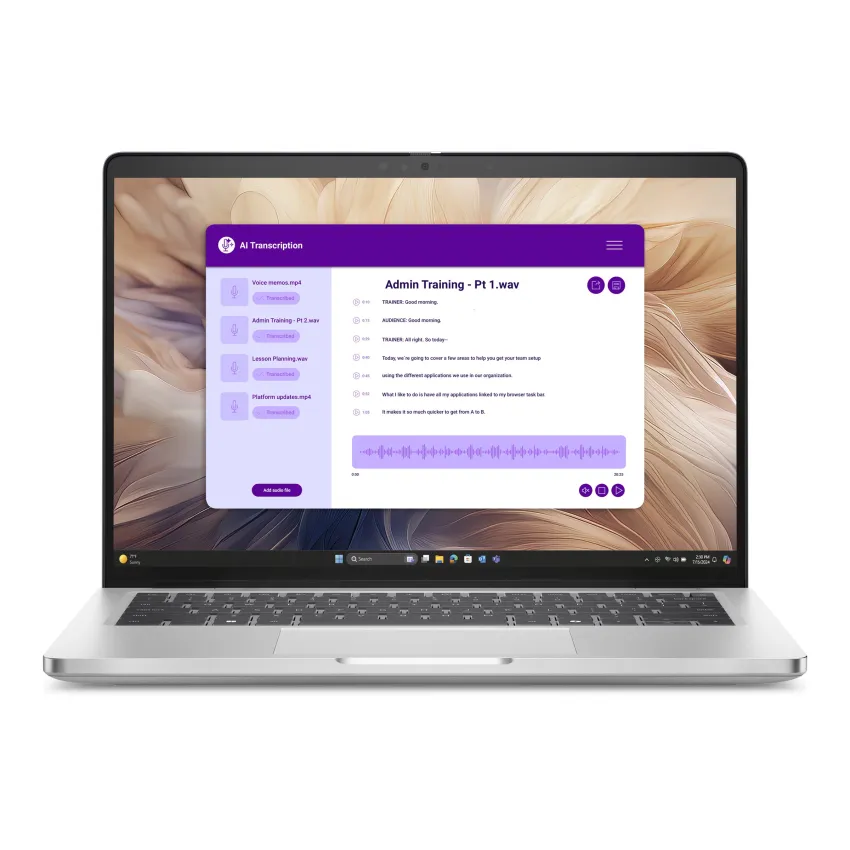
Dell Pro 14 Plus (PB14250)
SKU: 93XNY
£1,150.50 Excl. VAT
Three things stand out.
- Essential is not the lightest. It is the heaviest of the three by 0.2 kg or more, even though it carries the lowest tier name. If you carry the laptop every day, the standard Pro 14 is the lighter choice.
- Thunderbolt is the real dividing line. Dell’s Essential 14 page lists no Thunderbolt or USB4, and its HDMI port stops at 1080p. That is fine for one monitor on a desk. If you want a dock, a 4K monitor or two screens, move up to Pro or Plus.
- Plus is about the build and the radio. Two Thunderbolt 4 ports, HDMI 2.1 and Wi-Fi 7 (on the 200V chips) are what you pay for, along with the Copilot+ PC label. Its memory is built onto the board, so you pick the 16GB or 32GB at purchase and live with it.
Memory deserves a second look on the other two. Dell’s page for the Essential 14 offers 8GB, 16GB or 32GB versions but does not state a maximum. A spec sheet we found for the PC14250 shows a removable memory module with a spare slot, but we haven’t confirmed that for every listing, so ask us before you buy if upgrading later matters to you.
For the full range, see our Dell Pro laptops page.
Dell model numbers explained: how to read PV14255
Take PV14255. It breaks into three parts:
Part of the code
In PV14255
What it tells you
Two Letters

PV
The Tier
Two Digits
14
Screen Size in Inches
Three Digits
255
Generation, Then The Processor Maker
Letters
Name
Where it sits
In our range now
DC
Dell (plain consumer line, replaces Inspiron)
Everyday home and study
DC15250
PV
Dell Pro Essential
Entry business line, bought in bulk
PV14250, PV14255, PV15250
PC
Dell Pro
Standard business line
PC14250, PC16250
PB
Dell Pro Plus
Higher-end business line
PB14250, PB16250
PA
Dell Pro Premium
Top business ultraportable
Not listed at the moment
The last digit is the Intel or AMD marker. A 0 means Intel and a 5 means AMD. You can see it in our own range: PV14250 comes with Intel Core 5 or Core 7, while PV14255 comes with AMD Ryzen 5 or Ryzen 7. Same body, different chip.
One naming trap: Dell also has consumer laptops called Dell Plus and Dell Premium. These are not the same as Dell Pro Plus and Dell Pro Premium. The “Pro” in the name is what makes it a business laptop.
DC15250 and PV15250: the same 15.6-inch body
These two confuse more buyers than any other pair. Dell’s own specification pages give both the same 15.6-inch Full HD screen (anti-glare, 120 Hz, 250 nits), the same Core i5-1334U and Core i7-1355U options, a 41 Wh battery, and the same ports: one USB-A 3.2, one USB-C, one USB 2.0, HDMI 1.4, an SD card slot and a headset jack. Chassis thickness is the same too.
The differences are in the small print:
- Fingerprint reader: listed for the PV15250 palmrest; the DC15250 page says “without fingerprint reader”.
- Numeric keypad: Dell states one for the PV15250. The DC15250 page doesn’t say, so check the photos on the listing.
- Memory type: the DC15250 page includes a 16GB DDR4 version alongside DDR5. The PV15250 page lists DDR5 only.
- Operating system: the DC15250 is sold with Windows 11 Home or Pro depending on the listing.
- HDMI: on the DC15250, Dell states 1920×1080 at 60 Hz with no 4K output.
If you only need a solid 15-inch for office work or study, the DC15250 is a fair buy. If you want the fingerprint reader and a business line, choose the PV15250. Both are on our Dell 15-inch laptops page.
Dell Pro 16 vs Pro 16 Plus (PC16250 vs PB16250)
The 16-inch pair follows the same pattern as the 14-inch one, from Dell’s UK pages:
Features
Pro 16 (PC16250)
Pro 16 Plus (PB16250)
Processors
Core Ultra 5 225U to Core Ultra 7 265U (our range also includes a Core 5)
Core Ultra 5 236V to Core Ultra 7 266V; Intel only on Dell's UK page
Memory
DDR5, 8GB or 16GB
LPDDR5x on the base model, DDR5 on others
Wi-Fi
Wi-Fi 6E
Wi-Fi 7
Weight
1.92 kg
1.84 kg
Battery
45 Wh
55 Wh
Fingerprint reader
None listed
Yes
Numeric keypad
Yes
Yes
Both have Thunderbolt 4, HDMI 2.1 and a backlit keyboard with a Copilot key. The Plus is lighter, has the bigger battery and the fingerprint reader. That is the gap the extra money buys.
Intel or AMD in the same body
PV14250 and PV14255 are one design with two chip choices.
The differences are in the small print:
- PV14250 (Intel): Core 5 120U or Core 7 150U
- PV14255 (AMD): Ryzen 5 220, Ryzen 7 250 or Ryzen 7 PRO 250
We aren’t going to tell you one is faster; it depends on the task and the configuration. If your IT team deploys a standard Windows image, ask which platform it was built on. Otherwise choose on RAM and storage first and chip second.
Dell says the Plus and standard Pro ranges also come with AMD Ryzen AI PRO chips in some markets. The PB16250 listing on Dell’s UK page is Intel only.
Where Premium and Pro Max fit
Two names come up in searches that aren’t in our range at the moment.
- Dell Pro Premium (PA): the lightest business tier, in 13- and 14-inch sizes, with a magnesium chassis and an optional OLED screen. It is aimed at executives and people who travel constantly.
- Dell Pro Max: mobile workstations for CAD, 3D rendering, video editing and local AI work. Dell describes them as using more powerful H-series processors, with the option of NVIDIA graphics. They are heavier and built for sustained heavy loads, not office work.
If your work is spreadsheets, documents, video calls and browser tabs, you don’t need either.
Which one for which job
- A 15-inch for office staff who type numbers all day: PV15250 (keypad and fingerprint reader stated by Dell).
- A cheaper family or study laptop: DC15250, ideally the 16GB version.
- A light 14-inch to carry daily: PC14250 (1.36 kg).
- A dock, 4K monitor or two screens: PC14250 or PB14250, not the Essential.
- The best radio and battery in a 14-inch: PB14250.
- A bigger screen for spreadsheets and split windows: PC16250, or PB16250 if weight and battery matter.
- A team on an AMD standard image: PV14255.
- Gaming: none of the above. Dell’s gaming line is Alienware, with dedicated graphics; see our Alienware laptops page.
Three checks before you buy
- RAM. Several models come in 8GB and 16GB versions under the same code. Our RAM guide explains why 16GB is the safer choice for most work.
- Windows edition. The DC15250 is sold with both Home and Pro. Pro adds business features such as BitLocker and domain join. Check the listing title.
- Memory type and storage. DDR4 vs DDR5 on the DC15250, and 512GB vs 1TB, can’t be read from the code.
Still choosing a brand? Compare HP and Dell or Lenovo and Dell.
Frequently Asked Questions
Q1. What is the difference between Dell Pro and Dell Pro Essential?
Q2. Is Dell Pro Plus better than Dell Pro Essential?
Q3. Is Dell Pro the new Latitude?
Q4. What does the last digit of a Dell model code mean?
Q5. Are the DC15250 and PV15250 the same laptop?
Q6. Which Dell Pro model is the lightest?

TechYest Editorial Team
The Techyest Team is a group of UK-based laptop specialists providing practical, honest buying advice for consumers and businesses across the United Kingdom. Our content is researched and written by in-house specialists with hands-on experience across HP, Dell, Lenovo, and ASUS product ranges. Every recommendation is based on direct product knowledge and a clear understanding of what UK buyers need at different budgets. All buying guides published under the Techyest Team are reviewed for accuracy against current UK stock availability, pricing, and manufacturer specifications before publication.
Follow Us On:


In This Guide
Recommended Picks:
SKU: H9FMP
- Intel Core i5
- 16 GB
- 512GB SSD

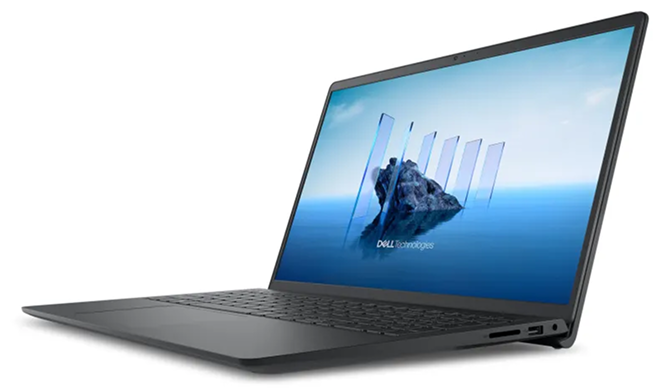
£759.00 Excl. VAT
SKU: F09CV
- Intel Core Ultra 5
- 16GB
- 512GB SSD

£1,121.99 Excl. VAT