



HP vs Dell Laptops UK — The Honest Comparison Nobody Else Will Give You
People often ask whether HP or Dell is the better laptop brand. The reality is that there is no universal winner. The truth is that both brands have strong reputation, HP and Dell have spent the last decade pulling in slightly different directions, and which one is “better” depends almost entirely on what you’re actually trying to do with a laptop. So let’s cut through the noise.
- June 22, 2026
- 25 min read
- Techyest Team
Quick Comparison: HP vs Dell at a Glance
Feature
HP
Dell
Best For
Popular Business Range
Popular Everyday Range
Display Value
Business Support
Windows 11 Pro Options
Best Choice For Most Buyers
- Students, home users, SMEs
- ProBook, EliteBook
- HP 15, HP 250 Series
- Consistently good IPS option
- Strong
- Available across business range
- HP 250 G10, HP 15-fd0066na
- Enterprise users, budget buyers needing Pro features.
- Latitude – Replaced with Dell Pro Series
- Inspiron, Dell Essential Series
- Excellent display value at budget tier
- Excellent, especially for enterprise customers
- Available across business and selected budget models
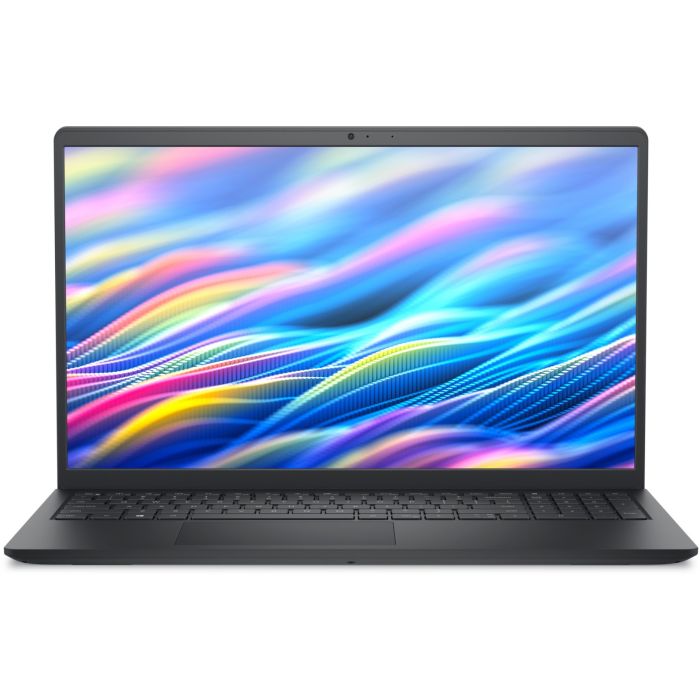
- Dell DC15250
If we had to recommend one
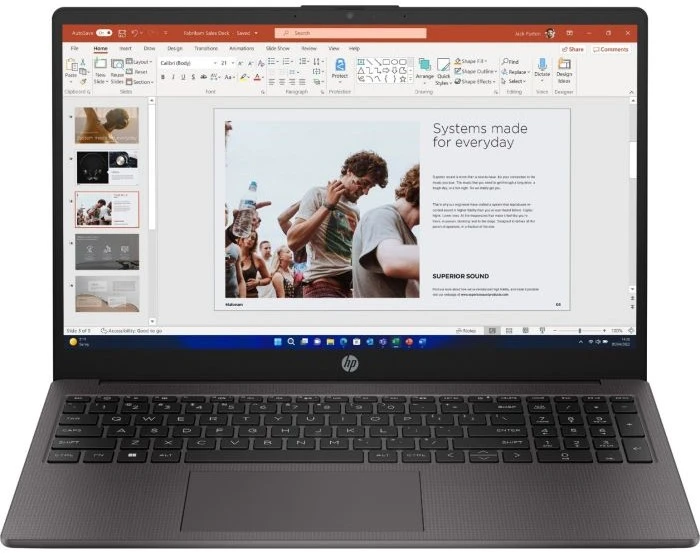
HP 255 G10
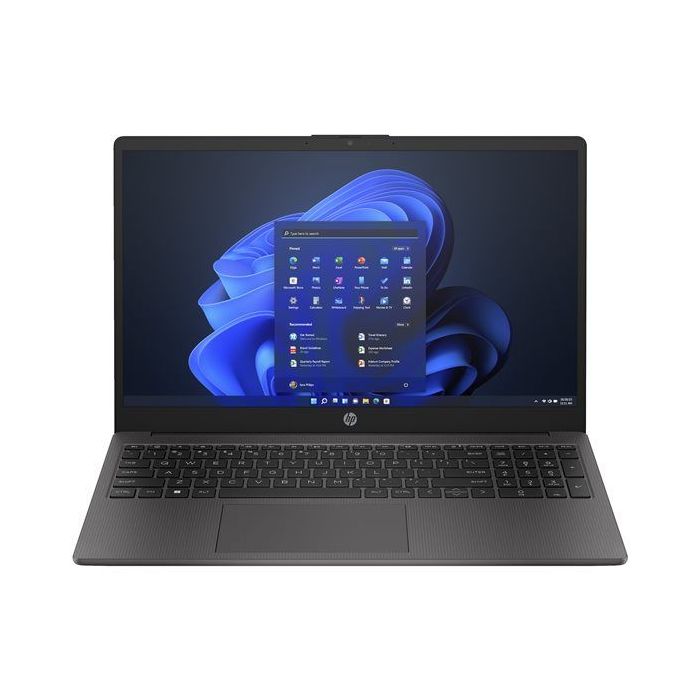
Built for Business
The Perfect balance of performance, Portability and Reliability for Professionals.
Power That Keeps Up
Latest AMD Ryzen 7 Processor for Services multitasking and productivity.
All-Day Productivity
Long battery life and fast charging to keep productivity anywhere.
Price
£581.94 Excl. VAT
Next Day Delivery
Order by 4pm
Manufacturer Warranty
Fast dispatch with full warranty protection
If we had to recommend one
Dell Pro 16 PC16250
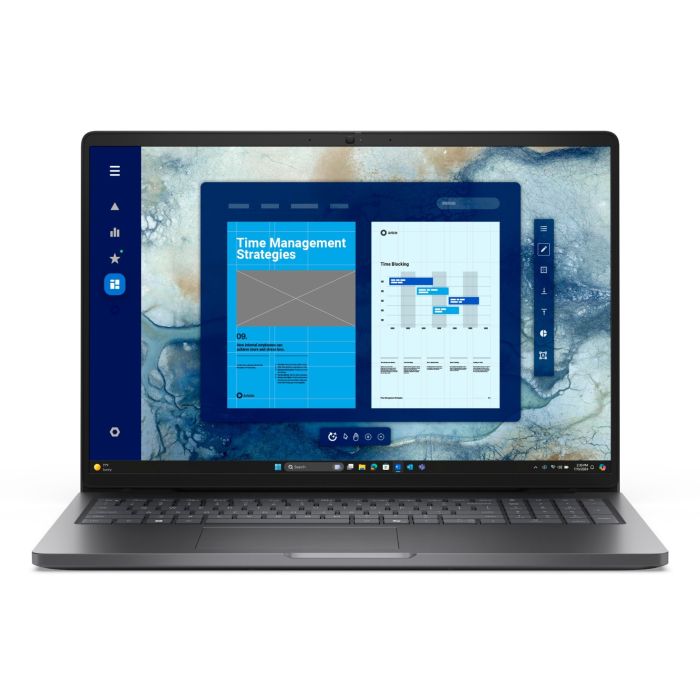
Power Through Your Workday
Intel Core Ultra 7 performance with 16GB DDR5 delivers responsive multitasking for modern professional workloads.
More Workspace. More Productivity.
The spacious 16" Full HD+ display gives you more room for documents, spreadsheets, presentations, and multitasking.
Ready for Business
Windows 11 Pro, Wi-Fi 6, and business-focused security features provide a reliable platform for professional work.
Price
£1,300.37 Excl. VAT
Next Day Delivery
Order by 4pm
Manufacturer Warranty
Fast dispatch with full warranty protection
Two Different Philosophies — How HP and Dell Think About Laptops
HP has always tried to be everything to everyone. Walk into any office, school, or living room and there’s a reasonable chance you’ll find an HP logo staring back at you. That’s not an accident — HP has built its business on breadth. Consumer laptops, business machines, budget options, premium ultrabooks. The range is enormous, and the pricing covers almost every tier imaginable.
Dell’s approach has historically been more focused. Their real strength has always been the business market — IT departments, enterprise procurement, fleet management at scale. Dell’s relationships with large organisations run deep, and that background shapes everything from how their machines are engineered to how they’re supported after purchase. Consumer products exist in their line-up, but they’ve never been the core of what Dell does.
Neither philosophy is superior in the abstract. HP’s breadth means there’s almost certainly a machine that fits your requirements. Dell’s focus means their business products in particular benefit from decades of refinement for professional environments. Understanding this distinction is the foundation of making the right choice.
Build Quality — Where Each Brand Wins
At the mid-to-premium tier, HP’s build quality is genuinely impressive. The HP ProBook 450 G10 is a good example of the approach — aluminium chassis, MIL-SPEC durability testing, a frame that feels reassuringly solid without being unnecessarily heavy. The HP EliteBook range takes this further still, but even the ProBook is built to survive real-world professional use: bag pressure, daily commutes, the occasional knock. These machines are engineered with working life in mind, and it shows.
The HP consumer range — the 15 series and the 250 series — is a different story. Functional plastic chassis, solid construction, nothing that’ll make you wince, but nothing that’ll make you admire it either. The HP 250 G10 does exactly what it needs to do at its price point. Build quality is adequate, not aspirational.
If you’re buying for work, our business laptop buying guide explains what separates consumer and professional laptops.
Dell’s DC15250 sits at the budget tier, and here’s where Dell surprises. The construction is notably solid for the price, and — this is the part worth paying attention to — it ships with an IPS 120Hz display. Most budget machines come with mediocre panels that wash out colours and blur scrolling. Dell’s decision to include a proper IPS screen in the DC15250 at this price is a meaningful differentiator.
Verdict: HP generally has the edge in build quality across the mid-to-premium segment.
The Display Difference Nobody Talks About
One of the most overlooked laptop specifications is display quality when people buy laptops — and the one they notice every single day once they’re actually using the machine.
The Dell usually ships with a 15.6-inch FHD IPS panel running at 120Hz. Let’s be precise about what that means. IPS gives you accurate colours and wide viewing angles — you can actually see the screen clearly from the side, and whites don’t turn grey when you shift position. The 120Hz refresh rate means scrolling is visibly smoother, animations are more fluid, and text movement feels crisp rather than slightly blurred. Most buyers have no idea to look for this. They buy a laptop, notice something feels oddly pleasant about using it, and can’t quite identify why.
HP’s range also offers IPS panels consistently across its tiers, which is commendable. But the honest observation is that Dell includes IPS 120Hz lower down the price ladder than HP typically does. For someone buying at the budget end without comparing spec sheets, that’s a real-world advantage they may never consciously register — but they’ll feel it every day.
Verdict: Dell wins on display value at budget tier. The DC15250’s screen is a genuine differentiator at this price point.
Business Use — Which Brand Do UK Professionals Actually Choose?
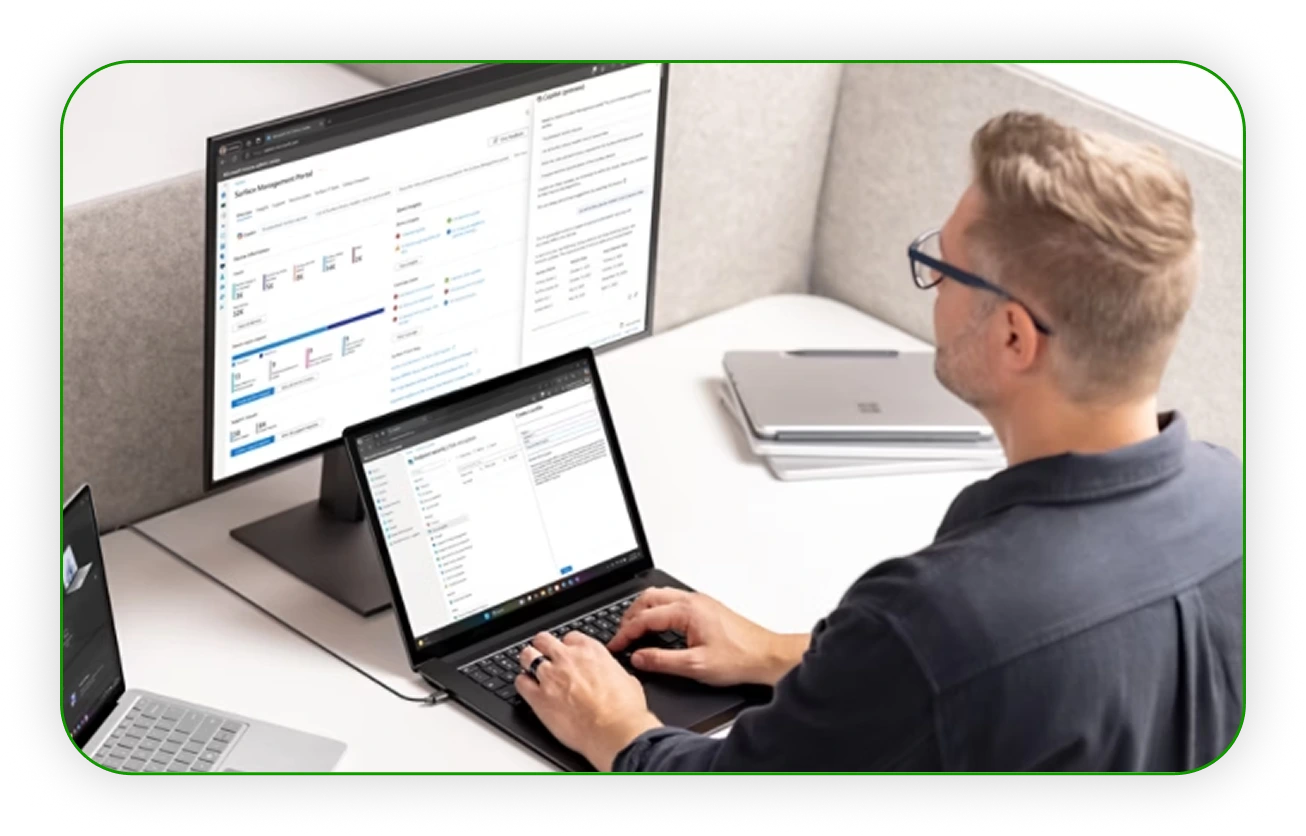
We get asked this constantly from business buyers, and the answer splits cleanly depending on business size.
For UK SMEs — sole traders, small teams, owner-managed businesses — the HP ProBook 450 G10 is about as reliable a choice as the market offers. Intel Core i5-1334U, 16GB RAM, 256GB SSD, Windows 11 Pro with TPM 2.0, BitLocker encryption, and a fingerprint reader. This is a machine that covers every practical business requirement without over-engineering anything. Microsoft Teams runs smoothly, Windows Hello works reliably, and the machine doesn’t draw attention to itself — which is exactly what a business laptop should do. The ProBook has been the staple of UK SMEs for years, and with good reason.
Dell’s business credentials shine differently. Their fleet management tools, enterprise deployment options, and ProSupport tiers are designed for IT managers buying 50 machines at a time, not individuals buying one. The standardisation that comes with Dell’s B2B relationships — consistent BIOS configurations, deployment images, remote management — is genuinely valuable at scale. It’s largely irrelevant if you’re a freelancer buying a single machine.
Both brands ship Windows 11 Pro on their business models, both include TPM 2.0 and BitLocker support, both tick the compliance boxes that professional environments require.
Verdict: HP wins for SMEs and individual professionals. Dell wins for enterprise fleet purchasing.
Student and Home Use — Honest Assessment

For students, the RAM question matters more than most people acknowledge when choosing.
The HP 250 G10 and HP 15-fd0066na both ship with 16GB DDR4 RAM — the latter with an Intel Core i7-1355U and 512GB NVMe SSD running Windows 11 Home. For students running multiple browser tabs, a document editor, and a video call simultaneously, 16GB provides genuine breathing room. These machines won’t bottleneck you during a typical student workday, and the HP 15’s i7 processor gives it solid headroom for more demanding tasks.
The Dell entry level models comes with 8GB RAM. For lighter tasks — note-taking, research, essay writing — that’s workable. But students who multitask heavily will feel the constraint. 8GB limits how many applications can run simultaneously without the machine slowing down, and during intensive revision periods with multiple research windows open, that becomes a genuine limitation rather than a theoretical one.
This one might surprise you: Some models of Dell come with Windows 11 Pro at a budget price alongside that IPS 120Hz display. For a student on a very tight budget who specifically needs Pro features — perhaps for software compatibility or institutional requirements — this combination is hard to find elsewhere at this tier.
For most students: HP edges ahead because of 16GB RAM at accessible prices. For students on the tightest budget who specifically need Windows 11 Pro: the Dell DC15250 is worth serious consideration, with eyes open on the RAM limitation.
After-Sales Support — The Bit Everyone Ignores Until They Need It
Nobody thinks about warranty support when buying a laptop. Then something goes wrong.
Both HP and Dell offer one-year manufacturer warranties on consumer laptops — standard coverage, no surprises either way. HP’s support infrastructure is generally solid, with phone and chat options accessible and response times reasonable for individual buyers. For most people, this is entirely adequate.
Dell ProSupport, available on business models, is a level above. Next-business-day on-site support exists, and the business support infrastructure Dell has built over decades is designed for situations where downtime actually costs money. For an IT manager whose team can’t function without their machines, that next-business-day guarantee has real commercial value.
All laptops at Techyest come with the full UK manufacturer warranty regardless of brand — so whichever machine you choose, that backing is there from day one.
Verdict: Roughly equal for consumer buyers. Dell edges ahead for business support tiers.
Who Should Buy:
HP
HP is the better choice for most buyers. Students, home users, remote workers, and small businesses will generally find stronger value across HP’s range, particularly when it comes to RAM configurations and business-focused models. The HP 250 G10, HP 15-fd0066na, and HP ProBook 450 G10 cover a wide range of use cases without making the buying decision overly complicated.
If you want a laptop that is easy to recommend, easy to live with, and available in almost every price bracket, HP is usually the safer option.
Dell
Dell makes the most sense for buyers who value specific features rather than broad product choice. The Dell DC15250 stands out because it combines Windows 11 Pro with an IPS 120Hz display at a budget-friendly level — something that remains relatively uncommon.
Dell makes the most sense for buyers who value specific features rather than broad product choice. The Dell DC15250 stands out because it combines Windows 11 Pro with an IPS 120Hz display at a budget-friendly level — something that remains relatively uncommon.
So — HP or Dell? The Honest Verdict
Rather than a summary table, here’s what we’d actually say to a friend standing in front of both options:
Buy HP Laptops if:
- you're a student or home user who multitasks regularly and wants 16GB RAM without overcomplicating the decision: the HP 250 G10 or HP 15-fd0066na are the natural choices. The RAM headroom makes a genuine difference to daily usability.
- you're buying for a small business and need a proper business machine with Windows 11 Pro, security features, and proven professional credentials: the HP ProBook 450 G10 is about as reliable a choice as you'll find. It's the workhorse of UK SMEs for a reason.
Buy Dell Laptops if:
- If budget is the priority and you specifically need Windows 11 Pro — for software compatibility, compliance, or institutional requirements — the Dell 15250 with its IPS 120Hz display is genuinely hard to beat at this price. Just go in with clear eyes on the 8GB RAM.
- If you're an IT manager buying in volume and need standardised fleet management, deployment tools, and premium support: Dell's ecosystem was built precisely for this scenario.
Frequently Asked Questions
Is HP or Dell better for everyday home use?
For typical home use — browsing, streaming, video calls, documents — both brands are capable. The HP 15-fd0066na and HP 250 G10 have the advantage of 16GB RAM, which gives noticeably more multitasking headroom than the Dell DC15250’s 8GB configuration. If you’re buying for general home use and don’t want to overthink the specs, the HP 250 G10 is a solid, no-fuss choice.
Which brand is more reliable — HP or Dell?
Is Dell or HP better for business laptops?
It depends on business size. For individuals and SMEs, HP ProBook is the reliable, practical choice — strong security features, familiar support infrastructure, proven in the UK market. For larger organisations purchasing in volume and requiring fleet management tools, standardised deployment, or access to Dell ProSupport tiers, Dell’s infrastructure is better suited to enterprise environments.
Why does the Dell DC15250 have a 120Hz display at that price?
It is unusual, and it does stand out. IPS 120Hz panels deliver noticeably smoother visuals and better colour accuracy than the TN or lower-refresh panels common at budget price points. Dell has clearly chosen to prioritise display quality in the DC15250’s specification — a decision that benefits everyday users even if they never consciously understand the technical reason why the screen looks and feels better than expected.
Do HP and Dell laptops come with Windows 11?
Yes. All the machines referenced here ship with Windows 11 — either Windows 11 Home or Windows 11 Pro depending on the model. Business-oriented models like the HP ProBook 450 G10 and Dell DC15250 include Windows 11 Pro, which adds BitLocker encryption, TPM 2.0 support, and advanced management tools. Consumer models like the HP 250 G10 and HP 15 ship with Windows 11 Home, which is entirely sufficient for personal and student use.
Both HP and Dell are brands you can buy with genuine confidence — the choice really does come down to what matters most to you. If you’re still weighing it up, browsing the actual machines often makes the decision clearer than any comparison article can.
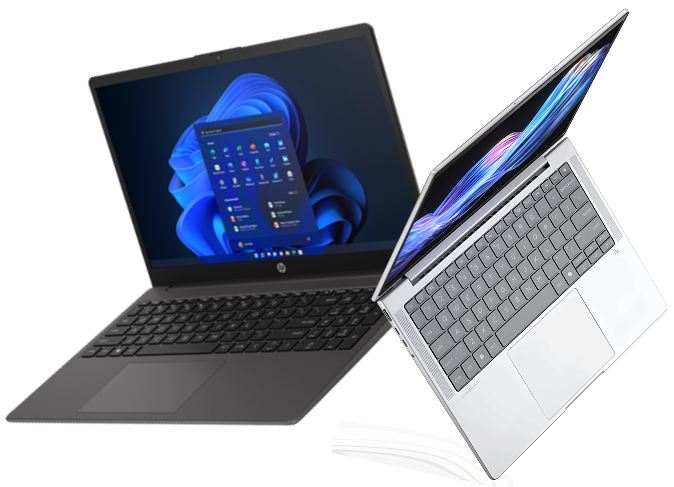

TechYest Editorial Team
The Techyest Team is a group of UK-based laptop specialists providing practical, honest buying advice for consumers and businesses across the United Kingdom. Our content is researched and written by in-house specialists with hands-on experience across HP, Dell, Lenovo, and ASUS product ranges. Every recommendation is based on direct product knowledge and a clear understanding of what UK buyers need at different budgets. All buying guides published under the Techyest Team are reviewed for accuracy against current UK stock availability, pricing, and manufacturer specifications before publication.
Follow Us On


In This Guide
Recommended Picks:
- Ryzen 5
- 1 x8GB
- 256GB SSD

£344.00 Excl. VAT
- Intel Core i7
- 16GB
- 1TB SSD

£795.00 Excl. VAT