



Lenovo ThinkPad vs ThinkBook UK — Which Series Is Actually Right for You?
Here is a question we get constantly, and it deserves a straight answer: if both series say “Think” on the lid, both run Windows 11 Pro, and both have MIL-SPEC certification — what is the actual difference, and does it matter?
The honest answer is yes, it matters — but not always in the ways people expect. The ThinkPad is not simply “the better one.” The ThinkBook is not a budget compromise. They are two ranges built around different priorities, and getting that distinction wrong means buying a machine that quietly frustrates you for the next three years. So let us be specific.
- June 29, 2026
- 25 min read
- Techyest Team
If you want the short version before diving into the details:
- Choose a ThinkPad if battery life, portability, typing comfort, enterprise-grade security, and long-term durability matter most.
- Choose a ThinkBook if you want a larger display, stronger raw performance at the price point, and a more modern design for desk-based work.
- For most mobile professionals, ThinkPad remains the safer long-term investment.
- For freelancers, SMEs, and performance-focused users, ThinkBook often delivers better value.
The good news is that neither choice is wrong. Both series are genuine business laptops. The question is simply which one was built for the way you actually work.
Why Lenovo Created Both ThinkPad and ThinkBook
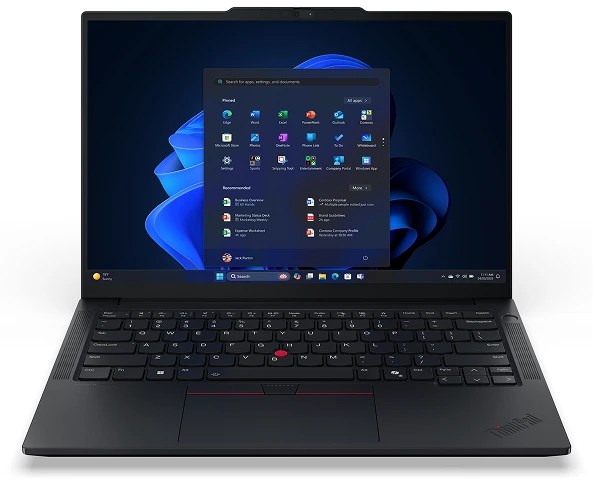
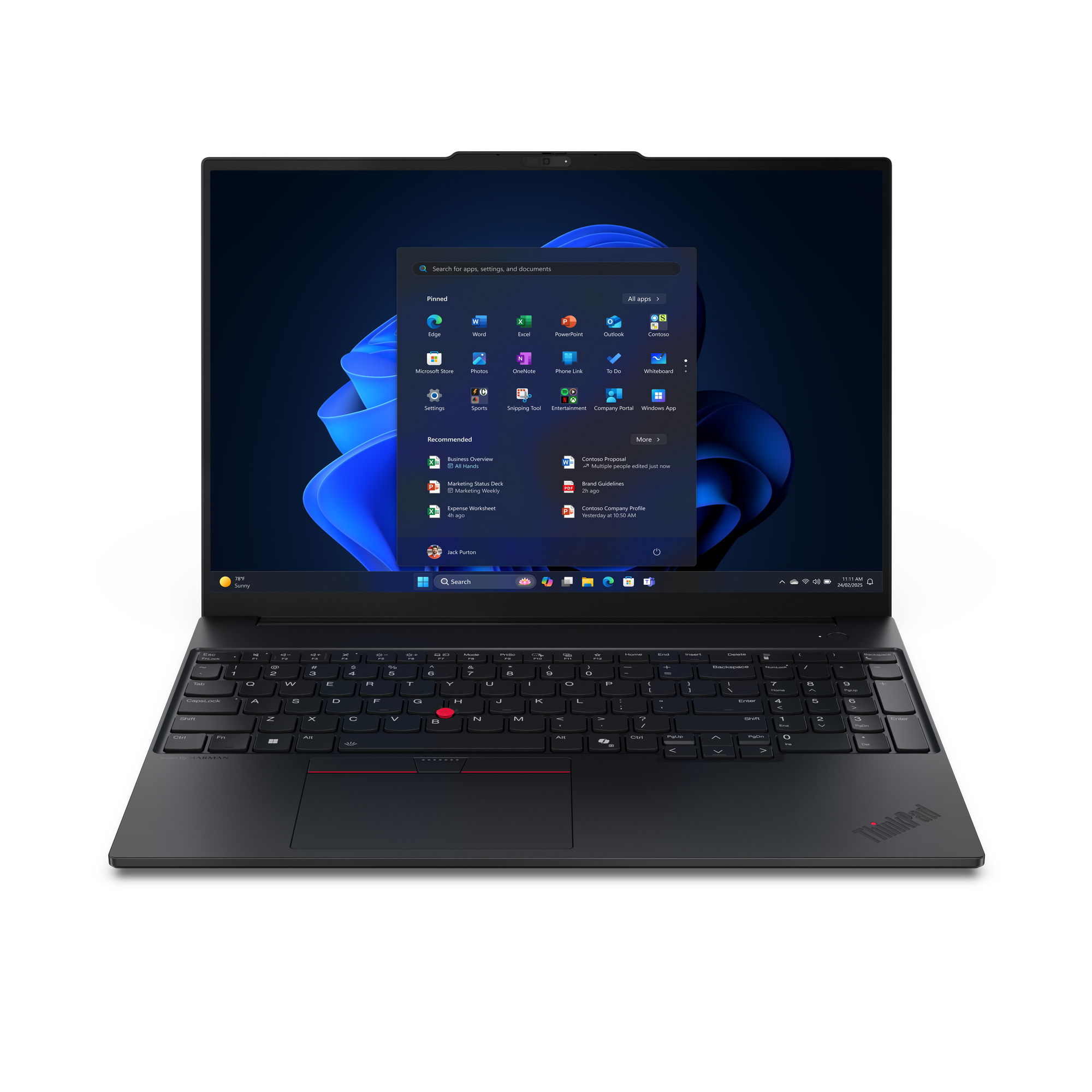
Lenovo Thinkpad
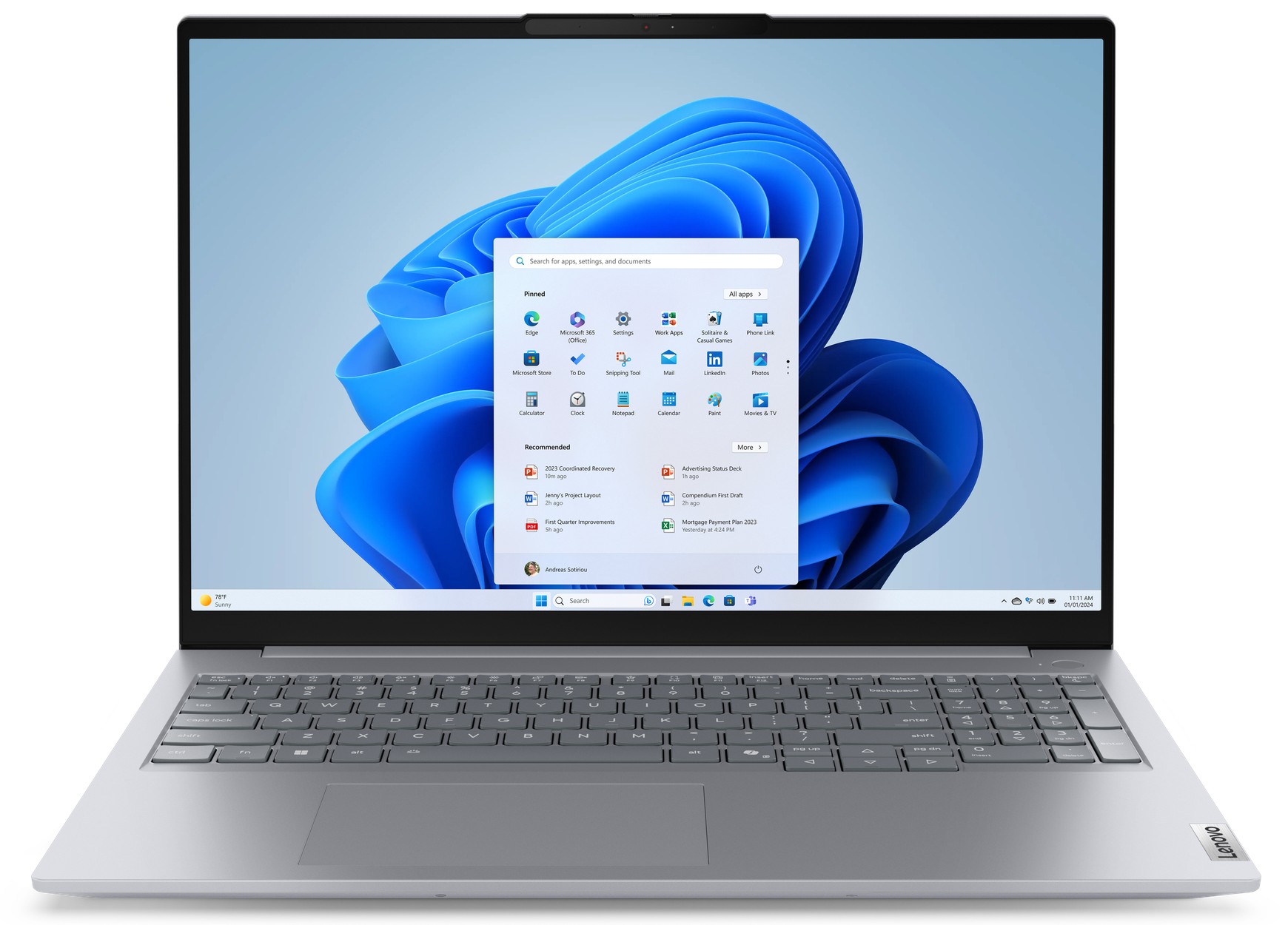
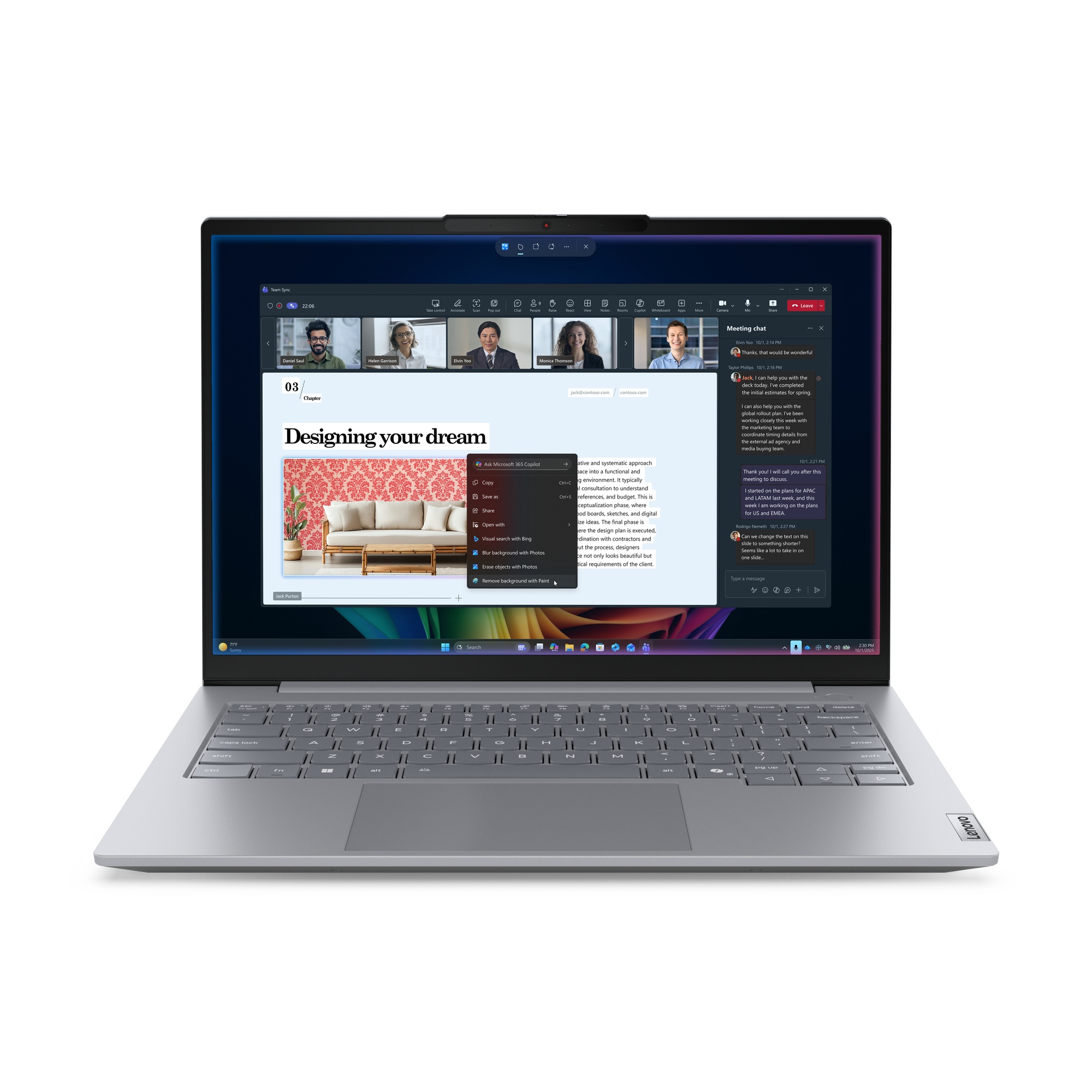
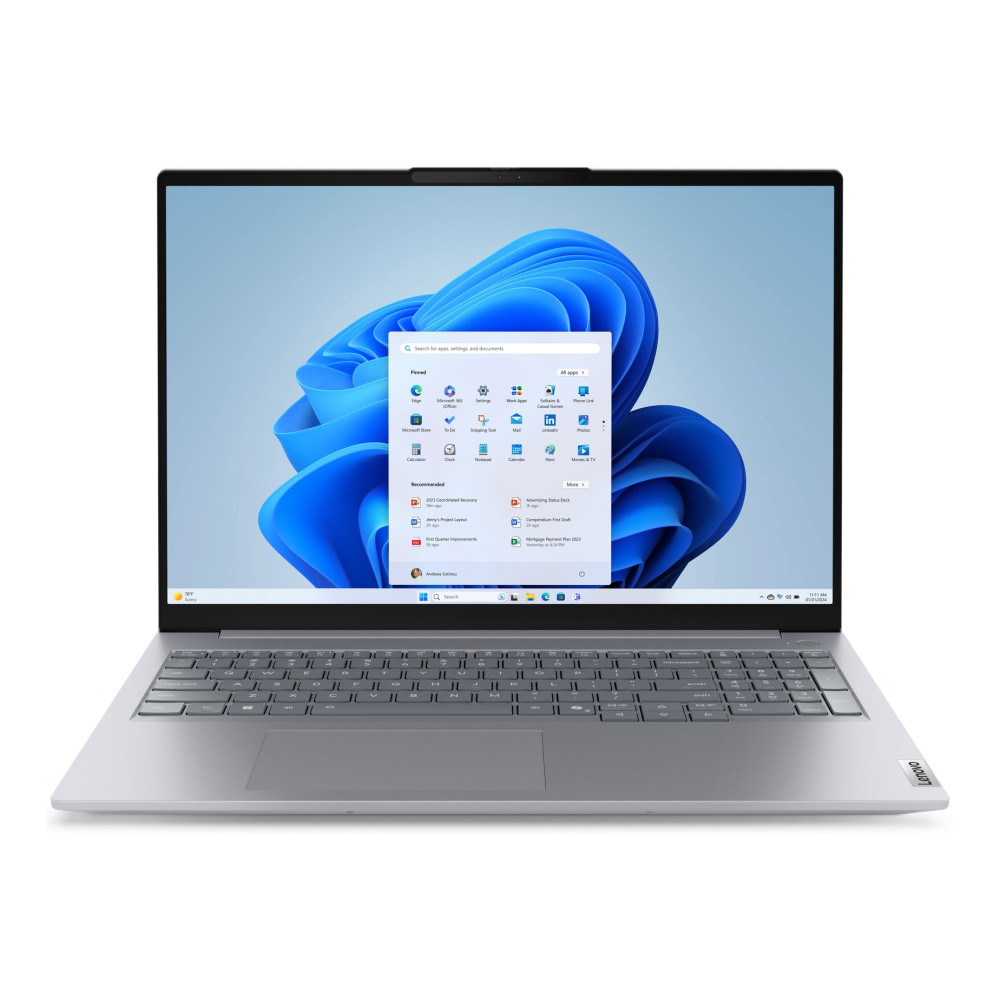
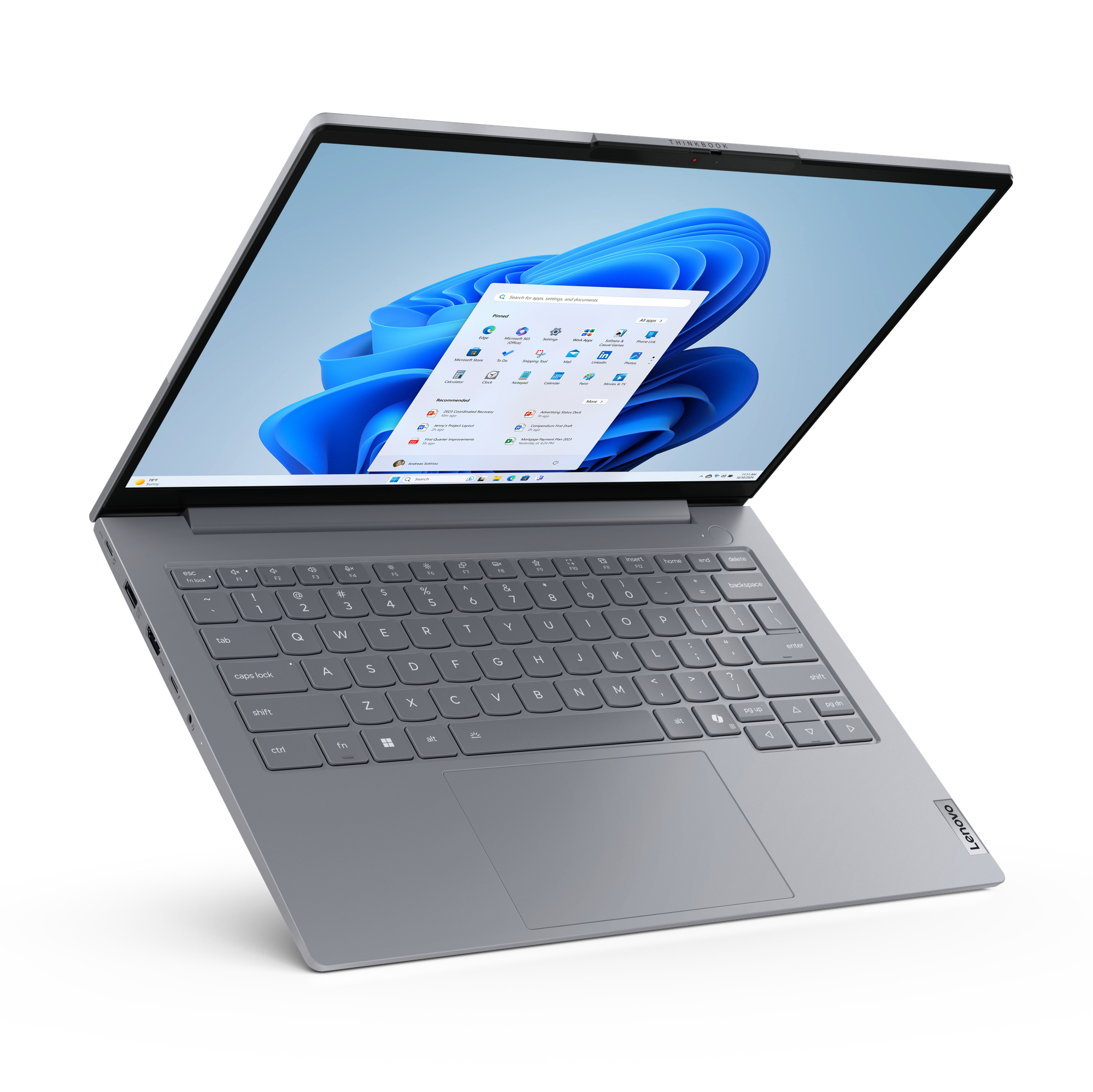
Lenovo Thinkbook
Neither brief is superior. They serve different people. The ThinkPad is built for institutional use at scale. The ThinkBook is built for the individual professional or small team buying their own hardware.
If you’re still deciding whether a business laptop is right for your needs, our Business Laptop Buying Guide explains the key differences between business and consumer laptops and what features are worth paying for.
If we had to recommend one
ThinkPad E16 Gen 3

4.7 (126 Reviews)
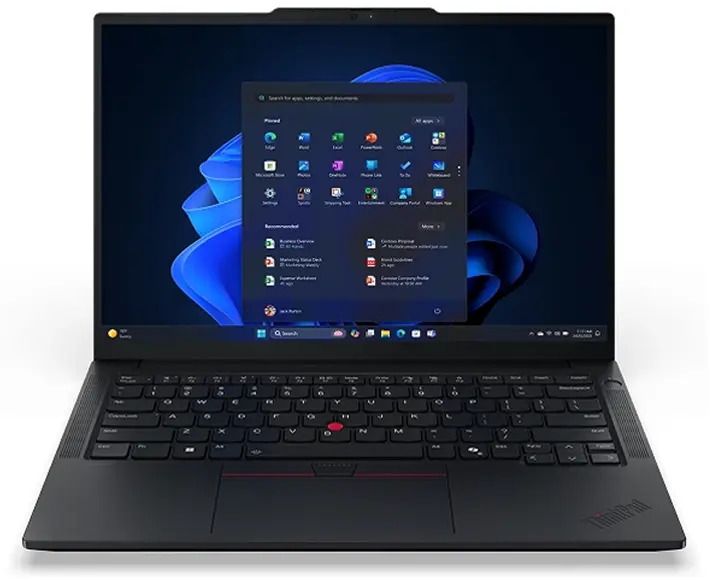
Built for Business
The Perfect balance of performance, Portability and Reliability for Professionals.
Power That Keeps Up
Latest Intel Core Ultra Processor for Services multitasking and productivity.
All-Day Productivity
Long battery life and fast charging to keep productivity anywhere.
Price
£807.50 Excl. VAT
Next Day Delivery
Order by 4pm
Manufacturer Warranty
Fast dispatch with full warranty protection
If we had to recommend one
ThinkBook 16 Gen 7
4.6 (96 Reviews)
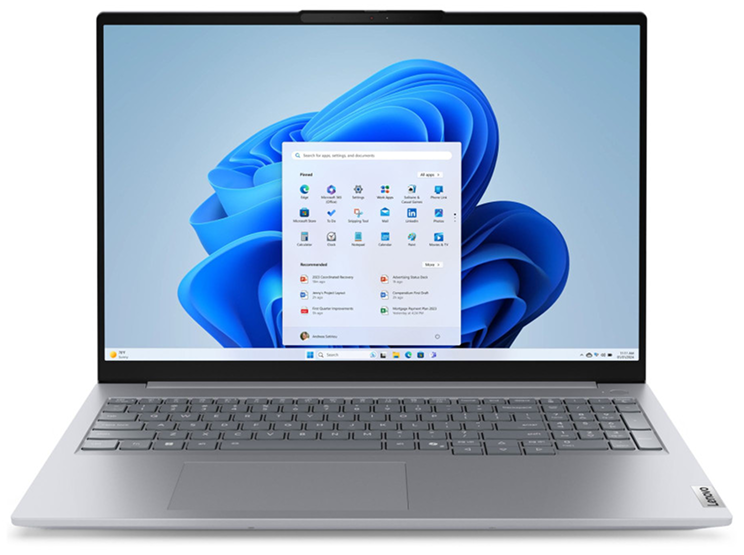
Big Screens, Bigger Impact.
16” WUVGA display with more sapce to work, creator and collaborate
Performance Meets Value
Powerful Performance for mulktitasking, meetings and daily business tasks
Designed for Modern Work
Sleek, Professional design with all the ports you need
Price
Next Day Delivery
Order by 4pm
Manufacturer Warranty
Fast dispatch with full warranty protection

Build Quality — Closer Than You Think, Different Where It Counts
Both series carry MIL-STD-810H military-grade certification — a fact that surprises most people who assume durability is purely a ThinkPad advantage. Both have been tested against drops, temperature extremes, humidity, and vibration. At a fundamental level, both are built to survive professional working life rather than just look the part.
The difference sits in the materials and the precision. ThinkPad models — across the E14, E16, and T14 ranges — use aluminium on both the top lid and the base panel. The chassis flex is minimal, the tolerances are tight, and the overall feel is of something engineered rather than assembled. The ThinkPad T14 Gen 6, at the premium end of the range, adds LPDDR5x memory and a Copilot+ certified configuration — the most refined build in the current Lenovo lineup.
ThinkBook 16 models use aluminium on the top lid but PC-ABS polymer on the base. It is a solid, well-made chassis — not flimsy by any stretch — but under sustained daily stress or repeated drops, the all-aluminium ThinkPad construction has more long-term resilience. For a desk-based user, this distinction is largely academic. For someone who travels constantly and their laptop takes real punishment, it is relevant.
The honest read: ThinkPad edges ahead on build engineering. ThinkBook is genuinely well-made for its market — the gap is smaller than the marketing implies, but it is real.
Performance — U-Series vs H-Series and the AI PC Divide
This is where the ThinkPad and ThinkBook series split in a way that matters for 2026 buying decisions.
ThinkPad’s current range spans Intel Core Ultra 5 and Core Ultra 7 U-series processors in the E14 and T14, and Core Ultra U and H variants in the larger E16. The U-series designation matters: these chips are architecturally designed for power efficiency over raw performance, which is why ThinkPad battery life is consistently strong. The ThinkPad E14 Gen 7 with Core Ultra 5 225U and the T14 Gen 6 are both certified Copilot+ PCs — meaning they carry a dedicated NPU (Intel AI Boost, up to 12 TOPS) for AI-accelerated tasks. This is not a marketing label. It means AI features in Windows 11 — and an expanding list of applications — run on dedicated silicon rather than drawing from the CPU.
ThinkBook 16 models at the current range lean into H-series performance: the ThinkBook 16 G8 with Intel Core 7 240H is a 10-core high-performance chip that boosts to 5.2GHz, significantly ahead of U-series processors in raw compute tasks. If you are running complex data work, large spreadsheets, video editing, or anything that genuinely stresses a processor, the H-series ThinkBook delivers more immediate power. The trade-off: the Core 7 240H carries no NPU. The ThinkBook 16 G8 is classified as a Non-AI PC.
In our experience, for standard office work — documents, Microsoft Teams, browser-based tools, email — both series are more than capable and the performance difference is invisible. The distinction becomes relevant at heavier workloads, and the NPU question becomes more relevant with each passing software update.
Processor naming can be confusing. If you’re unsure what separates Intel Core Ultra, Core i5, Core i7, U-series, and H-series processors, our Intel Core i5 vs i7 guide explains the real-world differences in simple terms.

Display Quality — Surprisingly Close
Display quality is one area where the gap between ThinkPad and ThinkBook is much smaller than many buyers expect.
Current ThinkBook 16 models offer bright, comfortable displays that work well for spreadsheets, documents, video calls, and general productivity. ThinkPad displays prioritise consistency, colour accuracy, and professional usability rather than visual flair.
For most office users, the difference is unlikely to influence the buying decision. Screen size will often matter more than panel quality alone, which is one reason many desk-based professionals prefer the larger 16-inch ThinkBook format.
If you regularly work with multiple documents side by side, large spreadsheets, or browser-heavy workflows, the additional screen space offered by ThinkBook can be a genuine productivity advantage.

Battery Life and Portability — ThinkPad's Clearest Advantage
The ThinkPad series wins here, and it is not particularly close.
ThinkPad E14 and T14 models pair U-series efficiency with larger battery capacities — the T14 Gen 6 carries a 58Wh cell, the E14 Gen 7 a 64Wh cell. ThinkBook 16 G8 models carry 45Wh. That gap, combined with the higher power draw of H-series processors versus U-series, produces a meaningful real-world difference in all-day unplugged performance.
The size difference reinforces this. ThinkPad E14 models sit at 14 inches and around 1.34kg. ThinkBook 16 models are 16 inches and around 1.7kg. For someone whose laptop lives on a desk, 360 grams and two inches of screen size are irrelevant considerations. For someone who carries their machine through airports, across client sites, or through a full day of back-to-back meetings, the ThinkPad’s portability advantage compounds daily.

The ThinkPad Keyboard — Still the Best Reason to Choose It
We will be direct about this because it is consistently undervalued in comparison articles.
ThinkPad keyboards have long been regarded as some of the best available on mainstream business laptops, thanks to their key travel, layout consistency, and typing comfort. The key travel is generous, the actuation is precise, and the layout has been refined over decades of feedback from professionals who type for a living. The iconic red TrackPoint pointing device — the small nub at the centre of the keyboard — allows full cursor navigation without lifting hands from the home row. Not every ThinkPad user uses it, but those who do rarely go back willingly.
ThinkBook keyboards are good — comfortably above average, well-spaced, no complaints in normal use. They do not have the TrackPoint, and the key travel does not quite match the ThinkPad standard. Over a year of heavy daily typing, the difference is perceptible. If you write extensively, code, or produce long-form work as a significant part of your day, this is not a minor consideration.

Security — Both Are Serious, ThinkPad Goes Deeper
Both series ship with Windows 11 Pro, TPM 2.0, BitLocker encryption, fingerprint readers, and IR cameras for Windows Hello facial recognition. Both meet the security baseline for professional environments, GDPR compliance considerations, and standard business IT policy requirements.
The difference is in the depth. ThinkPads — particularly the T-series — support Lenovo’s ThinkShield security platform, vPro-capable configurations (on select models), and Discrete TPM 2.0 as a separate physical chip rather than firmware-embedded. Thunderbolt 4 is standard across both series. For an IT manager deploying machines remotely, managing BIOS settings across a fleet, or running enterprise MDM platforms like Microsoft Intune, the ThinkPad’s infrastructure compatibility is deeper and better documented.
ThinkBook uses Firmware TPM rather than Discrete TPM — it meets Windows 11 Pro requirements and is entirely adequate for SME and individual professional use. The distinction is most relevant in regulated industries or large-scale IT environments.
For most individual buyers and small businesses, both series provide more than enough security. The additional ThinkPad security features become most valuable in larger organisations with dedicated IT management, remote deployment requirements, and stricter compliance policies.
Comparing the Ranges Side by Side
To make this concrete, here is how the two series compare using representative models from Techyest’s current stock:
Feature
Thinkpad Range
Thinkbook Range
Representative models
Processor architecture
AI PC (NPU)
RAM
Battery capacity
Screen sizes
Chassis
TPM
MIL-SPEC
TrackPoint
ThinkShield
OS
Best for
- E14 Gen 7, E16 Gen 3, T14 Gen 6
- Core Ultra U-series / H-series
- Yes — Intel AI Boost, 12 TOPS
- 16GB DDR5 / LPDDR5x
- 58–64Wh
- 14" and 16"
- Full Aluminium
- Discrete TPM 2.0
- MIL-STD-810H
- Yes
- Yes
- Windows 11 Pro
- Mobile professionals, enterprise, heavy typists
- ThinkBook 16 G6, G8
- Core i5 13th Gen / Core 7 H-series
- No (Core 7 240H = Non-AI PC)
- 8GB–16GB DDR5
- 45Wh
- 16" only
- Aluminium top / PC-ABS base
- Firmware TPM 2.0
- MIL-STD-810H
- No
- Partial
- Windows 11 Pro
- Desk-based users, SMEs, performance workloads
Most current ThinkPad and ThinkBook models now start with 16GB RAM as standard. If you’re unsure whether 16GB is necessary for your workload, our 8GB vs 16GB RAM guide explains where the real-world differences become noticeable.
Choose the ThinkPad series if you travel regularly and need all-day battery without anxiety, you type heavily and the keyboard is a daily-use tool rather than an afterthought, you want a future-ready AI PC with NPU capability, or you are in an enterprise environment where ThinkShield and fleet management compatibility matter.
Choose the ThinkBook series if you work primarily from a fixed location, you want maximum raw processing performance at the price point, a 16-inch screen suits your workflow, or you need a capable professional machine without stretching to full enterprise-tier pricing.
In terms of what we see at Techyest: ThinkPads are consistently bought by professionals who have owned one before and are deliberately coming back. ThinkBooks are increasingly popular with first-time business laptop buyers and growing SMEs who want proper business credentials — Windows 11 Pro, solid build, real performance — without the full enterprise premium.
Both are machines you can recommend without hesitation. The question is simply which one was built for someone like you.
Top Business Models You Should Consider
Explore proven business laptops from leading brands.

Frequently Asked Questions
Is ThinkPad always more expensive than ThinkBook?
Does ThinkBook have MIL-SPEC certification?
Which series is better for Microsoft Teams and remote work?
What is the TrackPoint and do I need it?
Do both series come with Windows 11 Pro?

TechYest Editorial Team
The Techyest Team is a group of UK-based laptop specialists providing practical, honest buying advice for consumers and businesses across the United Kingdom. Our content is researched and written by in-house specialists with hands-on experience across HP, Dell, Lenovo, and ASUS product ranges. Every recommendation is based on direct product knowledge and a clear understanding of what UK buyers need at different budgets. All buying guides published under the Techyest Team are reviewed for accuracy against current UK stock availability, pricing, and manufacturer specifications before publication.
Follow Us On


In This Guide
Recommended Picks:
- Intel Core Ultra 5
- 16GB
- 256GB SSD

£699.00 Excl. VAT
- Intel Core Ultra 7
- 16GB
- 512 GB SSD

£918.50 Excl. VAT