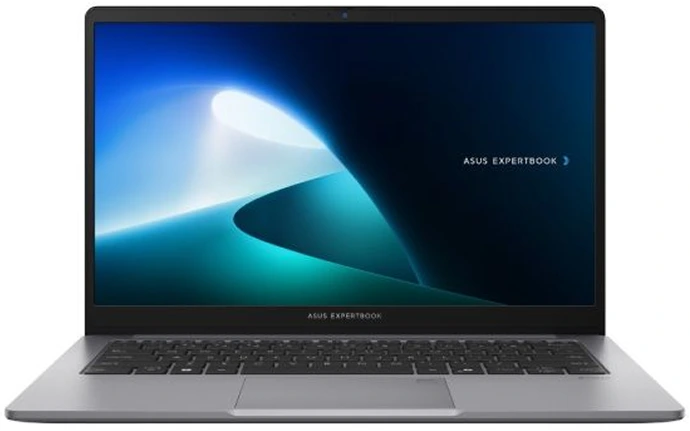



ASUS ExpertBook vs Lenovo ThinkBook — Which Business Laptop Is Right for You?
Here is the truth: both of these machines will handle your workday without complaint. Both run Windows 11 Pro. Both are MIL-SPEC certified. Both have fingerprint readers and proper business security built in.
So the question is not which one is better. It is which one was built for someone like you.
- July 6, 2026
- 20 min read
- Techyest Team
- Choose the ASUS ExpertBook P1 if portability, battery life, privacy features, and upgrade flexibility matter most.
- Choose the Lenovo ThinkBook 16 G8 if you want a larger display, stronger processor options, and a laptop that spends most of its life on a desk.
- For professionals who travel regularly, the ExpertBook is usually the better fit.
- For users who work primarily from a fixed location and value screen space, ThinkBook often delivers more productivity per pound spent.
If we had to recommend one
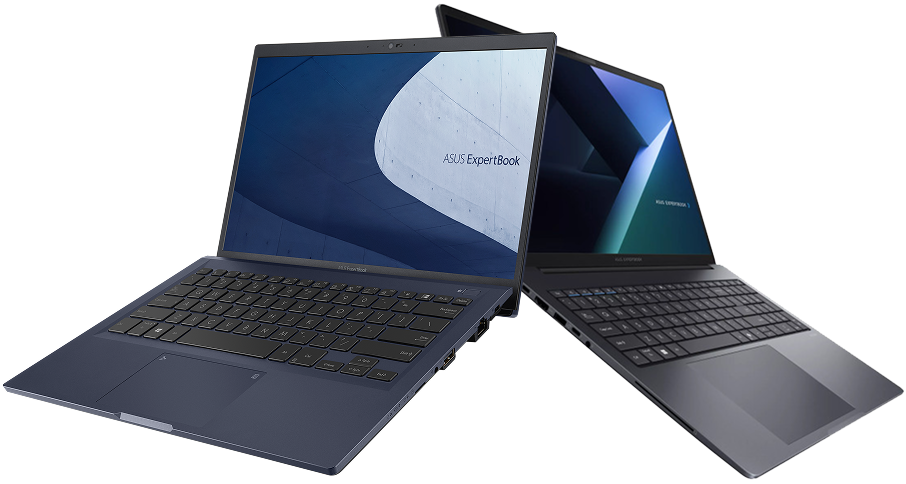
Asus ExpertBook P1
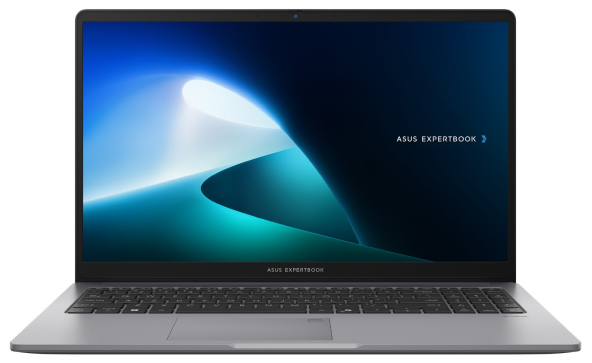
Business-Ready Performance
Intel Core 5 processing with 16GB DDR5 memory handles everyday business applications, multitasking, and professional workloads with ease.
Work From Anywhere
At just 1.45 kg, its compact design makes it easy to carry between the office, meetings, and remote workspaces.
Secure Your Business
Windows 11 Pro, fingerprint authentication, and TPM 2.0 help keep business data and professional information protected.
Price
Next Day Delivery
Order by 4pm
Manufacturer Warranty
Fast dispatch with full warranty protection
If we had to recommend one
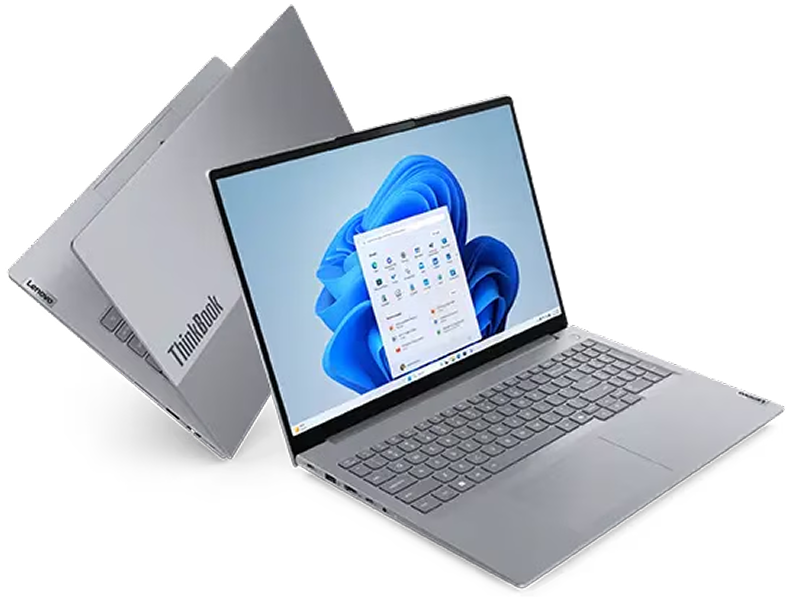
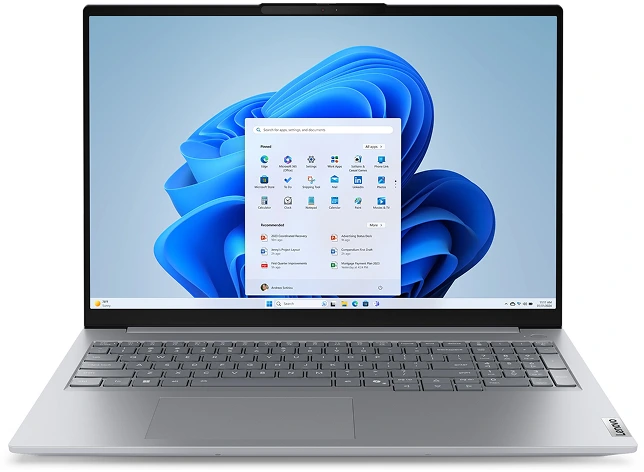
Lenovo ThinkBook 16
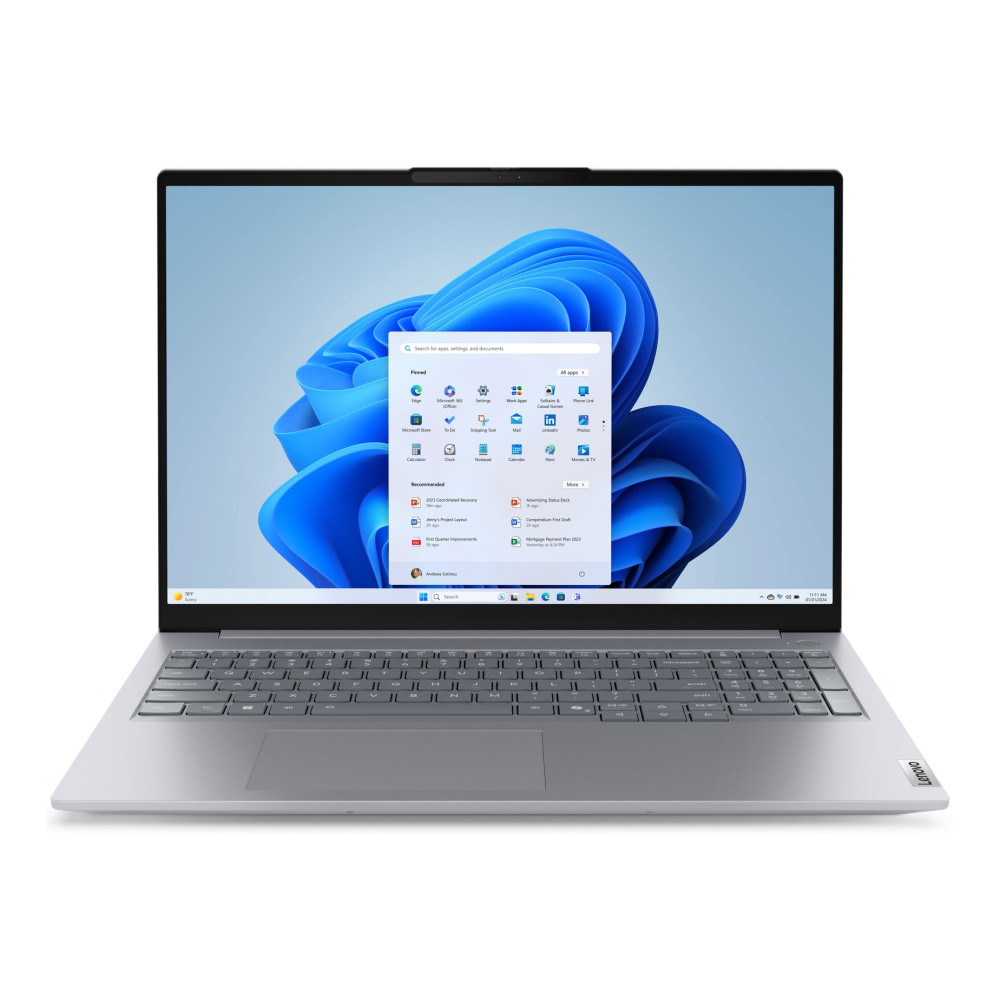
Professional Performance
Intel Core Ultra 7 processing with 16GB DDR5 delivers smooth performance for demanding business workloads.
A Workspace Built to Perform
The expansive 16" WUXGA display gives you more room for spreadsheets, presentations, documents, and multitasking.
Business-Ready Security
Fingerprint authentication, TPM 2.0, and a privacy shutter help protect your work and business data.
Price
Next Day Delivery
Order by 4pm
Manufacturer Warranty
Fast dispatch with full warranty protection
Two Brands, Two Different Ideas of "Business Laptop"
ASUS built the ExpertBook P1 around one priority above everything else: the mobile professional. Light, durable, privacy-conscious. A machine you carry every day and trust in any environment.
Lenovo built the ThinkBook around a different priority: performance and screen real estate for the desk-based professional. More power, larger display, contemporary design that works in a boardroom.
Neither is wrong. They are just solving different problems.
Who Should Buy the ASUS ExpertBook P1

If your laptop lives in a bag — this is your machine.
You travel between clients, commute daily, or work across multiple locations. You cannot always count on finding a charger. Your laptop takes real-world knocks.
ExpertBook P1 is available in both 14-inch and 15.6-inch configurations. The 14-inch model weighs around 1.4kg — genuinely portable for daily carry — while the 15.6-inch comes in at approximately 1.6kg, still light for its size. That is not a coincidence — portability is the core brief. Pair that with MIL-STD-810H certification and you have a machine engineered for daily travel, not just rated for it.
The RAM story is the other reason to look here seriously.
The ExpertBook P1 with Intel Core i7-13620H is available with up to 32GB DDR5. For data analysts, finance professionals running large Excel models, or developers with virtual machines open — 32GB makes a tangible daily difference. Finding that ceiling in such a portable machine at this price is unusual.
A quick clarification: ASUS ExpertBook is available in both B Series and P Series. The AI ExpertMeet privacy features described below are specific to the P Series. The B Series offers similar durability and business-grade specs at a lower price point, without the AI ExpertMeet suite.
One more thing most buyers overlook: ASUS AI ExpertMeet. It brings AI noise cancellation for calls, a Screen Watermark during screen sharing to prevent unauthorised capture, and a Webcam Watermark for video calls. For professionals handling sensitive client information in shared spaces — coffee shops, co-working spots, open-plan offices — these features address real privacy risks that standard Windows 11 Pro does not cover.
If you’re unsure whether 16GB or 32GB RAM is worth the upgrade, our RAM buying guide explains where additional memory makes a noticeable difference.
Who Should Buy the Lenovo ThinkBook 16 G8
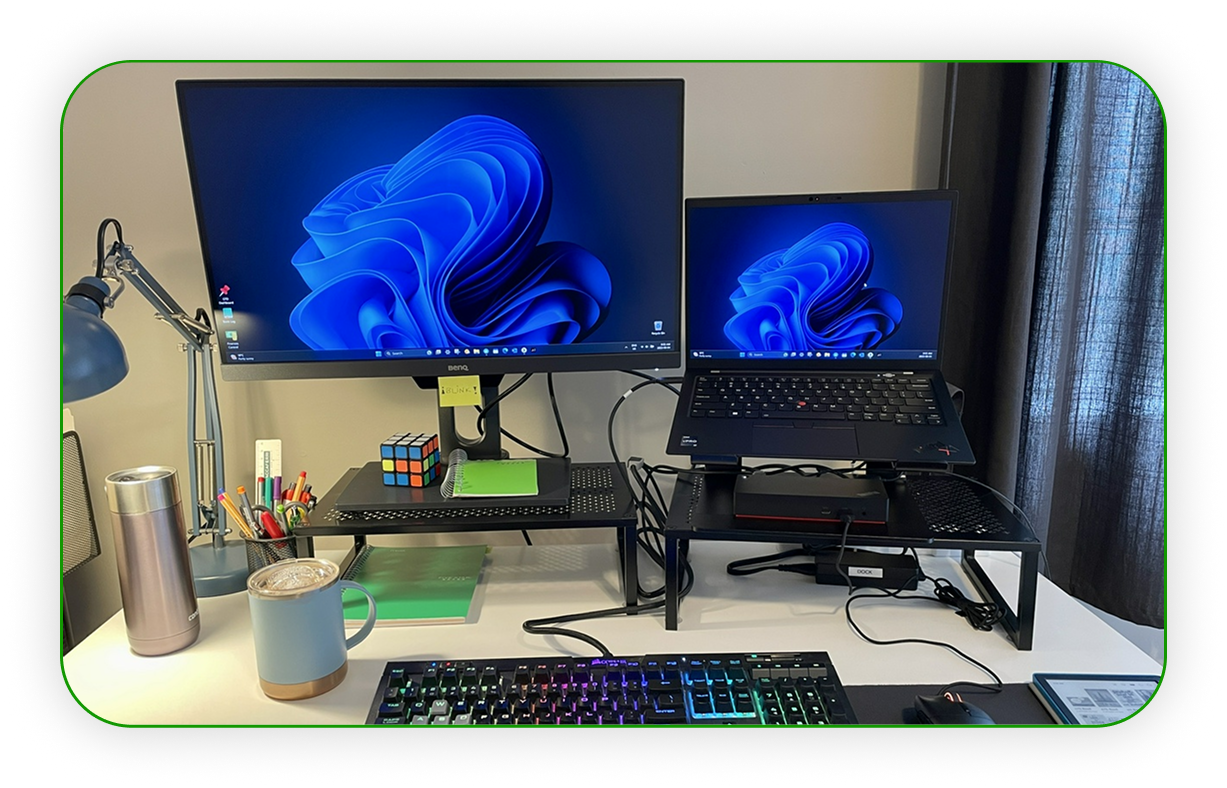
If you work from a desk most of the time — this is your machine.
You have a fixed setup at home or the office. The laptop goes into a bag occasionally, not daily. What matters to you is screen space, sustained performance, and a machine that looks the part in a client meeting.
The ThinkBook 16 G8 with Intel Core 7 240H is a 10-core H-series processor that boosts to 5.2GHz. For desk-based work where the charger is always nearby, H-series performance is a genuine advantage — more headroom for demanding workloads, heavier multitasking, and applications that actually push a processor.
Processor naming can be confusing. Browse our Intel Core i5 and Core i7 laptops categories to compare configurations currently available.
The display is where ThinkBook earns its place.
The 16-inch WUXGA panel with 16:10 aspect ratio gives more vertical screen space than the ExpertBook’s 15.6-inch 16:9 panel. That taller format means more of your document, spreadsheet, or code is visible at once. It sounds minor. Over a full working day, it is not.
The design matters too. ThinkBook’s clean aluminium aesthetic feels contemporary and professional without looking overly corporate, making it equally comfortable in client-facing environments and modern hybrid workplaces.
Current ThinkBook 16 configurations at Techyest are available with up to 16GB DDR5 RAM — a comfortable amount for desk-based professional workloads, multitasking across several applications, and day-to-day business use.

Display and Workspace — The Difference You Notice Every Day
Processors and RAM tend to dominate laptop comparisons, but screen size is often the specification that affects daily productivity the most.
The ExpertBook P1 uses a 15.6-inch Full HD display in a traditional 16:9 format (the 14-inch configuration uses a proportionally similar panel). It is comfortable for general business use, video calls, presentations, and working on the move.
The ThinkBook 16 G8 takes a different approach. Its 16-inch WUXGA display uses a taller 16:10 aspect ratio, giving you more vertical screen space for documents, spreadsheets, browser tabs, and coding environments.
For professionals who spend most of their day looking at spreadsheets, financial reports, project plans, or multiple windows side by side, the ThinkBook’s larger workspace can be a genuine productivity advantage. For users prioritising portability, the smaller ExpertBook remains easier to carry and use in different locations.

Security — Both Cover the Essentials
Neither machine cuts corners on business security basics.
Both ship with Windows 11 Pro, TPM 2.0, BitLocker encryption, fingerprint reader, and IR camera for Windows Hello. Both meet the standard security requirements for SME environments and GDPR compliance.
Where ExpertBook goes further is privacy — the AI ExpertMeet features (P Series only) are the relevant addition for anyone in public or shared workspaces. ThinkBook relies on the standard Windows 11 Pro stack, which is entirely adequate for most professional environments.
Our best business laptops guide covers the security, durability, and management features that separate business laptops from consumer models.

One Thing to Check: AI and NPU Support
This is worth checking carefully, because it varies by configuration rather than by brand. The ASUS ExpertBook P1 does not include a dedicated NPU in its current configurations. The Lenovo ThinkBook 16 G8 is available in two configurations: the Intel Core Ultra 5 model includes an Intel NPU (Intel AI Boost) and qualifies for AI-accelerated Windows 11 features, while the Intel Core 7 240H model does not.
If AI-powered Windows 11 features or NPU-dependent software matter most to your workflow, the Lenovo ThinkPad E14 Gen 7 with Intel Core Ultra 5 and Intel AI Boost — also available at Techyest — is built around this from the ground up.
For current professional workloads, all of these machines are more than capable. But it is worth knowing before you buy.
Side-by-Side at a Glance
Feature
ASUS ExpertBook P1
Lenovo ThinkBook 16 G8
Screen
Processor
Max RAM
Storage
Weight
MIL-SPEC
AI / NPU
Privacy features
OS
Best for
- 15.6" FHD IPS, 16:9
- Core i5-13420H / Core i7-13620H
- 32GB DDR5
- 512GB / 1TB NVMe + RAID support
- 1.6kg
- MIL-STD-810H
- No
- AI ExpertMeet, Screen & Webcam Watermark
- Windows 11 Pro
- Mobile professionals, high-RAM workloads
- 16" WUXGA IPS, 16:10
- Core i5-13420H / Core 7 240H
- 16GB DDR5
- 512GB NVMe PCIe 4.0
- 1.7kg
- MIL-STD-810H
- No
- Standard Windows 11 Pro
- Windows 11 Pro
- Desk-based users, large screen productivity
The Verdict/Conclusion
Travel regularly or need more than 16GB RAM? ExpertBook P1 is the right call. The portability, the RAM ceiling, and the privacy features are a combination that is hard to find at this price.
Desk-based with demanding workloads and want the best screen experience? ThinkBook 16 G8 wins. The Core 7 240H, the 16:10 display, and the contemporary design make it the stronger machine for that working pattern.
ExpertBook typically suits professionals who prioritise portability and have found heavier machines impractical for daily travel. ThinkBook buyers tend to be desk-based users or growing SME teams who want professional-grade hardware without enterprise pricing.
Both are excellent choices — for the right person.
If AI-ready business laptops are important to your workflow, browse our Lenovo ThinkPad range to compare Lenovo’s current AI PC options directly.
Frequently Asked Questions
Is 32GB RAM worth it for business use?
Does ThinkBook feel premium compared to ExpertBook?
What is RAID storage on the ExpertBook?
Which handles video calls better?
Does the ThinkBook 16 G8 support AI features?
Do both come with Windows 11 Pro and UK warranty?
Still weighing up both options? Browse the full range below and filter by what matters most to your working day.

TechYest Editorial Team
The Techyest Team is a group of UK-based laptop specialists providing practical, honest buying advice for consumers and businesses across the United Kingdom. Our content is researched and written by in-house specialists with hands-on experience across HP, Dell, Lenovo, and ASUS product ranges. Every recommendation is based on direct product knowledge and a clear understanding of what UK buyers need at different budgets. All buying guides published under the Techyest Team are reviewed for accuracy against current UK stock availability, pricing, and manufacturer specifications before publication.
Follow Us On:


In This Guide
Recommended Picks:
- Intel Core Ultra 5
- 16GB
- 256GB SSD

£699.00 Excl. VAT
SKU: P1403CV-515X
- Intel Core 5
- 16GB
- 512GB SSD