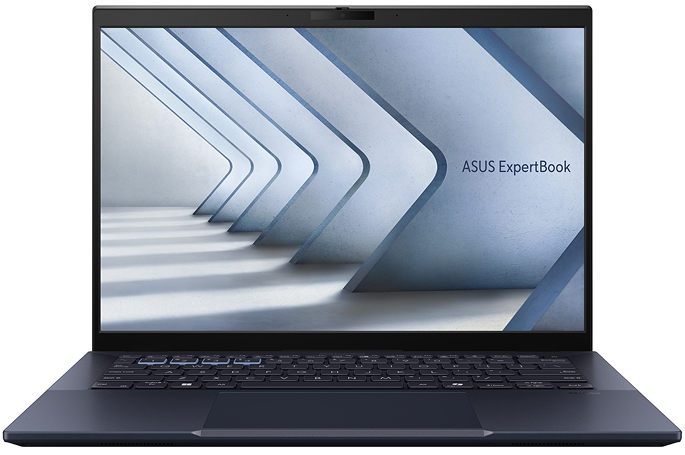



Best Laptops for Remote Working in 2026
Remote working changed what actually matters in a laptop. Nobody is benchmarking gaming frame rates for a job that lives in Teams calls and spreadsheets. What matters is whether the battery survives a full day without you hunting for a socket, whether your webcam makes you look like you’re dialling in from a basement, and whether the machine still feels reliable eighteen months in.
Whether you’re working from home full-time, splitting your week between home and the office, or travelling regularly between client sites, the best laptops for remote working combine strong battery life, dependable performance, quality webcams, and the security features professionals increasingly rely on.
Here are our honest picks — and the reasoning behind each one.
- July 10, 2026
- 20 min read
- Techyest Team
Our Top Picks at a Glance

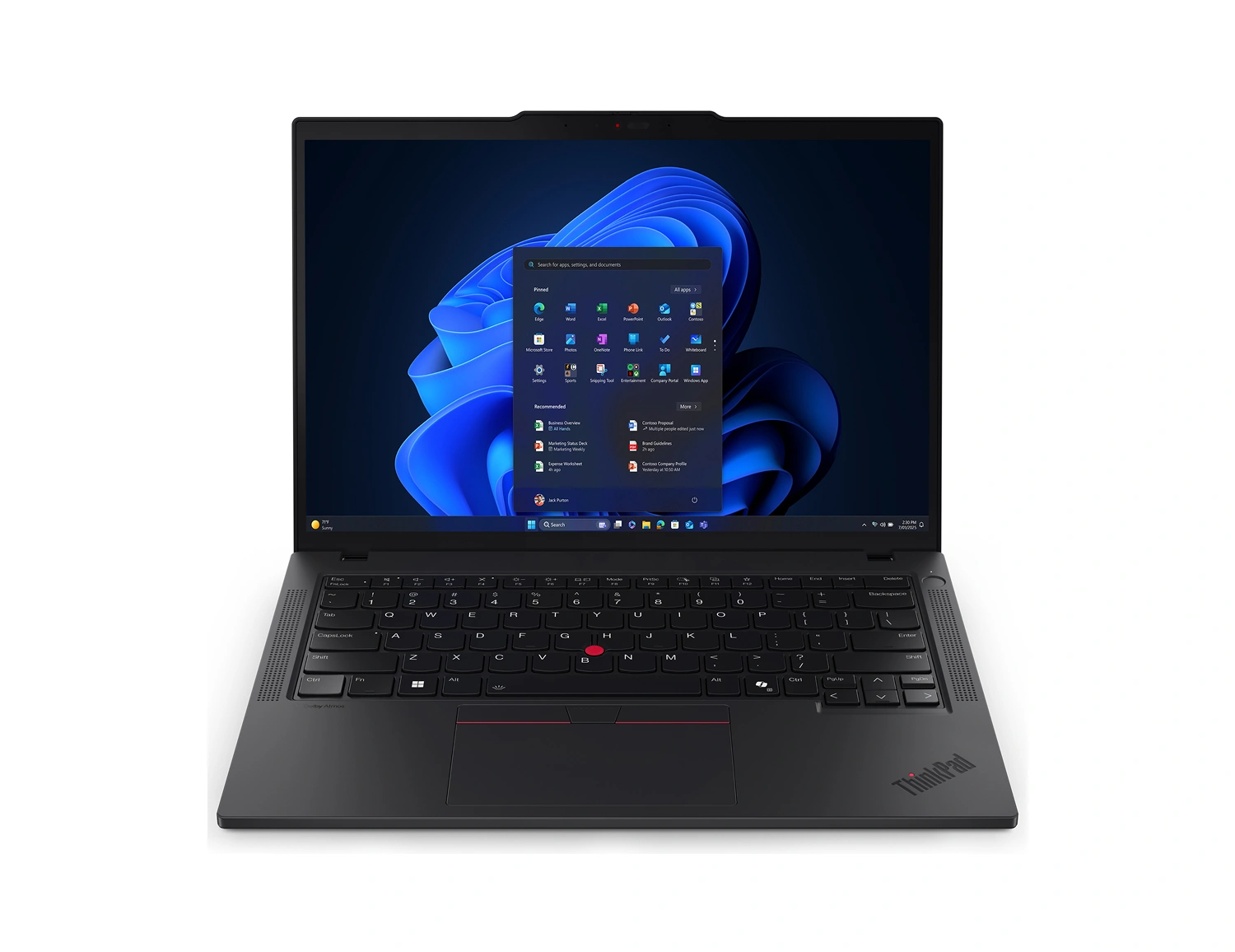
- Intel Core Ultra 5 225U, 12C (2P+8E+2LPE)
- 512GB SSD M.2 2280 PCIe 4.0x4 NVMe
- 2x 8GB SODIMM DDR5-5600
£1,125.50 Excl. VAT
- UK Delivery
- Fast Delivery
- In Stock

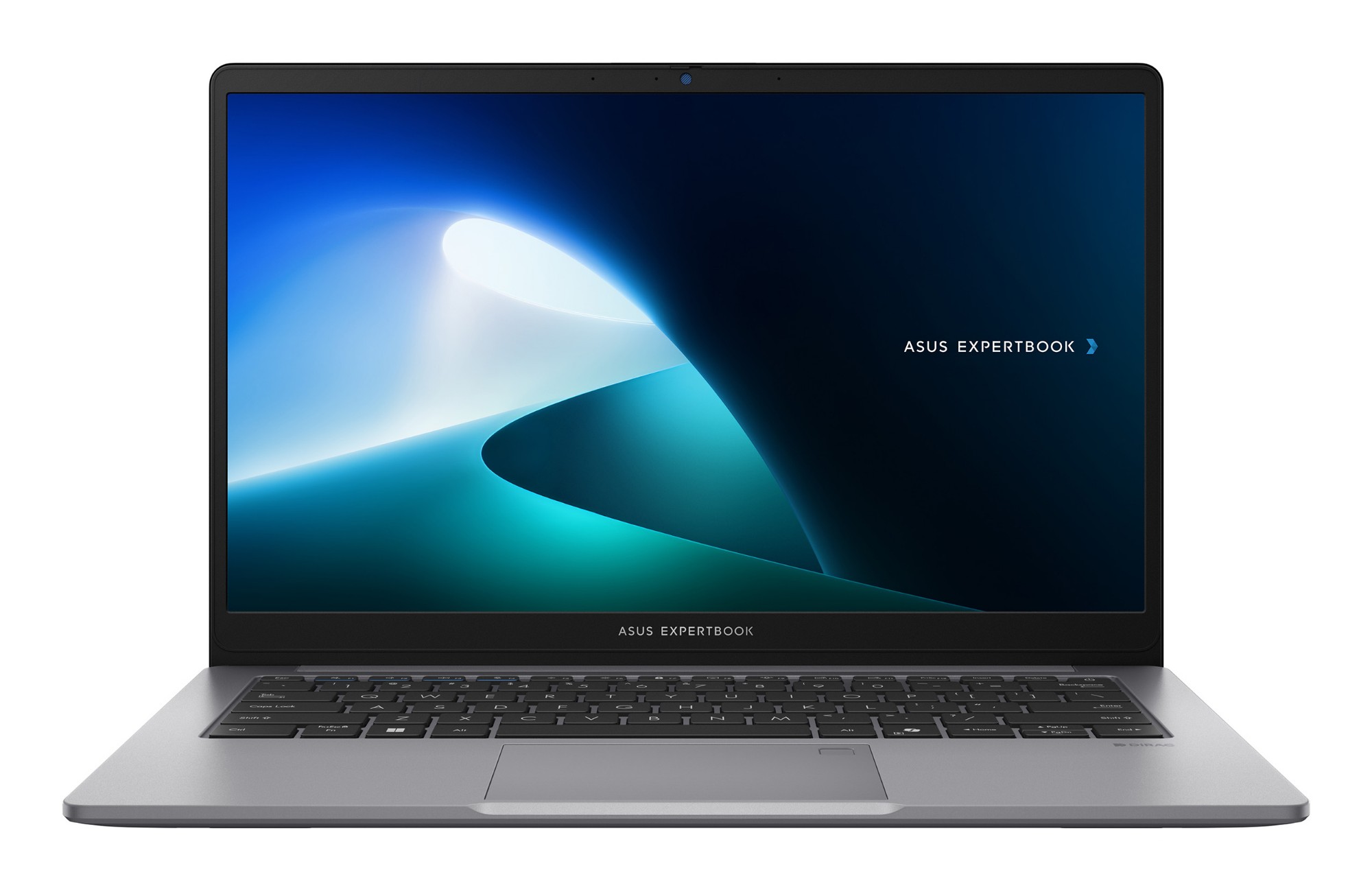
- Intel Core 5
- 512 GB SSD M.2
- 16GB DDR5-SDRAM
- UK Delivery
- Fast Delivery
- In Stock

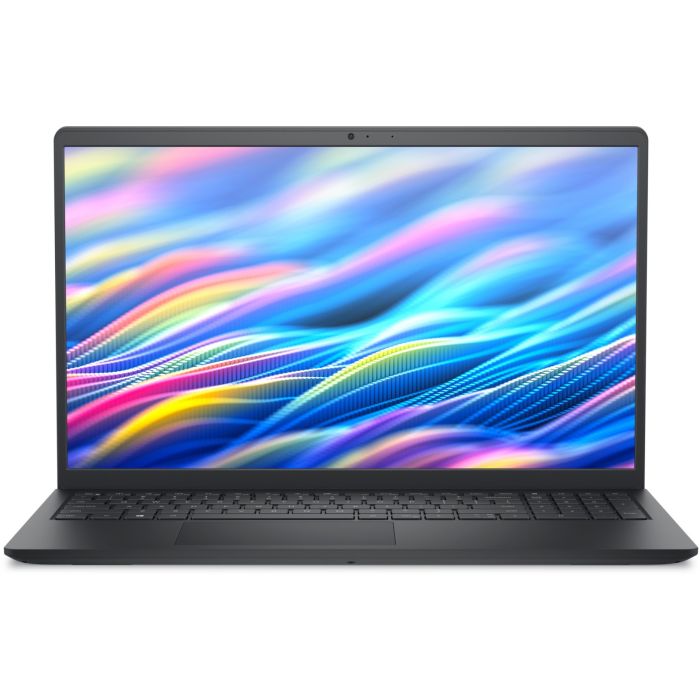
- Intel Core i7 1355U
- 1 TB SSD NVMe M.2
- 16 GB DDR4-SDRAM
£795.00 Excl. VAT
- UK Delivery
- Fast Delivery
- In Stock
What Actually Matters for Remote Work
Before the picks — a quick word on why these specific features matter, because most “best laptop” lists skip this part.
Battery life is the single biggest factor. If you work from cafés, co-working spaces, or simply move around your own home, a laptop tethered to a socket isn’t really portable — it’s just smaller than a desktop.
Webcam quality affects how you’re perceived professionally. A washed-out, grainy webcam image on every client call is a small thing that adds up to a real impression over months of meetings.
Windows 11 Pro matters more than people expect. If you’re connecting to a company VPN, using remote desktop tools, or handling work data, features such as BitLocker encryption and TPM 2.0 are often expected in professional environments. If you’re unsure whether a business-focused machine is worth it, our Business Laptop vs Student Laptop guide explains where business laptops justify their higher price tags.
A good keyboard is a daily-use tool, not a luxury. If you’re typing for six-plus hours a day, the difference between a mediocre keyboard and a genuinely good one compounds over a working year.
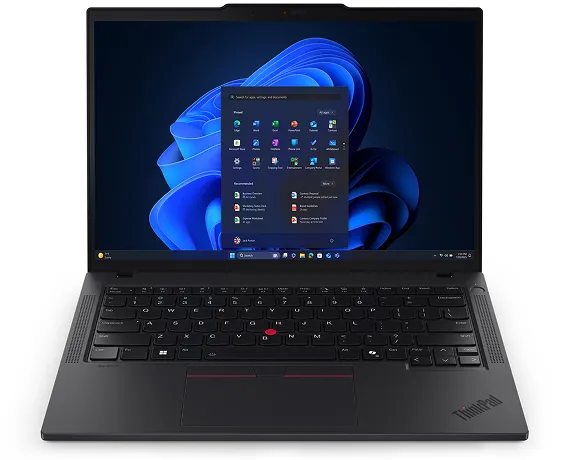
Best Overall: Lenovo ThinkPad T14 Gen 6
This is the laptop we’d point most remote workers towards without much hesitation.
The ThinkPad T14 Gen 6 is a Copilot+ PC running an Intel Core Ultra processor with a dedicated NPU — meaning Windows 11’s AI-accelerated features (background blur, auto-framing, noise suppression) run on dedicated silicon rather than draining your CPU during calls. That matters more than it sounds for anyone living in back-to-back video meetings.
The 5MP IR webcam is a genuine standout. Most business laptops settle for a basic 1080p camera; the T14 Gen 6’s webcam noticeably outperforms the laptop-webcam norm — useful every single day you’re on camera for work.
Add MIL-STD-810H durability certification, a market-leading ThinkPad keyboard, Windows 11 Pro with TPM 2.0 and BitLocker, and a battery built for genuinely long unplugged stretches, and you have a machine that holds up to daily remote use without drama.
Best for: Remote professionals who are on video calls constantly and want a laptop that makes them look and sound professional without a second thought.
If you’re comparing Lenovo’s business laptop ranges, our ThinkPad vs ThinkBook comparison explains how the two series differ in portability, battery life, performance, and long-term usability.
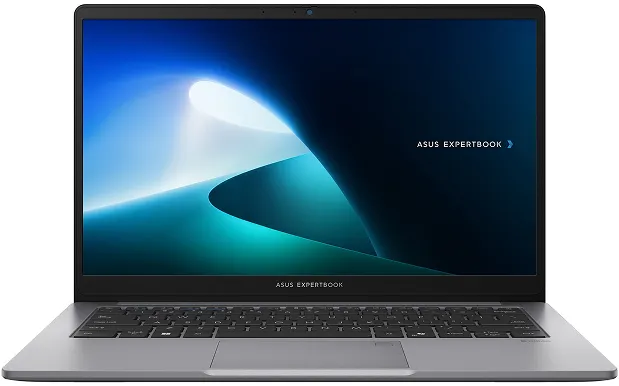
Best for Privacy-Conscious Remote Work: ASUS ExpertBook P1
Remote work often means working from places that aren’t fully private — cafés, shared flats, co-working spaces, trains. The ASUS ExpertBook P1 is built with exactly that in mind.
ASUS AI ExpertMeet brings AI noise cancellation for calls, plus two features that genuinely matter for remote professionals handling sensitive information: a Screen Watermark that embeds your business details during screen sharing to deter unauthorised capture, and a Webcam Watermark that displays your identity during video calls. If your work involves client confidentiality and you’re not always working from a locked office, these aren’t gimmicks.
The ExpertBook P1 configuration with Intel Core i7-13620H and 32GB DDR5 is also worth knowing about if your remote setup involves heavy multitasking — multiple VMs, large spreadsheets, or several demanding applications running simultaneously. That RAM ceiling is unusual at this size and price.
Best for: Remote professionals handling sensitive client data from public or shared spaces.
Buyers considering both ASUS and Lenovo business laptops may also find our ASUS ExpertBook vs Lenovo ThinkBook comparison useful, particularly if portability and screen size are both important factors.
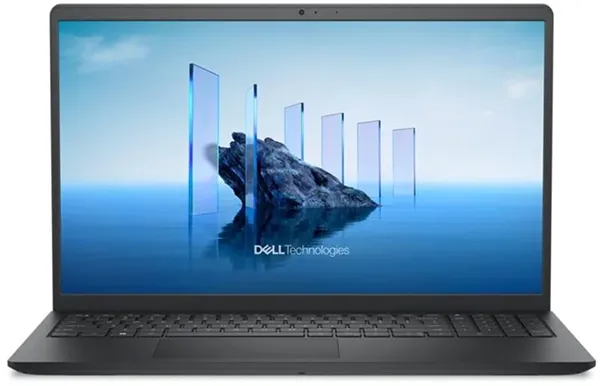
Best Budget Option: Dell DC15250
Not every remote setup needs a premium business laptop, and the Dell DC15250 is proof of that.
It ships with Windows 11 Pro — so you still get BitLocker and TPM 2.0 for VPN access and basic compliance — alongside a 15.6-inch DC15250 anti-glare IPS display that reduces eye strain across long working sessions, a small but genuinely useful detail for a budget-tier machine.
Configurations start at 8GB RAM, which is fine for browser-based remote work, video calls, and document editing — though a 16GB variant is also available if you want more multitasking headroom without stepping up to a different model. If you’re unsure how much RAM your workflow actually needs, our laptop buying guide covers this in more detail.
Best for: Remote workers on a tighter budget who still need Windows 11 Pro for VPN and security compliance.
Quick Comparison
Features

Processor

RAM

Webcam

OS

Standout feature

Best for
ThinkPad T14 Gen 6
ASUS ExpertBook P1
Intel Core i7-13620H
Dell DC15250
Core 3 / i5 / i7
How to Choose Between Them
If budget is the main constraint but you still need Windows 11 Pro →
Dell DC15250.
FAQs
Do I need Windows 11 Pro for remote work?
How much battery life do I actually need for remote work?
Is a webcam upgrade worth it for remote work?
What RAM do I need for remote working?
Do these laptops come with a UK warranty?
Still deciding? Browse our full range of Business Laptops at Techyest, or get in touch if you want a second opinion on what fits your specific remote setup.

TechYest Editorial Team
The Techyest Team is a group of UK-based laptop specialists providing practical, honest buying advice for consumers and businesses across the United Kingdom. Our content is researched and written by in-house specialists with hands-on experience across HP, Dell, Lenovo, and ASUS product ranges. Every recommendation is based on direct product knowledge and a clear understanding of what UK buyers need at different budgets. All buying guides published under the Techyest Team are reviewed for accuracy against current UK stock availability, pricing, and manufacturer specifications before publication.
Follow Us On


In This Guide
Recommended Picks:
- AMD Ryzen 5
- 16GB
- 512GB SSD

£1,098.50 Excl. VAT
- Intel Core Ultra 5
- 16GB
- 256GB SSD