



Buying Guide 2026
How Much RAM Do You Need in a Laptop?
Here’s the question we get asked more than almost any other: “Is 8GB enough, or should I just get 16GB?” If you’re wondering how much RAM you need in a laptop, the honest answer depends entirely on what you actually do. Most buyers are given far too little guidance to make that decision confidently, so here’s a straightforward explanation based on real-world use rather than marketing.
- July 17, 2026
- 20 min read
- Techyest Team
8GB RAM
Light Use
Best for
- Nrowsing, email, document editing, light streaming,
- Best for basic everyday tasks and light users.
Avoid if
- Heavy mulittasking, large files, many browser tabs open.

32GB
16GB RAM Best Choice
Best for Most Users
Best for
- Multitasking, Office work, study, video calls and light creative work
- The Best balance of performance and value for most users.
Avoid if
- Running heavy 3D work, large video editing or complex simulations.
32GB RAM
Power Users
Best for
- Professional creation, development, virtual machine, 4K video editing.
- Ideal for power users and specialised workloads.
Avoid if
- Basic tasks and light everyday use only.
Our Recommended RAM Picks
8GB RAM
Light Use
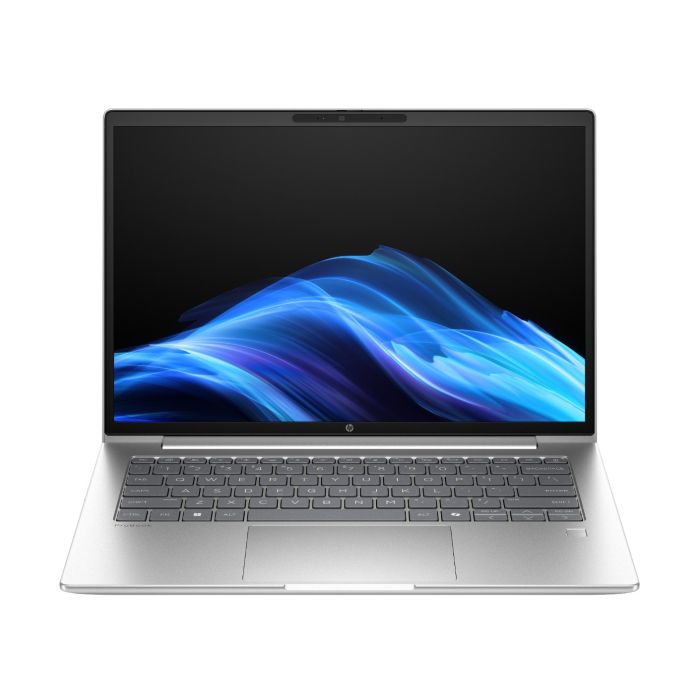
HP ProBook 4 G1iR Intel Core 5 8GB RAM 256GB SSD 14″ Windows 11 Pro Laptop Silver (B3AC6AT#ABU)
16GB RAM Best Choice
Best for Most Users
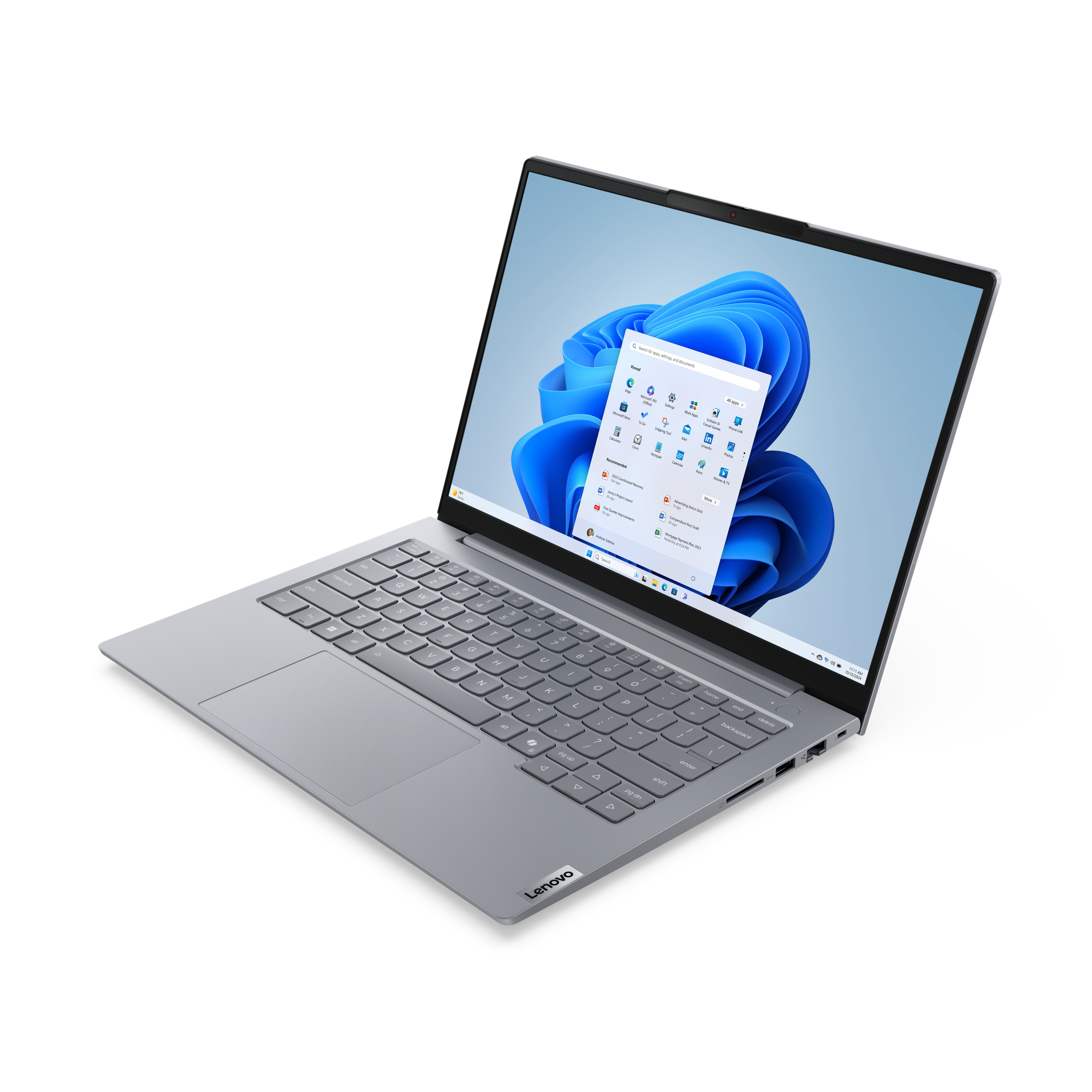
Lenovo ThinkBook 14 G8 IAL 16GB 256GB SSD 14″ Laptop and Windows 11 Pro (21SJ007JUK)
32GB RAM
Power Users
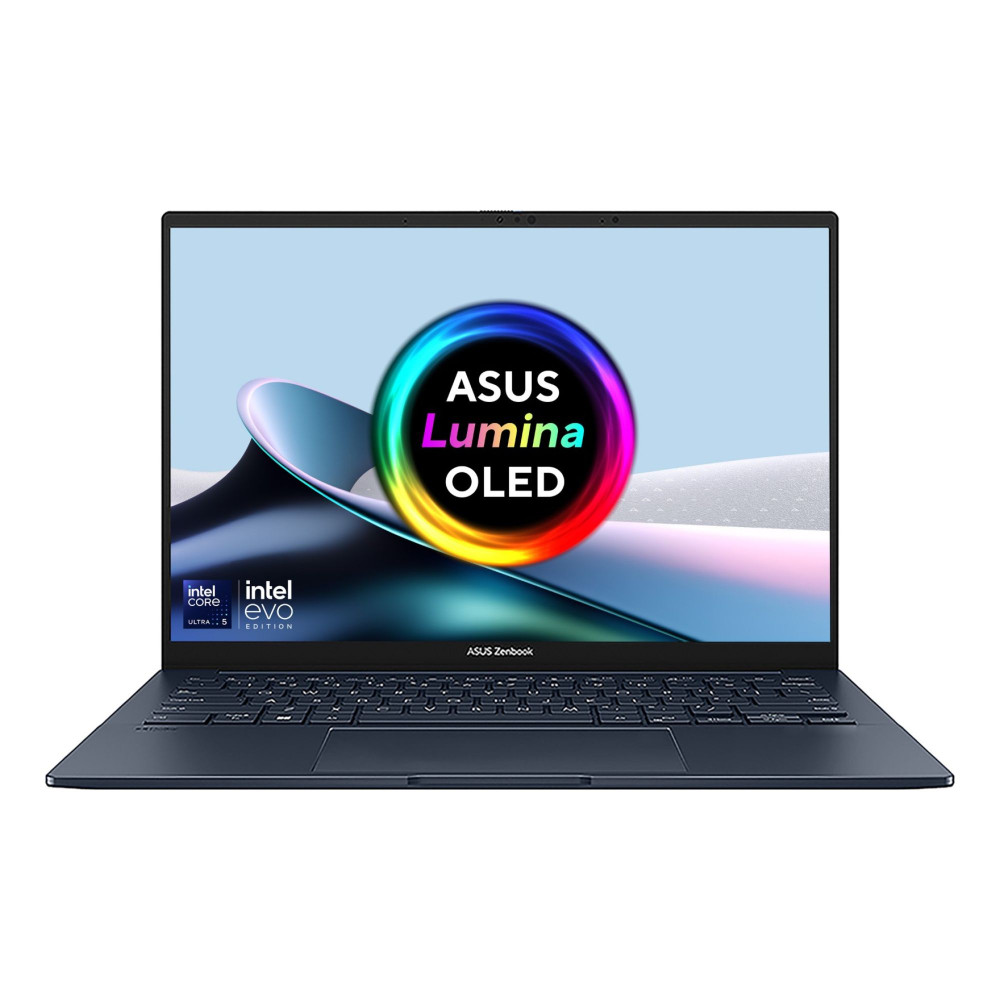
ASUS Zenbook 14 OLED UX3405CA-QL104W Intel Core Ultra 9 285H 32GB RAM 1TB SSD 14″ Laptop with Windows 11 Home
What RAM Actually Does, in Plain English
RAM is your laptop’s short-term memory, it holds everything you’re actively using right now: open apps, browser tabs, background processes. The more RAM you have, the more things your laptop can juggle at once without slowing down.
It’s different from storage (your SSD), which holds files long-term even when the laptop is off. Confusing the two is one of the most common mistakes buyers make — a laptop with a huge SSD and only 8GB RAM can still feel sluggish the moment you open more than a few things at once.
What Uses RAM Every Day?
- Google Chrome with 10–20 tabs open
- Microsoft Teams or Zoom
- Outlook
- Spotify
- Microsoft Word or Excel
- OneDrive or Google Drive syncing in the background
Individually, none of these tasks use a huge amount of memory. Together, however, they can quickly consume most of an 8GB RAM configuration. That’s why many people experience slowdowns even though they feel they’re “only browsing the web.”
8GB RAM — Who This Actually Suits
8GB is not “bad”, it’s simply specific. It comfortably handles browsing, email, word processing, and casual streaming, one or two things at a time.
Where it struggles is the moment you stack tasks: a video call running alongside a browser with a dozen tabs and a document open will start to feel sluggish on 8GB. If your laptop use is genuinely light and single-tasked, 8GB will serve you fine and save you money. If you’re not sure, assume your use is heavier than you think, most people underestimate how many things they have open at once.
16GB RAM — The Realistic Sweet Spot
For the overwhelming majority of students, professionals, and home users in 2026, 16GB is the configuration that actually matches real-world use. It handles multiple browser tabs, video calls, office software, and light photo editing simultaneously without the slowdown that 8GB eventually hits.
This is also the RAM level where future-proofing starts to matter. Software gets heavier every year; browsers, operating systems, and everyday apps all consume more memory than they did even two years ago. Buying 16GB now means your laptop stays comfortable to use for longer before it starts to feel dated.
If you’re choosing between 8GB and 16GB and the price difference is modest, 16GB is almost always the better long-term decision.
If you’re comparing laptops by memory size, browse our 16GB RAM laptop range to see the configurations we recommend for most students, professionals, and home users. If you’re buying specifically for gaming, we’d recommend at least 16GB; see our Alienware gaming laptops for configurations up to 32GB.
32GB RAM — When You Actually Need It
32GB isn’t about everyday speed; it’s about specific, demanding workloads. Running virtual machines, working with large datasets or complex spreadsheets, software development with multiple environments open, or video editing in 4K are the situations where 32GB makes a genuine, measurable difference.
For most buyers, 32GB is unnecessary spend. But for the people who do need it, there usually isn’t a comfortable substitute; 16GB will visibly struggle under those specific workloads, and no amount of patience fixes a memory bottleneck.
For professionals shopping for higher-spec machines, our Business Laptop Buying Guide explains when investing in more RAM genuinely improves productivity.
The One Thing Nobody Warns You About — Soldered RAM
This is worth knowing before you buy, not after.
Many modern laptops, particularly thinner and lighter models, have RAM that’s soldered directly to the motherboard. That means whatever RAM configuration you buy is permanent. You cannot upgrade it later.
If a laptop has upgradeable RAM (look for “user-upgradeable” or check whether it has accessible SO-DIMM slots), buying a lower configuration now and upgrading later is a reasonable strategy. If the RAM is soldered, buy for the future, not just for today, because there’s no second chance once it’s purchased.
One more point worth remembering: the amount of RAM usually has a much bigger impact than whether it’s DDR4 or DDR5. For most buyers, upgrading from 8GB to 16GB will make a far more noticeable difference than moving from DDR4 memory to DDR5 alone.
RAM by Use Case
Home Users: 8GB is genuinely sufficient if you rarely multitask.
Students: 16GB is the realistic standard. Lecture notes, research tabs, and a video call running simultaneously is normal student multitasking, and 8GB will start to show its limits during exam season specifically.
For business and professional users, 16GB as standard, with serious consideration for 32GB if your work involves data analysis, multiple demanding applications, or virtual environments. The HP ProBook 450 laptops, for example, is built around this baseline — a sensible starting point for typical professional workloads.
Developers & Creative Professionals — 32GB is worth the investment. The ASUS ExpertBook P1 is a good example of where this ceiling matters: configurations are available with up to 32GB DDR5, which is genuinely useful for professionals running large datasets, multiple virtual machines, or memory-intensive applications.
If you’re still unsure, default to 16GB. It’s the configuration that comfortably covers the vast majority of real-world use without overspending on capacity you’ll never touch. Drop to 8GB only if your budget is tight and your use is genuinely light. Go to 32GB only if you already know your workload demands it — if you’re asking the question generally, you probably don’t need it yet. Specifically deciding between 8GB and 16GB? See our detailed 8GB vs 16GB RAM comparison with real-world scenarios.
FAQs
Is 8GB RAM enough for a laptop in 2026?
Is 16GB RAM overkill for everyday use?
Do I need 32GB RAM for university or general work?
Can I upgrade my laptop's RAM later?
Does more RAM make my laptop faster?
Still unsure which RAM configuration is right for you? Compare our 8GB, 16GB, and 32GB laptop ranges to see which specification best matches the way you actually use your laptop. If you need help choosing, our team is always happy to recommend the right configuration for your workload.

TechYest Editorial Team
The Techyest Team is a group of UK-based laptop specialists providing practical, honest buying advice for consumers and businesses across the United Kingdom. Our content is researched and written by in-house specialists with hands-on experience across HP, Dell, Lenovo, and ASUS product ranges. Every recommendation is based on direct product knowledge and a clear understanding of what UK buyers need at different budgets. All buying guides published under the Techyest Team are reviewed for accuracy against current UK stock availability, pricing, and manufacturer specifications before publication.
Follow Us On:


In This Guide
Recommended Picks:
SKU: UX3405CA-QL241W
- Intel Core Ultra 5
- 16GB
- 512GB SSD

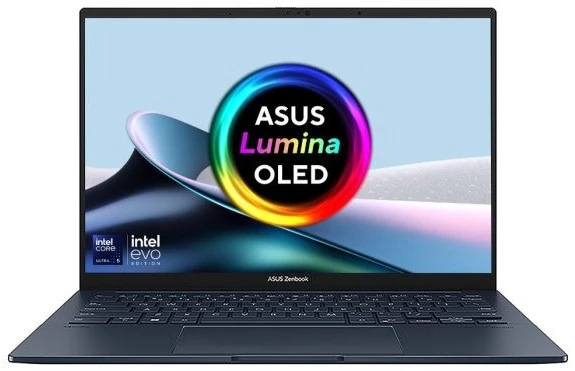
£715.50 Excl. VAT
- Intel Core Ultra 5
- 16GB
- 512GB SSD

£807.50 Excl. VAT