



SSD vs HDD — Which Storage Should You Choose for Your Laptop?
When you buy a laptop, one of the biggest differences you will feel every single day is not the processor or the RAM; it is the storage type. The choice between SSD and HDD has a bigger impact on how fast your laptop feels than almost any other specification. This guide explains what each one is, why the difference matters, and which you should choose. If you are comparing SSD vs. HDD laptops, the answer is straightforward, but understanding why will help you shop with confidence.
- June 25, 2026
- 20 min read
- Techyest Team
What Is an HDD? (Hard Disk Drive)
An HDD, or Hard Disk Drive, is a physical spinning disk inside your laptop; think of it like a tiny record player. A mechanical arm moves across the disk to read and write data, which means every time your laptop needs to find a file, it is physically moving parts to locate it.
That mechanical process makes HDDs slower, more fragile, and slightly audible; you may have heard a faint clicking or whirring from older laptops. A good analogy: finding a book in a huge library by physically walking to the shelf, searching the row, and pulling it out yourself.
HDDs are still found in old laptops and some cheap desktop computers, but they are increasingly rare in new laptops sold in 2026. Booting Windows 11 on an HDD typically takes 60 to 90 seconds, and that is before you open a single application.
What Is an SSD? (Solid State Drive)
An SSD, or Solid State Drive, has no moving parts at all. It stores data on memory chips, imagine a large, fast USB memory stick built into your laptop. There is nothing to spin, nothing to move, and nothing to wear out mechanically.
Using the same library analogy: instead of walking to the shelf, every book teleports directly to your hand the moment you think of it. That is the difference in speed you will actually feel.
SSDs are silent, resistant to physical shocks, and dramatically faster than HDDs. Windows 11 boots in roughly 8 to 15 seconds on a modern SSD, compared to a minute or more on an HDD.
The fastest type of SSD is called an NVMe SSD. Think of it as a faster motorway for your data, while a standard SATA SSD uses an older, slower road, NVMe uses a dedicated, high-speed lane. Most mid-range and above laptops now use NVMe as standard.
Why SSD Feels So Much Faster Than HDD
Technical specifications only tell part of the story. What matters most is how your laptop feels when you use it every day — and this is where SSDs completely change the experience.
Starting Your Laptop:
With an HDD, starting Windows often feels like waiting for the laptop to wake up properly. You press the power button, wait for the drive to spin up, and then wait again while background processes load. With an SSD, the laptop is usually ready to use within seconds
Opening Applications:
Applications like Microsoft Word, Excel, Chrome, and Outlook launch much faster on an SSD. Instead of waiting while the drive searches for data, the files are accessed almost instantly.
Searching for Files:
Finding a document, photo, or folder is significantly quicker on an SSD. Searches complete faster, results appear sooner, and there is no audible drive noise while the system works.
Long-Term Performance:
As laptops age, HDD-based systems often become noticeably slower. SSDs generally maintain their performance far better over time, helping laptops feel responsive for longer.
Durability and Reliability:
Because SSDs contain no moving parts, they are much less vulnerable to physical shocks than traditional hard drives. If you regularly carry your laptop between home, work, university, or meetings, this extra durability is a genuine advantage.
SSDs are also more energy-efficient than HDDs, which can contribute to slightly better battery life in laptops.
Is There Any Reason to Choose HDD in 2026?
Almost never, at least not for a laptop.
The only scenario where an HDD still makes sense is bulk storage on a very tight budget: if you need two terabytes or more of storage and cannot stretch the budget, an external HDD is a far better solution than buying a laptop with an internal hard drive. Keep the laptop SSD-based and add an external drive for overflow storage.
Desktop PCs sometimes use HDDs alongside an SSD: one fast drive for the operating system, one large drive for archive storage. But in a laptop, where space, weight, and speed all matter, there is no good case for an HDD.
For laptops in 2026, HDD is outdated technology. Every new laptop worth buying comes with an SSD.
Why SSD Became the Industry Standard?
A decade ago, SSD storage was considered a premium upgrade. Many laptops shipped with traditional hard drives because SSDs were expensive and offered much lower capacities for the money.
Today, the situation is completely different. SSD prices have fallen significantly, while performance and reliability have improved dramatically. Manufacturers can now include SSDs as standard without pushing laptop prices into premium territory.
That is why almost every modern laptop worth buying now ships with SSD storage. Faster boot times, quicker application loading, better durability, and improved energy efficiency have made SSDs the default choice across the industry.
Which SSD Size Is Right for You?
Choosing the right SSD capacity is almost as important as choosing SSD over HDD. The best option depends on how you use your laptop.
Students and Home Users
For most people, 512GB is the sweet spot. It provides enough room for Windows, everyday applications, coursework, photos, downloads, and personal files without constantly worrying about available space.Buying for university? See our Best Laptops for Students guide

Remote Workers and Professionals
If your laptop is used for work, cloud storage, spreadsheets, presentations, and business applications, 512GB remains a strong choice. However, users who store large files locally may benefit from stepping up to 1TB.

Creators and Power Users
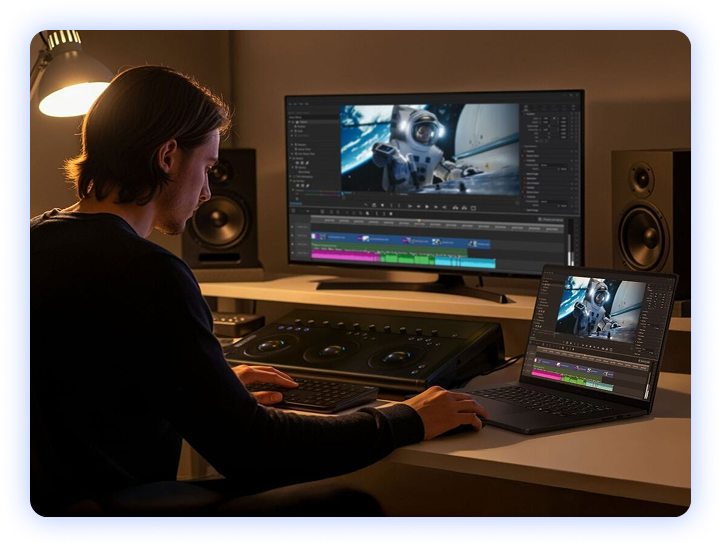
Video editors, photographers, designers, and anyone working with large project files should strongly consider 1TB or more. Large media files consume storage quickly, and having additional space makes day-to-day work much easier.
The ASUS VivoBook 15 and HP 250 G10 at Techyest both come with 512GB NVMe SSD storage — a practical amount for most buyers looking for long-term value and everyday performance. Buying for work? See our Best Business Laptops for Professionals guide.
NVMe vs SATA SSD — Does It Matter?
There are two main types of SSD, and the difference is worth knowing even if it rarely changes the buying decision.
SATA SSD
A SATA SSD is the older standard — dramatically faster than any HDD, but using a data connection originally designed for hard drives. It is still a perfectly capable drive for everyday use.
NVMe SSD
An NVMe SSD uses a newer, dedicated connection that allows data to move significantly faster. For browsing, email, streaming, and standard office work, you will not notice the difference between SATA and NVMe in daily use. For tasks involving large files, video editing, transferring big folders, and loading large design projects, NVMe’s advantage becomes real and noticeable.
Most mid-range and above laptops in 2026 use NVMe as standard. If a budget laptop lists “SSD” without specifying the type, it is worth checking — though for most buyers, either type is a vast improvement over HDD.
Final Verdict
For almost every laptop buyer in 2026, SSD is the clear choice. For any laptop purchased in 2026, SSD storage is not a premium feature or an optional upgrade. It is the baseline expectation, and any laptop that still ships with an HDD as its primary drive is not worth buying. If a listing does not clearly state SSD, always check before purchasing. Every laptop sold at Techyest comes with SSD storage as standard, because anything less simply is not good enough in 2026.
If you’re also comparing memory options, our 8GB vs 16GB RAM guide explains how RAM affects everyday laptop performance. Fast storage matters even more for gaming; all our RTX 5060 gaming laptops come with SSD storage as standard.
Frequently Asked Questions
What is the difference between SSD and HDD in a laptop?
An HDD is a mechanical spinning disk that stores data using moving parts; it is slower, louder, and more fragile. An SSD stores data on memory chips with no moving parts; it is faster, silent, and far more durable. In real-world use, an SSD makes your laptop feel dramatically quicker to start, open apps, and respond to everything you do.
Is SSD worth it over HDD for a laptop?
What does NVMe SSD mean?
NVMe stands for Non-Volatile Memory Express, it is a faster type of SSD that uses a dedicated high-speed connection rather than the older SATA standard. In plain terms, an NVMe SSD moves data more quickly than a SATA SSD. For everyday use the difference is minor, but for large file transfers and creative work it is noticeably faster. Most modern laptops use NVMe as standard.
How much SSD storage do I need in a laptop?
For most buyers, 512GB is the right amount, enough room for Windows, all your apps, photos, and files without running tight. 256GB is workable on a strict budget but fills up faster than expected. If you work with video, large photo libraries, or design files, 1TB gives you comfortable headroom.
Looking for a Laptop with SSD Storage?
No spinning disks. No slow boot times. No outdated technology.
Every laptop at Techyest ships with SSD storage as standard, helping you enjoy faster performance, quicker startup times, and a smoother everyday experience from day one.

TechYest Editorial Team
The Techyest Team is a group of UK-based laptop specialists providing practical, honest buying advice for consumers and businesses across the United Kingdom. Our content is researched and written by in-house specialists with hands-on experience across HP, Dell, Lenovo, and ASUS product ranges. Every recommendation is based on direct product knowledge and a clear understanding of what UK buyers need at different budgets. All buying guides published under the Techyest Team are reviewed for accuracy against current UK stock availability, pricing, and manufacturer specifications before publication.
Follow Us On


In This Guide
Recommended Picks:
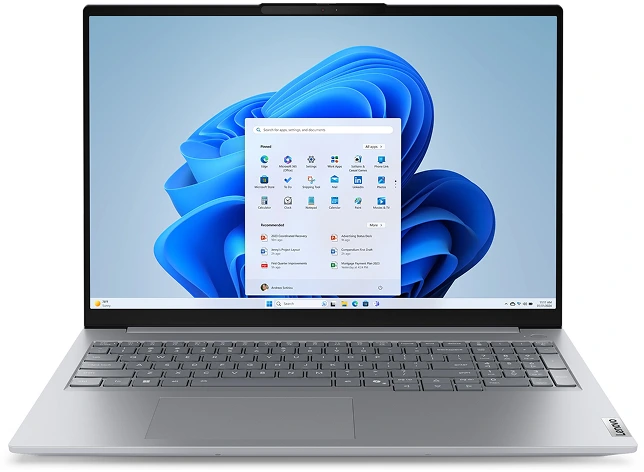
- Intel Core Ultra 5
- 16GB
- 256GB SSD

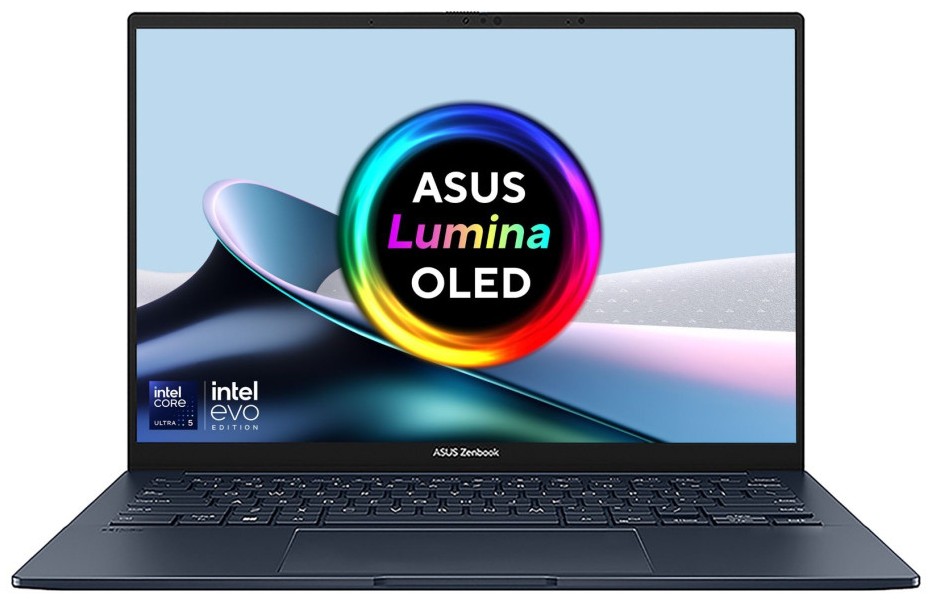
£699.00 Excl. VAT
SKU: UX3405CA-QL104W
- Intel Core Ultra 9
- 32GB
- 1TB SSD

£2,040.50 Excl. VAT