



Best Laptops for Students in the UK 2026 — Top Picks
University life doesn’t slow down. Whether you’re racing to submit an essay at midnight, sitting through a three-hour lecture, or jumping between Zoom calls and Google Docs, your laptop needs to keep up without dying on you. This guide covers the best laptops for students in UK— all brand new, not refurbished, and backed by full UK manufacturer warranties.
We’ve handpicked options across every budget, from wallet-friendly picks to premium powerhouses, so you can find the right machine before term begins.
- June 1, 2026
- 10 min read
- Techyest Team
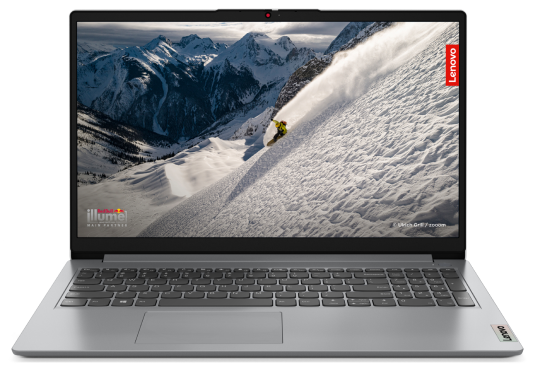

- Processor AMD Ryzen 5 7520U
- RAM 16GB Soldered LPDDR5-5500
- Storage 512GB SSD M.2
Fast UK Delivery
1 year Warranty
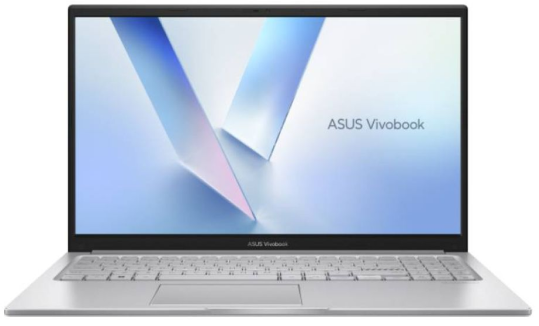
- Processor Intel Core i3 1315U
- RAM 8 GB DDR4-SDRAM
- Storage 512 GB SSD NVMe M.2
£344.00 Excl. VAT
Fast UK Delivery
1 year Warranty
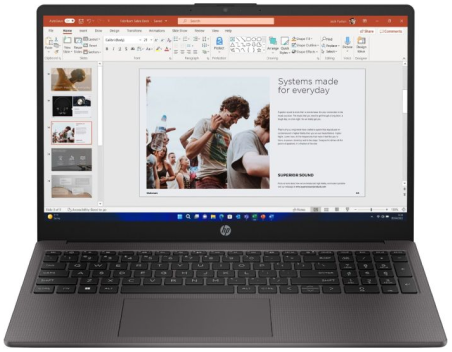
- Processor AMD Ryzen 5 7530U
- RAM 1 x 8 GB DDR4-SDRAM
- Storage 256 GB SSD NVMe
£344.00 Excl. VAT
Fast UK Delivery
1 year Warranty
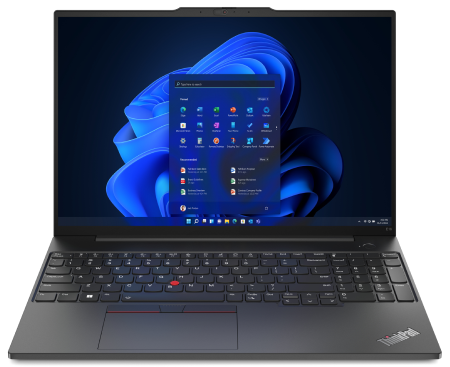
- Processor Intel Core i3-1315U
- RAM 1 x 8 GB DDR4-SDRAM
- Storage 256 GB SSD NVMe
£403.34 Excl. VAT
Fast UK Delivery
1 year Warranty
What Should a Student Look for in a Laptop?
Before diving into specific models, it’s worth knowing what actually matters for student use. Not every spec on the box translates to real-world benefit — here’s what to actually pay attention to.
Battery Life
A laptop that dies halfway through your afternoon lectures is a problem. Aim for at least 8 hours of real-world battery life, which usually means a quoted figure of 10–12 hours from the manufacturer. Heavy web browsing, running Microsoft Teams, and streaming Netflix during breaks all drain a battery faster than benchmark tests suggest — so be realistic.
Portability
You’ll be carrying this machine in a bag most days, so weight matters more than you might think. A 15.6″ laptop hitting around 1.7–1.9kg is the sweet spot — big enough to work comfortably on, light enough not to destroy your shoulders. If you’re commuting daily, you’ll thank yourself for prioritising this.
RAM
16GB RAM is the ideal starting point for most students in 2026. With Google Chrome happily eating several gigabytes on its own, add in Microsoft Teams, a couple of PDFs, OneDrive syncing in the background, and a Spotify tab, and 8GB starts feeling tight very quickly. If you’re doing anything creative — editing video, using design software — 16GB becomes non-negotiable.
Storage
A 512GB SSD is the minimum worth considering. With coursework, downloaded lectures, software installs, and a growing photo library all competing for space, you don’t want to be constantly shuffling files to an external drive. NVMe SSDs also load applications and boot Windows significantly faster than older SATA drives — it’s a noticeable difference day-to-day.
Build Quality
This laptop is going in and out of a bag, possibly every day for three or four years. Flimsy hinges, a flexing keyboard deck, or a screen that wobbles when you type are all warning signs. Business-oriented laptops — like the ThinkBook and ExpertBook ranges — tend to invest more heavily in build quality, which pays off over time.
Does Your Course Affect Which Laptop You Need?
For most degree subjects — humanities, law, business, social sciences, languages — the laptop recommendations in this guide will serve you well regardless of which model you choose. These courses mainly require a capable browser, Microsoft Office, and reliable Wi-Fi. Almost any laptop with 16GB RAM and a 512GB SSD handles them without difficulty.
Some courses, however, place meaningfully higher demands on hardware:
Computer Science and Software Engineering — You will be compiling code, running virtual machines, and potentially working with Linux environments alongside Windows. 16GB RAM is the minimum; 32GB becomes worthwhile in later years. Look for a machine with an upgradeable SSD and good Linux driver support. The ASUS ExpertBook and Lenovo ThinkPad E series both have strong reputations here.
Architecture and Design — AutoCAD, Revit, SketchUp, and Adobe Creative Suite are all resource-intensive. If your course uses any of these regularly, 16GB RAM is non-negotiable and a faster processor (Core i7 or equivalent) makes a real difference when rendering. A sharp, colour-accurate display matters more for design work than for most other subjects.
Engineering (Mechanical, Civil, Electrical) — Simulation and CAD software can be demanding. The same guidance as architecture applies: 16GB RAM minimum, strong processor, larger SSD. Some simulation software also benefits from a dedicated GPU, though most student-level coursework runs adequately on integrated graphics.
Media Production, Film, and Music Technology — Video editing in DaVinci Resolve or Premiere Pro, audio production in Ableton or Logic, and working with high-resolution assets all benefit from 16GB RAM, 1TB storage, and a high-colour-gamut display. If your course involves video production, do not go below 16GB RAM.
Medicine, Nursing, and Healthcare courses — Standard laptop specs cover most needs: lecture note-taking, research, and learning management systems. The main requirement is reliability. Battery life matters more here than raw performance — clinical placements mean long days without easy access to chargers.
If you are unsure what your course requires, check with your department before you buy. Most universities publish recommended specs for incoming students. See our full laptop buying guide for more on what each specification means in practice.
Best Laptops for Students in the UK 2026 — Our Top Picks
All laptops below are brand new, and available with fast UK delivery from Techyest.
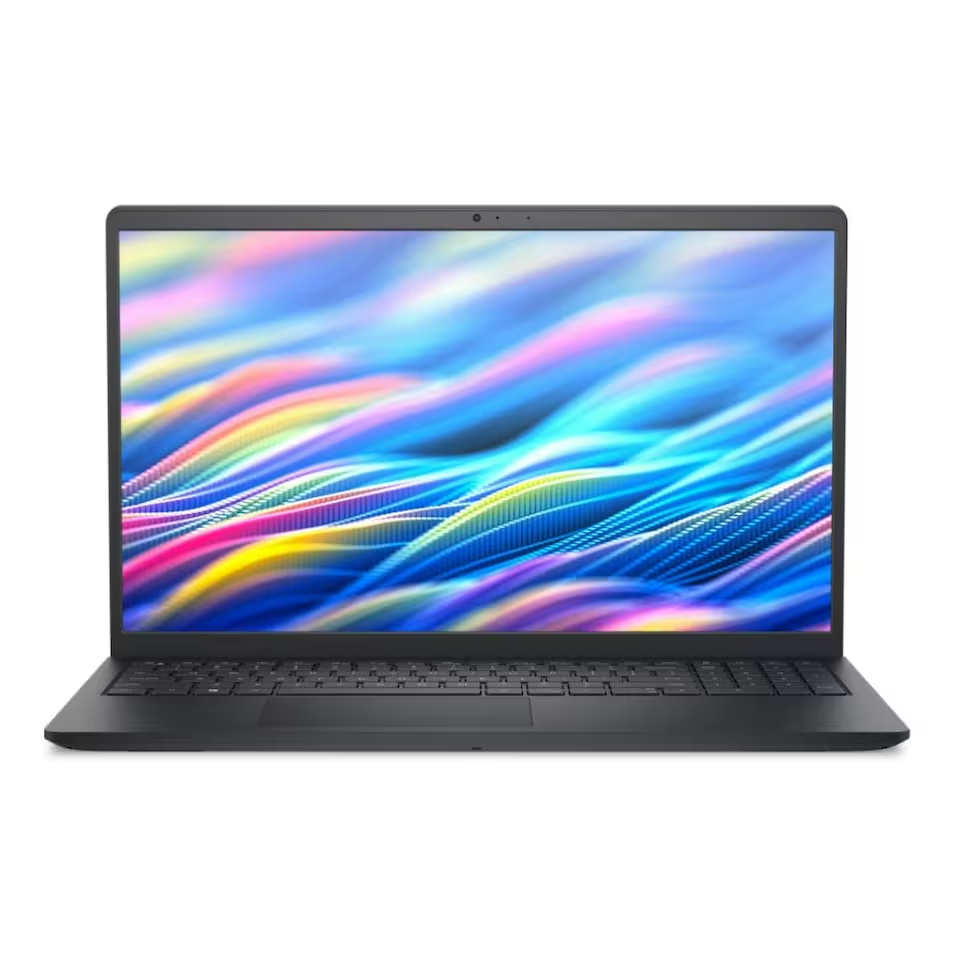
-
Processor: Intel Core 3
100U - RAM: 8GB DDR4
-
Storage: 512GB NVMe
SSD - Display: 15.6" Full HD IPS, 120Hz
- OS: Windows 11 Pro
The Dell DC15250 punches well above its price tag where it counts most for students. That 15.6″ IPS display at 120Hz is genuinely impressive at this price point, colours are accurate, viewing angles are wide, and the higher refresh rate makes scrolling through documents and websites feel noticeably smoother. The 512GB NVMe SSD means you won’t be staring at a loading screen every time you open an app, and Windows 11 Pro is a bonus you wouldn’t typically expect at this budget tier.
The main limitation is the 8GB DDR4 RAM, which is workable for most coursework but will feel stretched if you’re regularly running many applications at once. That said, it handles Microsoft Office, Google Docs, Zoom, and a sensible number of Chrome tabs without issue — which covers the needs of most students day-to-day.
Best for:
Students on a tight budget who still want a proper Full HD display and fast SSD storage.
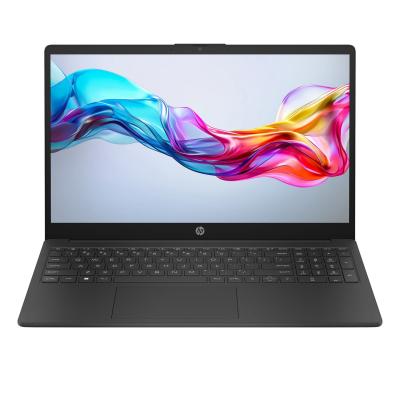
Best for: Students who want a proper everyday laptop with strong performance across everything from essays to video calls.
- Processor: Intel Core i7 1355U
- RAM: 2 x 8 GB DDR4-SDRAM
- Storage: 512GB SSD NVMe M.2
- Display: 15.6” 1920 x 1080 pixels
- OS: Windows 11 Home
The HP 15-fd0066na is the laptop we’d recommend to most students overall. The Intel Core i7-1355U processor handles multitasking with ease — switching between Microsoft Teams, a browser loaded with research tabs, and a Word document doesn’t cause any stutter. Paired with 16GB DDR4 RAM, this machine has the headroom to stay fast through a full day of work, not just the first few apps you open.
At this price, it hits a strong value position in the current UK market. The one thing worth noting is that it ships with Windows 11 Home rather than Pro — for most students this makes no practical difference, but if you need domain-join functionality for a university network, it’s worth checking your institution’s requirements. It’s one of the strongest student laptops available at this price point right now.
Best for:
Students who want a proper everyday laptop with strong performance across everything from essays to video calls.
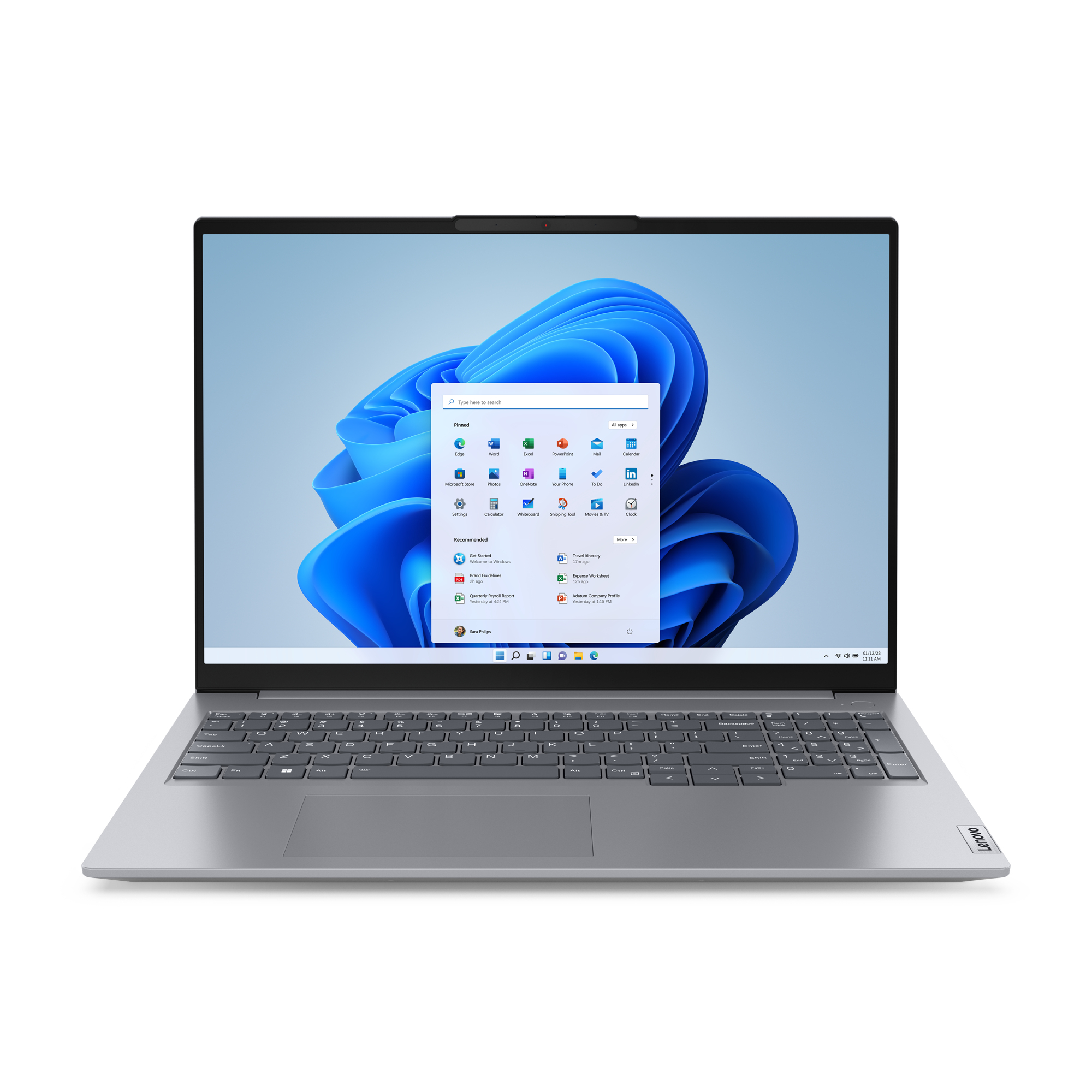
Best for: Students who spend long hours reading, coding, or working with multiple windows open side by side.
- Processor: Intel Core i5-13420H
- RAM: 1x16 GB DDR5-5200
- Storage: 256GB SSd M.2 2242
- Display: 16" UHD IPS 300nits
- OS: Windows 11 Pro
Lenovo’s ThinkBook line sits between the consumer and business laptops worlds, and that shows in the build quality. The chassis feels solid and professional without being unnecessarily heavy. The 16″ display gives you meaningfully more working space than a 15.6″ screen — useful for students in engineering, architecture, design, or anyone who habitually has two windows open side by side. The Intel Core i5-13420H is a performance-tier H-series chip (more powerful than a standard U-series), and 16GB DDR5 RAM gives it plenty of speed for demanding workloads.
The one caveat here is the 256GB SSD, which is on the smaller side and will require some housekeeping. The good news is that ThinkBook models typically have accessible internals, meaning a storage upgrade later is a realistic option. If you’re comfortable managing your files or using OneDrive for cloud storage, this is a very capable machine at £583.
Best For:
Students who spend long hours reading, coding, or working with multiple windows open side by side.
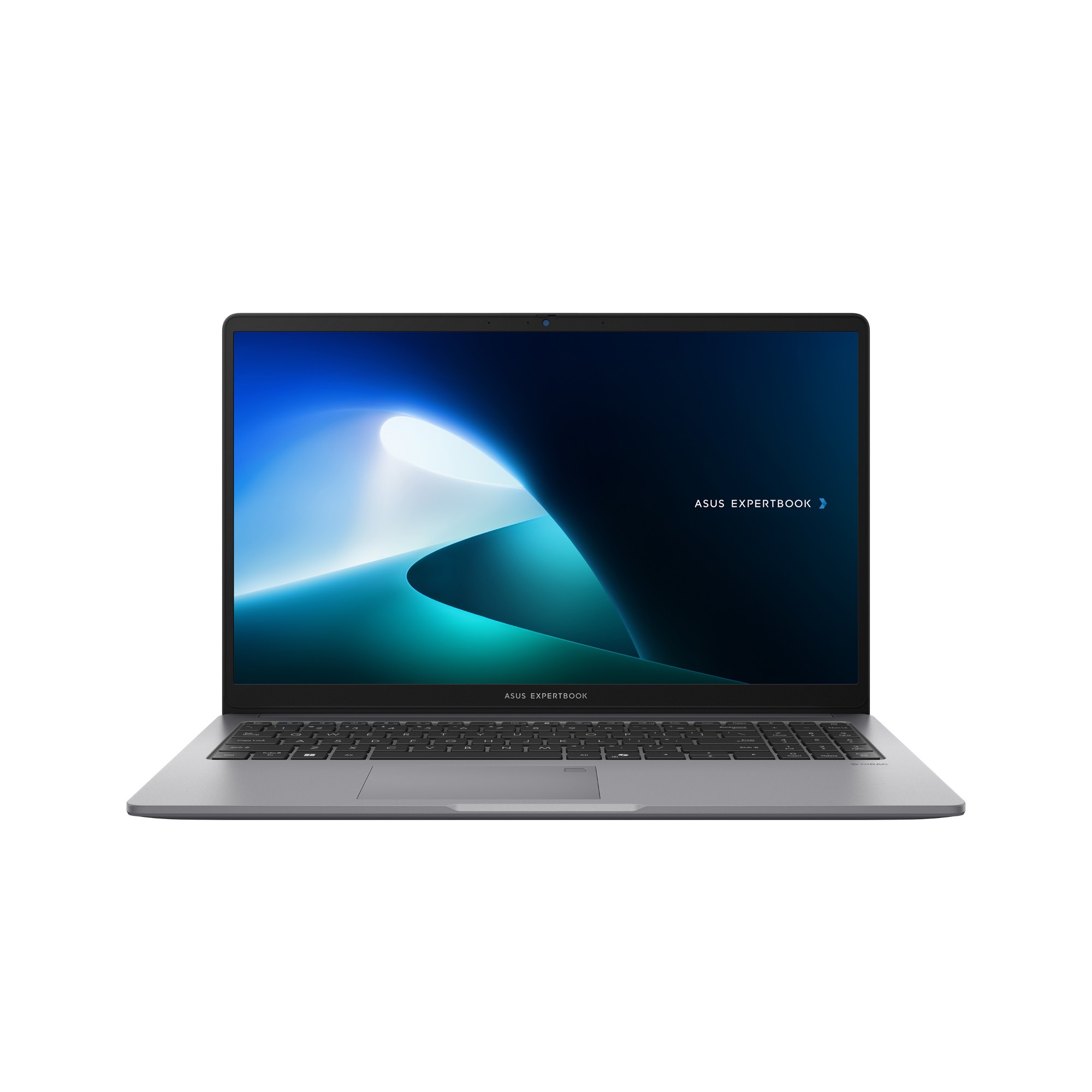
Best for: Students who want a laptop that will last the full length of their course without any compromises.
- Processor: Intel Core i7 13620H
- RAM: 16 GB DDR5-SDRAM
- Storage: 512 GB SSD NVMe M.2
- Display: 15.6" 1920 x 1080 pixels
- OS: Windows 11 Pro
The ASUS ExpertBook P1 is a business-grade laptop at a price that’s still attainable for students with a slightly higher budget. The Intel Core i7-13620H is a serious processor — well beyond what most coursework demands, which means it will stay relevant and fast for years rather than months. 16GB DDR5 RAM and a 512GB SSD round out a spec sheet that leaves nothing to be desired.
What makes this laptop worth the premium over cheaper options is the build quality and long-term reliability that ASUS ExpertBook machines are built for. It’s designed to withstand daily use, travels well, and has Wi-Fi 6 for fast connectivity on campus networks. Windows 11 Pro also comes included, which is useful if your university requires Pro for certain software or network configurations. For students who see a laptop as a four-year investment rather than a two-year gamble, this is the one to go for.
Best For:
Students who want a laptop that will last the full length of their course without any compromises.
Quick Comparison Table
Laptop
Processor
RAM
Storage
Display
.
Dell DC15250
Intel Core 3 100U
8GB DDR4
512GB NVMe SSD
15.6” FHD IPS 120Hz
HP 15-fd0066na
Intel Core i7-1355U
16GB DDR4
512GB SSD
15.6"
Lenovo ThinkBook 16
Intel Core i5-13420H
16GB DDR5
256GB SSD
16”
ASUS ExpertBook P1
Intel Core i7-13620H
16Gb DDR5
512GB SSD
15.6” FHD
Which Student Laptop Should You Choose?
Not sure where to start? Here’s a quick decision guide based on budget.
Under £400
Dell DC15250
If keeping costs down is the priority, the Dell is the honest choice. You get a proper IPS display, a fast NVMe SSD, and Windows 11 Pro — all the essentials without the fluff. The 8GB RAM is the only real compromise, but it handles everyday student workloads comfortably.
£400 - £560
HP 15-fd0066na
This is the sweet spot for most students. The jump to a Core i7 processor and 16GB RAM makes a real difference in day-to-day use, and the price at £559.81 represents strong value in the current UK market. If you can stretch the budget here, it's worth it.
£560 - £600
Lenovo ThinkBook 16 G6
Choose the ThinkBook if screen real estate matters to you. The larger 16" display and H-series processor make it a strong option for more demanding courses. Just be aware of the smaller 256GB SSD and plan your storage accordingly.
£600+
ASUS ExpertBook P1 P1503CV
For students who want the best build quality and the most future-proof spec,the ExpertBook at £604 is excellent value for a business-grade machine.It's the kind of laptop you buy once and don't replace until you graduate and probably beyond.
Frequently Asked Questions (FAQs):
What is the best laptop for university students in the UK?
How much should a student spend on a laptop in the UK?
A reasonable budget for a capable student laptop in 2026 sits between £400 and £600. Spending under £400 is possible (and the Dell proves it can be done well), but you may find yourself hitting limitations sooner. Above £600, you’re entering premium territory where the gains are real but not essential for most courses.
Is 8GB RAM enough for a student laptop in 2026?
It can be, but it’s tight. 8GB is workable for lighter tasks — writing essays in Microsoft Office, basic browsing, Zoom calls — but if you regularly open many Chrome tabs, stream content, and run Microsoft Teams simultaneously, 8GB starts to strain. If your budget allows, 16GB is a noticeably better experience and will keep the laptop feeling fast for longer.
Should I buy a new or refurbished laptop for university?
A brand new laptop is generally the smarter long-term choice for students. You get a full UK manufacturer warranty, a fresh battery with maximum capacity, and the peace of mind that comes with knowing the machine hasn’t already seen two or three years of heavy use. Refurbished machines can be cheaper upfront, but a failing battery or worn keyboard mid-exam season is a stressful situation you don’t want. All laptops featured in this guide are brand new with full UK warranty coverage.
Final Thoughts:
Whether you’re heading into your first year or upgrading ahead of a demanding final year, buying a brand new laptop with full UK warranty cover gives you far better long-term value than taking a chance on refurbished hardware. The four laptops in this guide cover every student budget without cutting corners on what actually matters — performance, storage, and reliability. Browse all student laptops at Techyest, with next-day UK delivery and full manufacturer warranty on everything we stock.

TechYest Editorial Team
The Techyest Team is a group of UK-based laptop specialists providing practical, honest buying advice for consumers and businesses across the United Kingdom. Our content is researched and written by in-house specialists with hands-on experience across HP, Dell, Lenovo, and ASUS product ranges. Every recommendation is based on direct product knowledge and a clear understanding of what UK buyers need at different budgets. All buying guides published under the Techyest Team are reviewed for accuracy against current UK stock availability, pricing, and manufacturer specifications before publication.
Follow Us On


In This Guide
Recommended Picks:
SKU: D2XR3AT#ABU
- Ryzen 5
- 24GB
- 512GB SSD

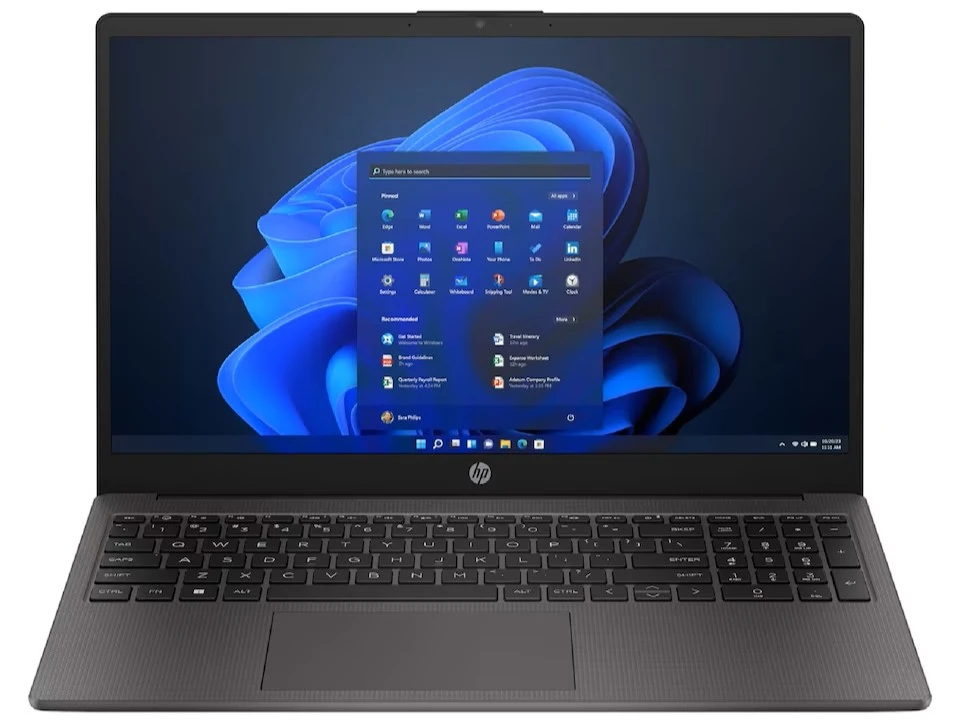
£551.20 Excl. VAT
SKU: UX3405CA-QL241W
- Ultra 5
- 16GB
- 512GB SSD

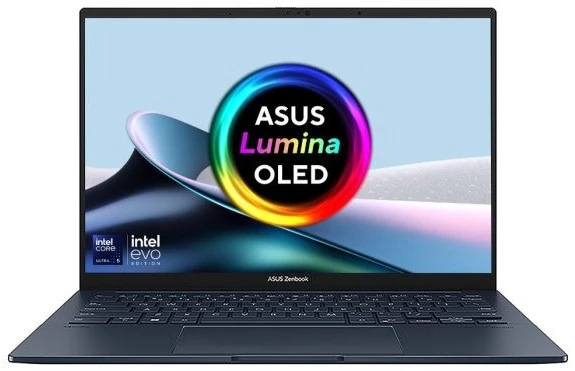
£785.50 Excl. VAT