



Business Laptop vs Student Laptop — What's the Real Difference?
Here’s something that surprises people: a lot of “business laptops” and “student laptops” share the same processors, similar RAM, and nearly identical screens. The category names suggest two completely different machines. The spec sheets often tell a different story.
So what’s actually going on? The real difference isn’t always about raw power — it’s about what each laptop category is optimised for, and who’s expected to buy it. Get that wrong, and you either overspend on features you’ll never use, or underbuy and regret it within a year.
- July 3, 2026
- 15 min read
- Techyest Team
Business laptops prioritise security, durability, and long-term reliability — built for people who need their laptop to work flawlessly for years, often with sensitive data on board.
Student laptops prioritise value, portability, and battery life — built for people who need a capable everyday machine without paying for enterprise features they’ll never touch.
Neither is “better.” They’re solving different problems. Here’s how to work out which one fits your needs best.
Our Top Recommended Picks
If we had to recommend one
ASUS ExpertBook P1
A dependable 14″ business laptop built for productive workdays, seamless collaboration, and professional efficiency.
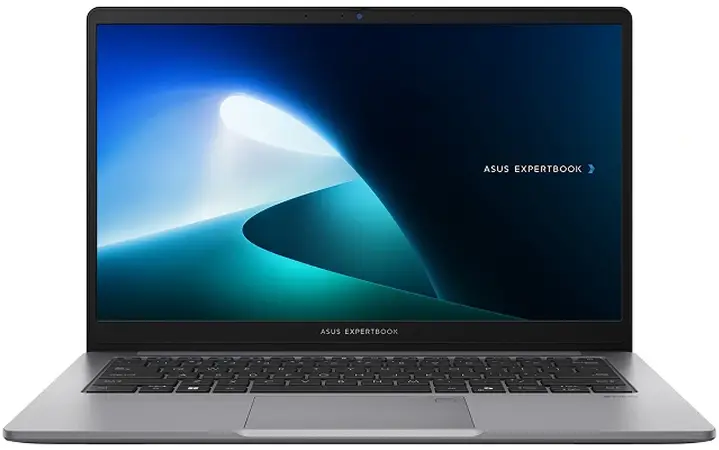
Business-Ready Performance
Intel Core 5 processing with 16GB DDR5 memory handles everyday business applications, multitasking, and professional workloads with ease.
Work From Anywhere
At just 1.45 kg, its compact design makes it easy to carry between the office, meetings, and remote workspaces.
Secure Your Business
Windows 11 Pro, fingerprint authentication, and TPM 2.0 help keep business data and professional information protected.
Price
Next Day Delivery
Order by 4pm
14 Days Return/Refund Policy
Fast dispatch with full warranty protection
If we had to recommend one
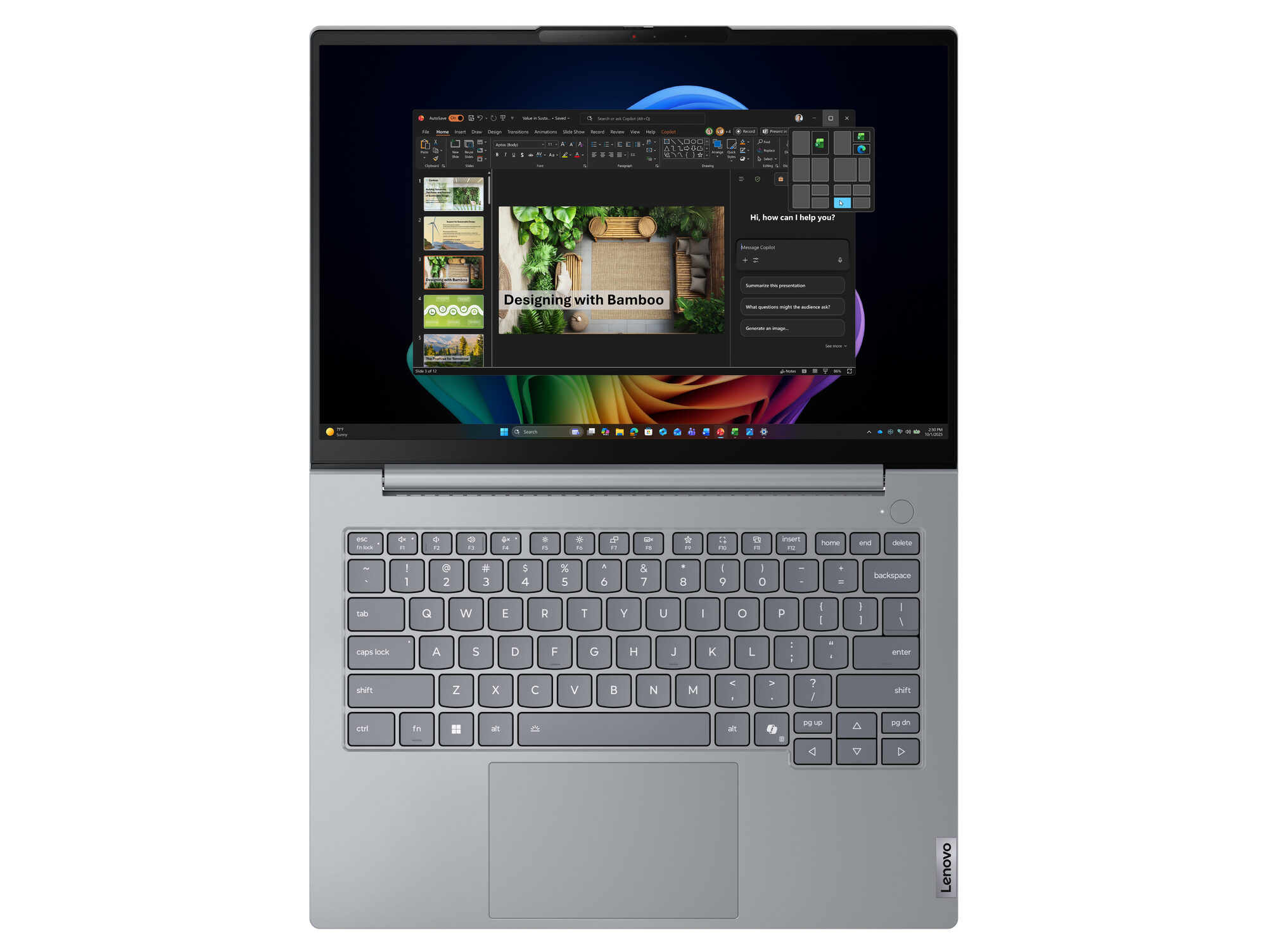
Lenovo ThinkBook 16
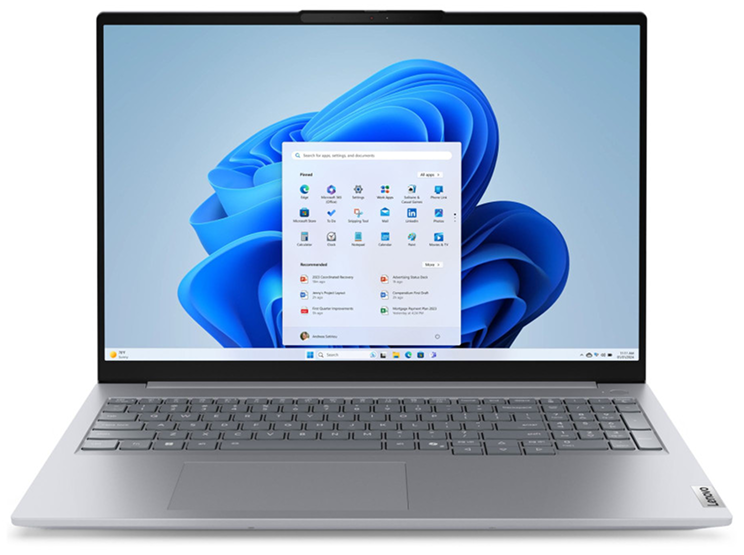
Professional Performance
Intel Core Ultra 7 processing with 16GB DDR5 delivers smooth performance for demanding business workloads.
A Workspace Built to Perform
The expansive 16" WUXGA display gives you more room for spreadsheets, presentations, documents, and multitasking.
Business-Ready Security
Fingerprint authentication, TPM 2.0, and a privacy shutter help protect your work and business data.
Price
Next Day Delivery
Order by 4pm
Manufacturer Warranty
Fast dispatch with full warranty protection
What Actually Defines a Business Laptop
Security is the headline feature, not an afterthought.
Business laptops like the HP ProBook 450 G10 ship with Windows 11 Pro as standard — not Home. That brings BitLocker encryption, TPM 2.0, and the kind of enterprise-level account management that IT departments depend on. Add a fingerprint reader and IR camera for Windows Hello, and you have a machine built to protect data, not just store it.
Build quality is engineered for years, not months.
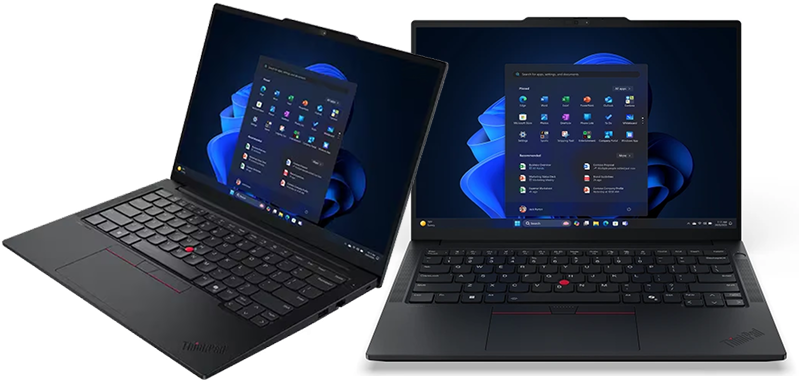
Look at the ThinkPad E14 Gen 7 or the HP ProBook range — both carry MIL-STD-810H military-grade durability testing. That’s not marketing language. It means the chassis has been tested against drops, vibration, dust, and temperature extremes. Business buyers expect a laptop to survive three, four, sometimes five years of daily professional use without complaint.
Techyest’s Business Laptops range spans HP, Dell, Lenovo, and ASUS, with configurations from 8GB up to 32GB RAM and both 14-inch and 15.6-inch screen sizes — there’s genuine choice depending on how demanding your workload is.
Support matters more than spec sheets suggest.
A business laptop that breaks down costs more than the repair — it costs lost working hours, missed deadlines, client frustration. That’s why business ranges lean on stronger after-sales support and longer practical lifecycles.
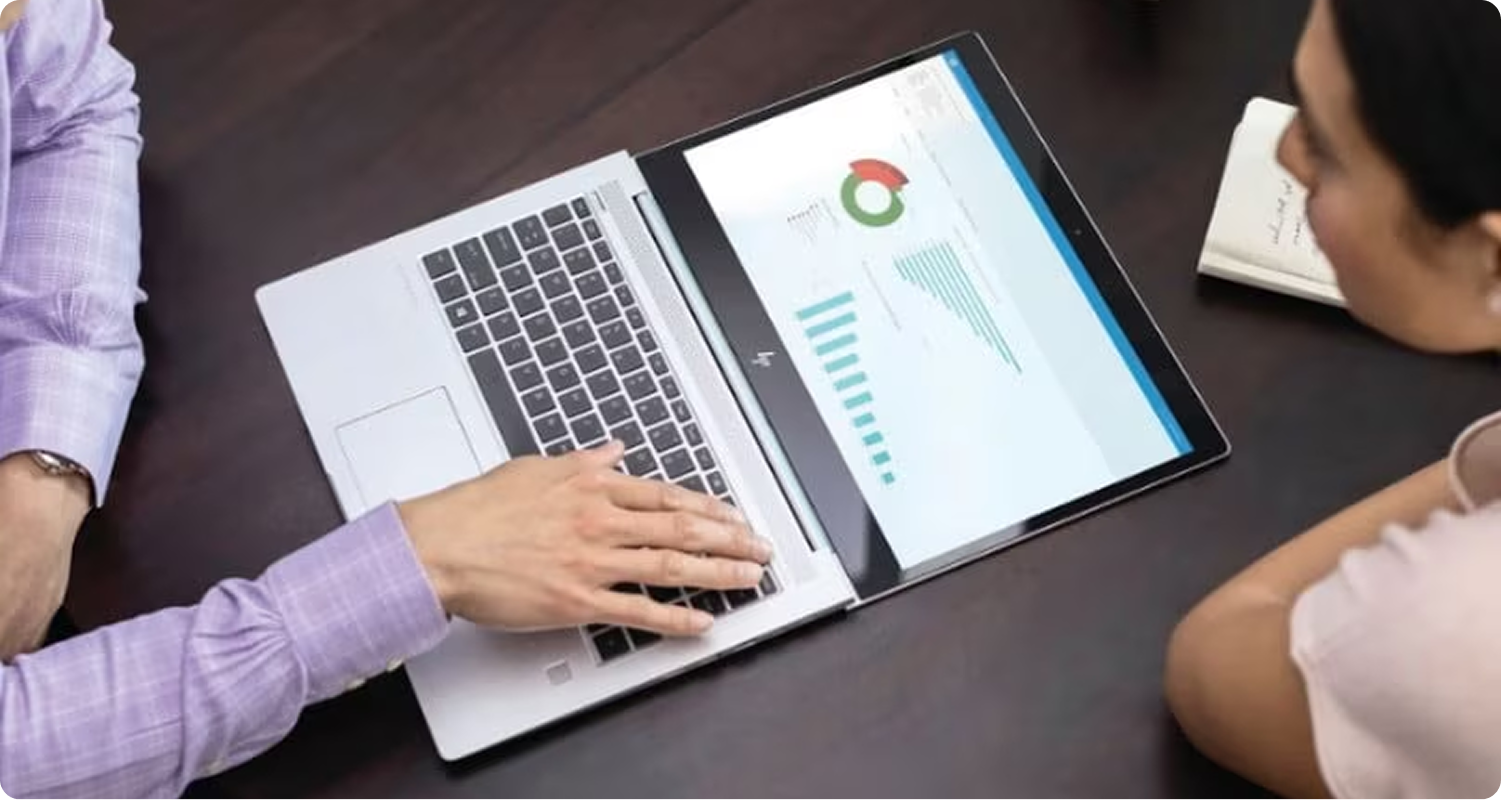
What Actually Defines a Student Laptop
Value per pound is the real spec that matters.
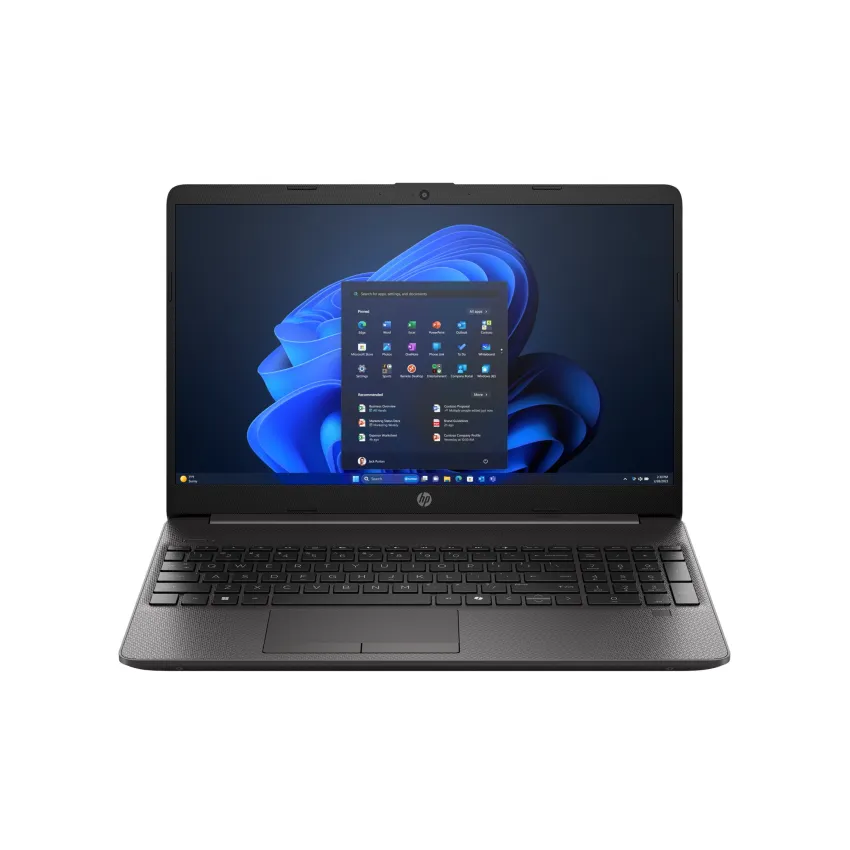
The HP 250 G10 — Intel Core i5-1334U, 16GB RAM, 512GB SSD, 15.6″ Full HD — is a good example of what this category is built around: a competent processor, enough RAM to multitask comfortably, and storage that won’t fill up by mid-term, all without paying for security tiers a student doesn’t need. Techyest’s HP 15-fd0066na, with a step-up Core i7-1355U and the same 16GB RAM, is the configuration worth considering if you want extra headroom for heavier multitasking.
Portability and battery life beat raw power.
Carrying a laptop between lectures, the library, and back to a flat changes what matters. Weight, all-day battery, and a screen that’s comfortable for hours of reading and writing outrank benchmark scores. A 15.6-inch IPS screen — the size both the HP 250 G10 and HP 15-fd0066na share — gives enough working space for assignments and research without becoming unwieldy to carry daily.
Windows 11 Home is usually enough — and that’s fine.
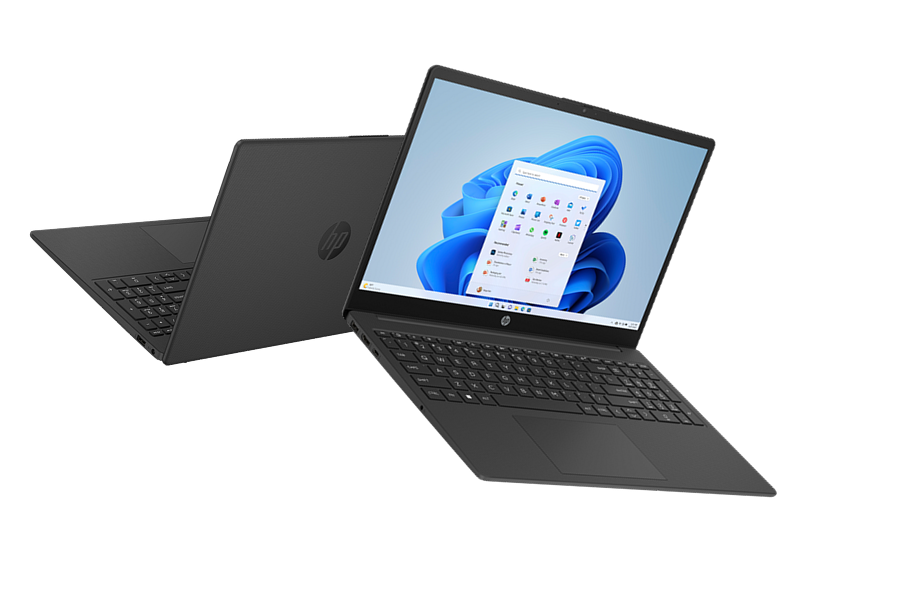
Most student laptops, including the HP 15-fd0066na, ship with Windows 11 Home rather than Pro. For lectures, essays, research, and streaming, Home covers everything. The advanced management and encryption tools in Pro genuinely don’t matter if you’re not handling business-sensitive data. Some configurations, like certain HP 250 G10 builds, do come with Windows 11 Pro — useful if your course requires it, but not something most students need to seek out specifically.
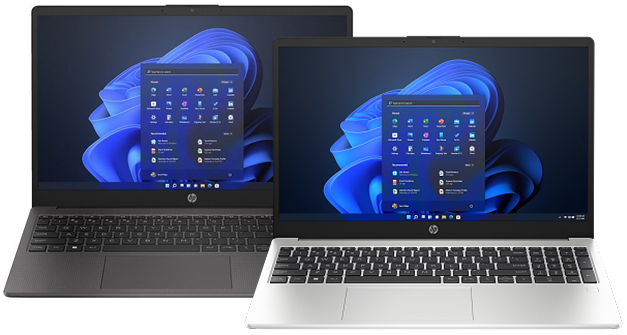
HP 250 G10 Intel Core i5 i5-1334U 8GB DDR4-SDRAM 256GB SSD 15.6″ Laptop with Windows 11 Home
Where the Categories Actually Overlap
This is the part most guides skip, and it’s the part that actually helps you decide.
RAM matters in both categories — for the same reason. Whether you’re running Microsoft Teams calls for work or juggling lecture notes, browser tabs, and Spotify between classes, 16GB is the realistic sweet spot in 2026. Below that, both business and student users hit the same wall: things slow down the moment you multitask.
Battery life isn’t just a student concern. Professionals who travel for client meetings need exactly the kind of all-day battery that students need for back-to-back lectures. The ThinkPad E14 Gen 7’s 64Wh battery serves a travelling consultant and a commuting postgrad equally well.
Build durability benefits everyone who carries a laptop daily. A laptop that survives being dropped in a bag doesn’t care whether the bag belongs to a sales rep or a second-year engineering student.
The Grey Area — Students Who Should Actually Buy "Business"
Here’s the genuinely useful bit: not every student fits the student-laptop mould.
If you’re studying engineering, computer science, architecture, or any technical postgraduate course, your software demands look more like a professional’s than a typical undergraduate’s. Running CAD software, compiling code, or managing virtual machines needs more RAM headroom and a more capable processor than a standard student configuration offers.
For exactly this reason, the ThinkPad E14 and E16 range sits comfortably in both worlds. It gives technical students proper business-grade hardware — a strong keyboard, MIL-SPEC durability, Windows 11 Pro security — without the premium pricing of Lenovo’s T or X1 series.
The ASUS ExpertBook is worth comparing too, particularly if you need 32GB RAM for heavier coursework — it goes beyond what most ThinkPad E-series configurations offer. If your course pushes your laptop harder than essays and lecture slides, it’s worth looking at the business range rather than assuming “student” automatically means “lighter spec.”
Our best laptops for students guide covers course-specific spec recommendations in more detail.
And Business Buyers Who Don't Need the Full Premium
On the flip side, not every professional needs top-tier business hardware either.
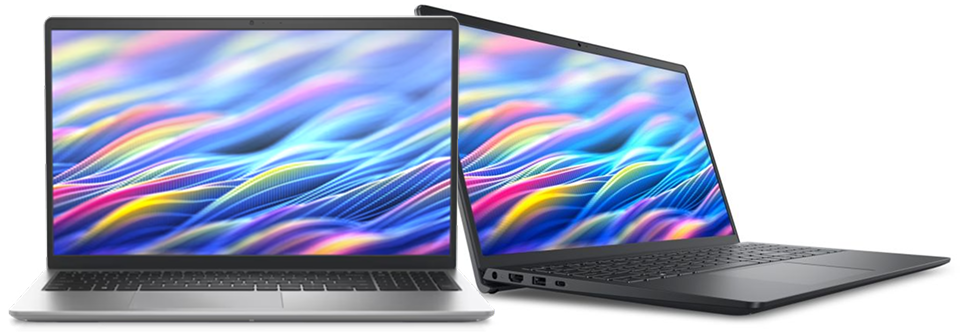
A sole trader doing admin, invoicing, and email doesn’t need vPro support or a 64GB RAM ceiling. For straightforward professional use without heavy data handling, something like the Dell DC15250 — Windows 11 Pro, solid build, IPS display — covers the security basics without stretching to enterprise-tier pricing.
Feature
Business Laptops
Student Laptops
OS
Security
Build
Priority
RAM
Typical Use
Example Models
- Windows 11 Pro
- TPM 2.0, BitLocker, fingerprint reader
- MIL-STD-810H, premium materials
- Reliability, longevity, data protection
- 16GB standard, 32GB+ available
- Office work, client data, remote access
- HP ProBook 450 G10, ThinkPad E14 Gen 7
- Windows 11 Home (Often)
- Basic Windows security
- Functional, lighter-duty
- Value, portability, battery
- 8–16GB typical
- Lectures, essays, research, streaming
- HP 250 G10, HP 15-fd0066na
So — Which One Do You Actually Need?
Choose a business laptop if you handle sensitive client or company data, need Windows 11 Pro’s security and management features, expect to use the machine daily for 3+ years, or you’re on a technical course where standard student specs won’t cut it.
Choose a student laptop if your work is primarily essays, research, lectures, and everyday browsing, you want strong value without paying for enterprise security you won’t use, or portability and battery life matter more to you than raw processing headroom.
Most people land cleanly in one category. The exceptions — technical students and light-use professionals — are the ones worth pausing on before you buy. You can also explore our guide on business laptops for remote working to choose the right laptop if your requirement is to buy a laptop for remote working.
Frequently Asked Questions
Can a student laptop handle business use?
Is Windows 11 Pro worth it for students?
Do business laptops last longer than student laptops?
What RAM do I actually need — for business or studying?
Are business laptops always more expensive than student laptops?
Both categories cover genuinely good laptops — the right one depends on what you’ll actually be doing, not just which label sounds more serious.

TechYest Editorial Team
The Techyest Team is a group of UK-based laptop specialists providing practical, honest buying advice for consumers and businesses across the United Kingdom. Our content is researched and written by in-house specialists with hands-on experience across HP, Dell, Lenovo, and ASUS product ranges. Every recommendation is based on direct product knowledge and a clear understanding of what UK buyers need at different budgets. All buying guides published under the Techyest Team are reviewed for accuracy against current UK stock availability, pricing, and manufacturer specifications before publication.
Follow Us On


In This Guide
Recommended Picks:
SKU: 21UX004DUK
- Intel Core Ultra 5
- 16GB
- 512GB SSD

£789.89 Excl. VAT
- Intel Core i7
- 16GB
- 1TB SSD

£795.00 Excl. VAT