



Buying Guide 2026
Buying Laptops in Bulk for Your Business: What UK Buyers Need to Know
Search “bulk laptop buying guide” and most of what comes up is about refurbished or used stock — wholesale pallets, graded units, resellers clearing old fleets. That is not what most growing UK businesses are actually looking for; brand-new laptops, consistent specification across every unit, and a trusted supplier who will still answer the phone in year two. This guide covers what actually matters when you are buying laptops in quantity for a team.
Not sure which specification suits your team yet? Our best business laptops guide covers individual model recommendations by role and budget, and our laptop buying guide explains the key specs if you are still getting to grips with processors, RAM, and storage decisions.
- August 10, 2026
- 20 min read
- Techyest Team
Check Our Best Selling laptops
Choosing the Right Specification for Your Team
This is the decision that matters most and the one most procurement guides skip past. The right specification depends on what your team actually does day to day — not on what sounds impressive on a spec sheet.
Standard Office Users
Email, Microsoft 365, Teams calls, browser-based tools, document editing — this covers the majority of roles in most UK businesses. For these users, an Intel Core i5 or AMD Ryzen 5 processor with 16GB RAM and 512GB SSD running Windows 11 Pro is the right configuration. It handles everything these users need with headroom to spare, and it is the configuration we recommend most often for office fleet deployments.
Power Users
Finance teams running complex Excel models, developers, data analysts, designers working with large files — these users will notice the difference between an i5 and an i7 under sustained workload. For power users, an Intel Core i7 or Intel Core Ultra 7 with 16GB or 32GB RAM and 1TB SSD is the right starting point. The performance headroom matters here in a way it simply does not for standard office use. Our Intel Core i5 vs i7 guide covers this distinction in detail if you are deciding between the two tiers for your power users.
Field and Mobile Workers
For employees who move between sites, work from client locations, or travel regularly, battery life and weight matter more than raw performance. A 14-inch form factor with a U-series processor — optimised for efficiency rather than peak output — and 16GB RAM gives these users a machine that lasts a full working day without a charger nearby. Portability is the priority. Our best laptops for remote working guide covers this use case in more depth.
Should You Standardise on One Specification?
For most businesses, yes. Consistent hardware across the fleet means one deployment image, one set of drivers to manage, and no “why does Daniel’s laptop behave differently to everyone else’s” support calls. It also simplifies future procurement — when you need to add ten more units in eighteen months, you order the same configuration rather than trying to match specifications that have since changed.
The exception is when your workforce genuinely has distinct needs — a standard office tier for most staff and a higher-performance tier for specific roles. Two specifications can work if managed deliberately. More than two starts to create the inconsistency problems that bulk buying is supposed to avoid.
Browse our business laptops range to compare current configurations across all brands and price points.
Windows 11 Pro vs Home — Why It Matters More Than Most Buyers Realise
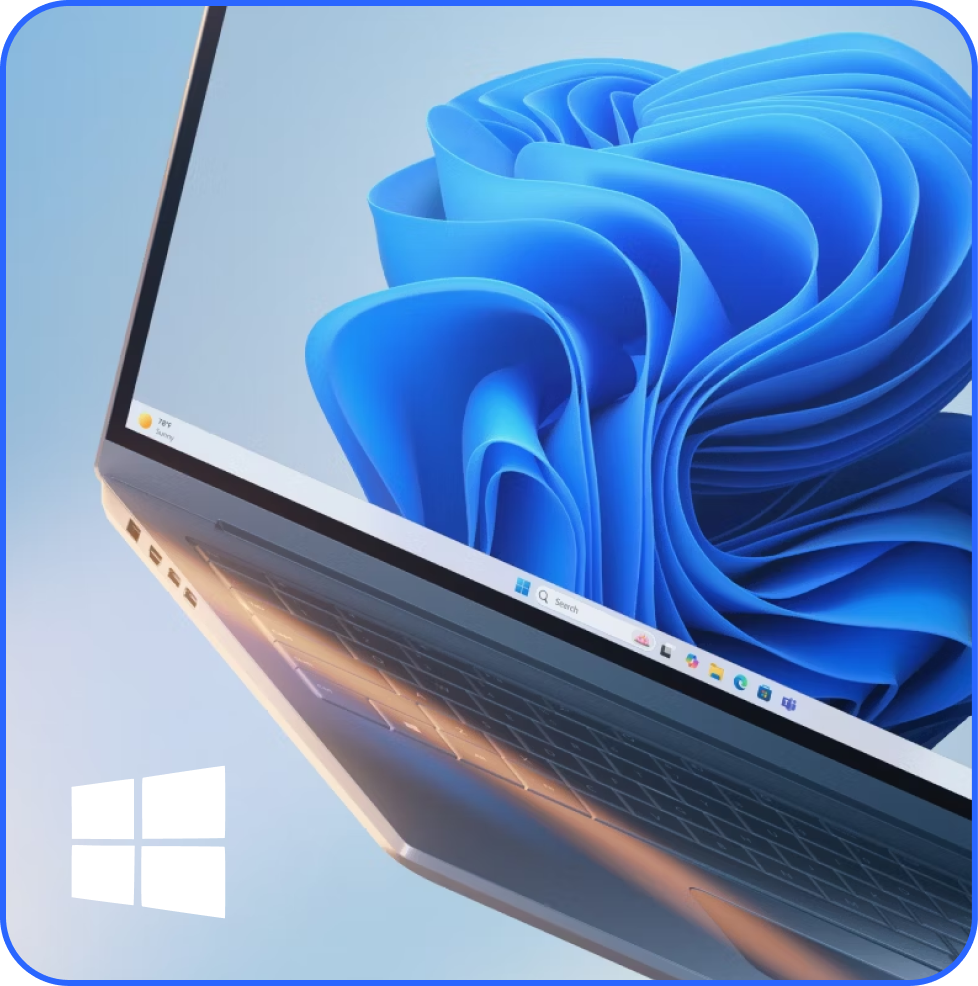
For any business buying laptops for managed use, Windows 11 Pro is not optional — it is what makes professional device management possible. The distinction matters more at volume than it does for a single personal purchase, and buying Home edition by mistake creates real problems that are expensive to fix after the fact.
Here is what Windows 11 Pro enables that Home does not:
Domain join — the ability to connect the laptop to a company network domain so IT can manage it centrally alongside other devices. Essential for any business with an Active Directory environment.
BitLocker encryption — full device encryption that protects sensitive business data if a laptop is lost or stolen. Increasingly important for data protection compliance in professional environments.
Remote Desktop — allows IT teams to access and troubleshoot a device remotely without being physically present. Saves significant time in fleet management.
Microsoft Intune enrollment — cloud-based device management through Microsoft 365 Business Premium. Intune requires Windows 11 Pro and is how most modern businesses manage laptops without a traditional on-premises domain.
Group Policy — allows IT administrators to apply consistent settings, restrictions, and configurations across all managed devices from a central point.
A laptop running Windows 11 Home can join a Microsoft 365 environment for individual use, but it cannot be domain-joined or fully enrolled in Intune for centralised management. For a business deploying ten or more devices, that is not a small limitation.
All Lenovo ThinkPad, Lenovo ThinkBook, HP ProBook, and Dell Pro Essential configurations at Techyest come with Windows 11 Pro as standard — it is built into the business-grade ranges rather than requiring an additional licence purchase. Browse our full Windows 11 Pro laptops range to see all available configurations.
Which Brands and Series Work Best for Fleet Deployment
Not all laptops from the same brand are equally suited to business fleet use. Consumer-grade models from otherwise strong brands can introduce the same inconsistency and support problems that bulk buying is supposed to avoid. Here is how the business-focused ranges compare.
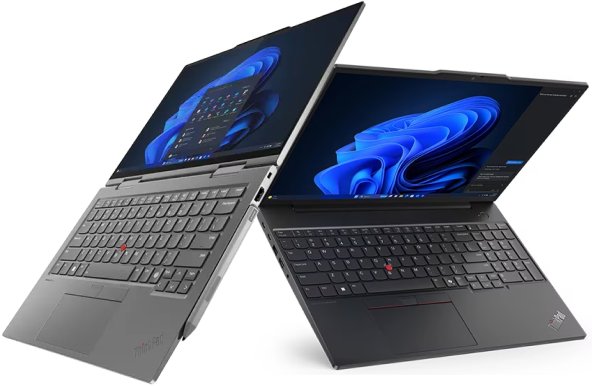
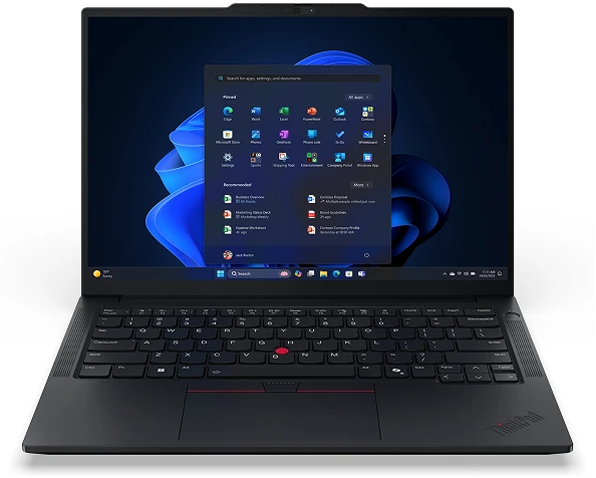
Lenovo ThinkPad is the most widely deployed business laptop series in UK organisations and for good reason. MIL-SPEC durability testing, the best keyboard in the business laptop market, and decades of proven performance in managed fleet environments. If keyboard quality and long-term reliability under daily use are the priority, ThinkPad is the benchmark. Browse Lenovo ThinkPad laptops.
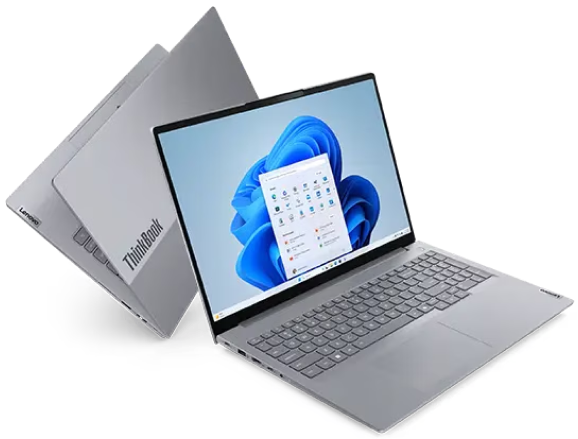
Lenovo ThinkBook sits beneath ThinkPad in Lenovo’s business range — the same commitment to reliability and Windows 11 Pro in a more contemporary design. Well suited to businesses that want professional performance without the traditional corporate aesthetic. Often the stronger value proposition for smaller businesses and hybrid teams. Browse Lenovo ThinkBook laptops.
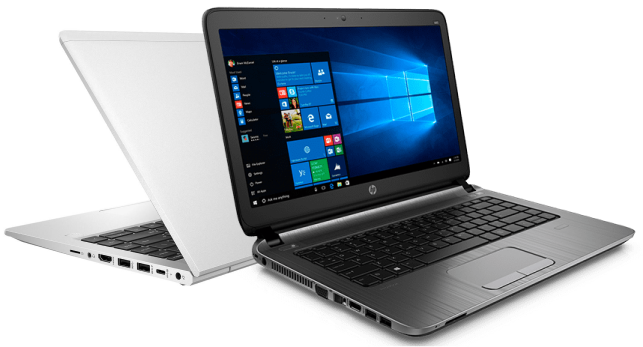
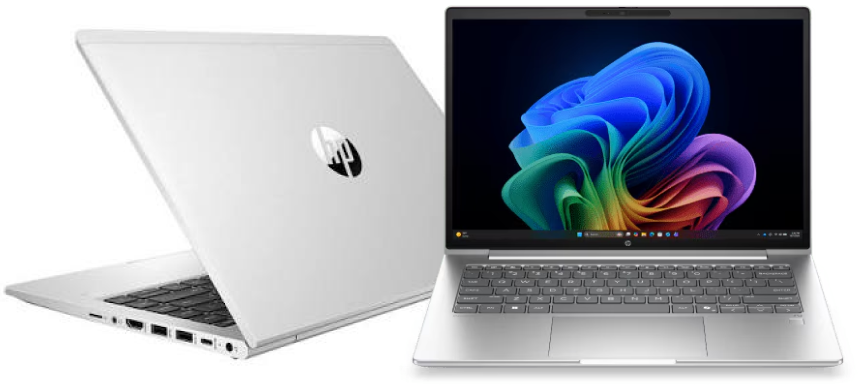
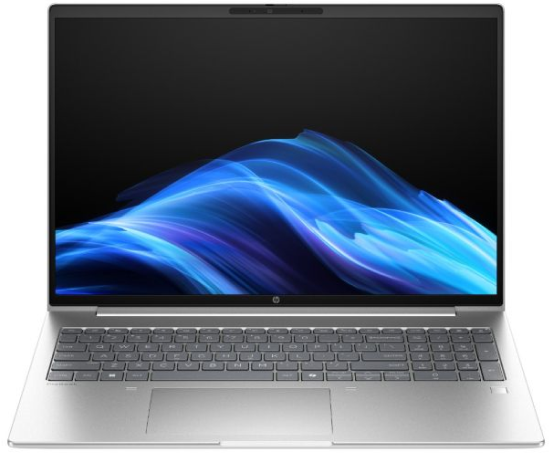
HP ProBook is HP’s dedicated business line — Windows 11 Pro as standard, straightforward to manage centrally, and consistently well specified across the range. HP’s after-sales support infrastructure in the UK is strong, which matters when managing multiple devices. Browse HP ProBook laptops.
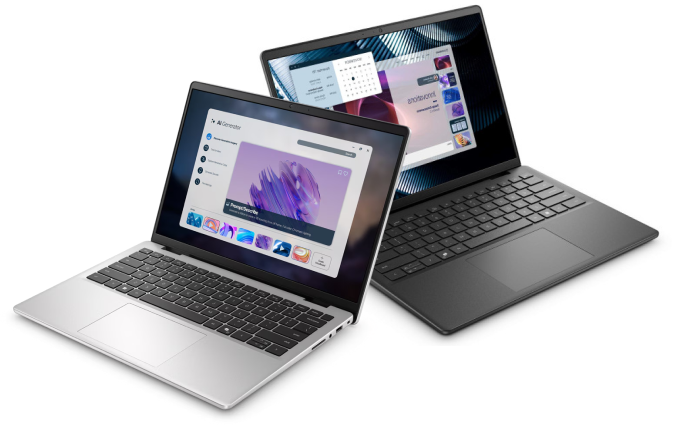
Dell Pro Essential offers strong build consistency and reliable performance across configurations — particularly valued by organisations that prioritise uniform hardware behaviour across a fleet. Dell’s business support options extend beyond standard warranty if your organisation needs on-site or next-business-day response. Browse Dell laptops.
If you are still deciding between brands, our Lenovo vs HP and Lenovo vs Dell guides cover the practical differences for business buyers in more detail.
What Actually Matters When Buying in Volume
Consistent Specification Across Every Unit
The single biggest practical advantage of buying as a batch rather than one at a time is that every laptop can run the same processor, RAM, storage, and Windows edition. That means one deployment image, one set of drivers to manage, and no support complexity from mixed hardware across the team. If you are building an IT-managed fleet, this is worth prioritising over chasing the absolute lowest price on each unit individually.
Brand New vs Refurbished — Know What You Are Actually Buying
A lot of bulk laptop content online is really about refurbished or wholesale stock, often sourced overseas with graded condition tiers and variable warranty terms. That can work for some use cases, but if consistency and long-term reliability matter more than the lowest possible unit cost, brand-new stock with a full manufacturer warranty removes a layer of risk — no grading variance, no uncertainty about prior use, and a warranty clock that starts fresh for every unit.
Techyest supplies brand-new laptops only, sourced as an authorised reseller of HP, Dell, and Lenovo. That means every unit in your order carries a genuine UK manufacturer warranty — not a grey market import or a third-party warranty that may not be honoured by the manufacturer directly.
VAT Invoicing and Proper Documentation
For business purchasing, proper VAT invoicing is not optional — it is how the purchase gets processed through your accounts and how VAT gets reclaimed. Every order from Techyest includes a VAT invoice as standard, which matters more the larger the order gets.
Lead Times and Delivery Consistency
A single laptop arriving a day late is an inconvenience. Twenty laptops arriving on five different days, right before a team’s start date, is a real operational problem. When buying in volume, confirm consistent delivery windows for the full order rather than per-unit dispatch times. Our Business Solutions team coordinates delivery timing as part of the bulk order process.
The Tax Angle Worth Asking Your Accountant About
UK businesses purchasing IT equipment may be able to claim capital allowances on the cost, potentially reducing the effective cost of a bulk purchase. This varies by business structure and current tax rules, so it is worth raising with your accountant rather than treating it as a given — but it is a genuine factor some businesses overlook when budgeting for a fleet refresh.
Warranty matters more at volume than it does for a single purchase. One failed laptop is an inconvenience. Multiple failed units across a managed fleet, with inconsistent warranty terms and different claim processes, becomes a serious operational problem.
- Standard manufacturer warranty covers manufacturing defects for a defined period, which varies by model and range. Confirm the exact warranty duration on the specific laptop before ordering — and if you need longer coverage, ask about extending it as part of your order.
- Authorised reseller warranty means the warranty is genuine and supported by the UK manufacturer directly. Buying from an authorised reseller of HP, Dell, or Lenovo — as Techyest is — means warranty claims go through the proper manufacturer channel, not a third-party intermediary whose terms may differ.
- Extended warranty options — HP Care Pack and Dell ProSupport are manufacturer-backed extended warranty and support programmes that go beyond standard warranty terms. For businesses where device downtime has a direct operational cost, on-site next-business-day support is worth considering at the point of purchase rather than retrospectively.
Our Business Solutions team can arrange extended warranty directly with the manufacturer — HP, Lenovo, ASUS and Dell all offer warranty extensions, typically at an additional cost. Ask about this at the point of ordering if longer coverage matters for your fleet. - Consistent warranty dates matter for fleet management. When all units are purchased together, warranty expiry dates align — making it easier to plan fleet refreshes and replacements rather than managing staggered end dates across devices bought at different times.
After Delivery — Deployment Considerations
Buying the laptops is the first decision. What happens after they arrive is the second. A brief understanding of deployment avoids the situation where twenty laptops sit in boxes waiting for IT to process them one at a time.
All laptops in our business ranges — ThinkPad, ThinkBook, ProBook, and Dell Pro Essential — arrive with Windows 11 Pro pre-installed and ready to use out of the box. For basic deployment, this means turning on, completing the initial Windows setup, and connecting to your network or Microsoft 365 environment.
ASUS ExpertBook rounds out the business-focused ranges we stock — a reliable, professional build aimed at business buyers who want an alternative to the Lenovo/HP/Dell trio. Worth considering if your team already has a brand preference or existing ASUS deployment. Browse ASUS ExpertBook laptops.
For businesses with an IT team or managed service provider, deployment at scale typically involves one of two approaches. Traditional domain join connects each device to an on-premises Active Directory server — Windows 11 Pro supports this natively. Modern cloud-based deployment uses Microsoft Intune through Microsoft 365 Business Premium — laptops can be enrolled in Intune before reaching the end user, allowing IT to push software, policies, and settings automatically when the device first connects to the internet. This approach works particularly well for distributed or remote teams.
If your business has specific configuration requirements — pre-installed software, custom security settings, or a specific deployment image — discuss these with your IT team or managed service provider before the order is placed rather than after the laptops arrive. Getting deployment requirements defined upfront avoids delays and rework.
For straightforward deployments without a dedicated IT team, our Business Solutions team can advise on what to expect and how to plan the setup process for your specific situation.

Who Should Use a Volume Buying Process
If you are buying one or two laptops, standard checkout is simpler and faster — there is little to gain from a bulk process at that scale. Browse our business laptops range directly and order online.
If you are equipping a team, a department, or running a full office refresh, going through a dedicated bulk process makes sense. This is where consistent specification, coordinated delivery, volume pricing, and proper VAT documentation actually pay off. It is also where working with an authorised reseller rather than a marketplace listing matters more — affecting warranty handling, stock consistency, and support if something goes wrong across multiple units.
How to Buy in Bulk at Techyest
Get in touch with our Business Solutions team directly with your requirements — number of units, specification, and timeline. We will talk through configuration options across our business laptops range — Lenovo ThinkPad, Lenovo ThinkBook, HP ProBook, Dell Pro Essential and ASUS ExpertBook — confirm consistent specification across the order, and coordinate delivery timing so your team is not waiting on staggered shipments.
There is no fixed minimum order quantity, and no fixed discount percentage either — even a small order of two or three laptops can often be discounted where possible. Pricing is worked out based on quantity rather than a set tier, and larger orders generally unlock stronger discounts. Tell us what you need and we will work out what we can do.
FAQs
How many laptops count as a bulk order?
There is no fixed minimum order or set discount tier — pricing depends on quantity, and we can often offer a discount even on smaller orders of two or three units. Get in touch with our Business Solutions team with your requirements and we will work out the best price we can.
Is it better to buy brand new or refurbished laptops in bulk?
Do bulk orders come with a VAT invoice?
Can I get the same laptop specification across a whole order?
Do I need Windows 11 Pro for a business deployment?
Which laptop brands are best for business fleet deployment?
Lenovo ThinkPad and ThinkBook, HP ProBook, and Dell Pro Essential are the ranges we recommend most often for managed business deployments — all come with Windows 11 Pro as standard and are designed for consistent performance across large numbers of units. Our Lenovo vs HP and Lenovo vs Dell guides cover the brand differences in detail.
Who should I contact for a bulk laptop quote?
Our Business Solutions team handles bulk and volume orders directly — get in touch with your requirements and they will advise on configuration, timelines, and pricing.

TechYest Editorial Team
The Techyest Team is a group of UK-based laptop specialists providing practical, honest buying advice for consumers and businesses across the United Kingdom. Our content is researched and written by in-house specialists with hands-on experience across HP, Dell, Lenovo, and ASUS product ranges. Every recommendation is based on direct product knowledge and a clear understanding of what UK buyers need at different budgets. All buying guides published under the Techyest Team are reviewed for accuracy against current UK stock availability, pricing, and manufacturer specifications before publication.
Follow Us On:


In This Guide
Recommended Picks:
- Intel Core Ultra 7
- 16GB
- 512GB SSD

£1,195.50 Excl. VAT
SKU: B3AC8AT#ABU
- Intel Core 5
- 16GB
- 256GB SSD

£782.87 Excl. VAT